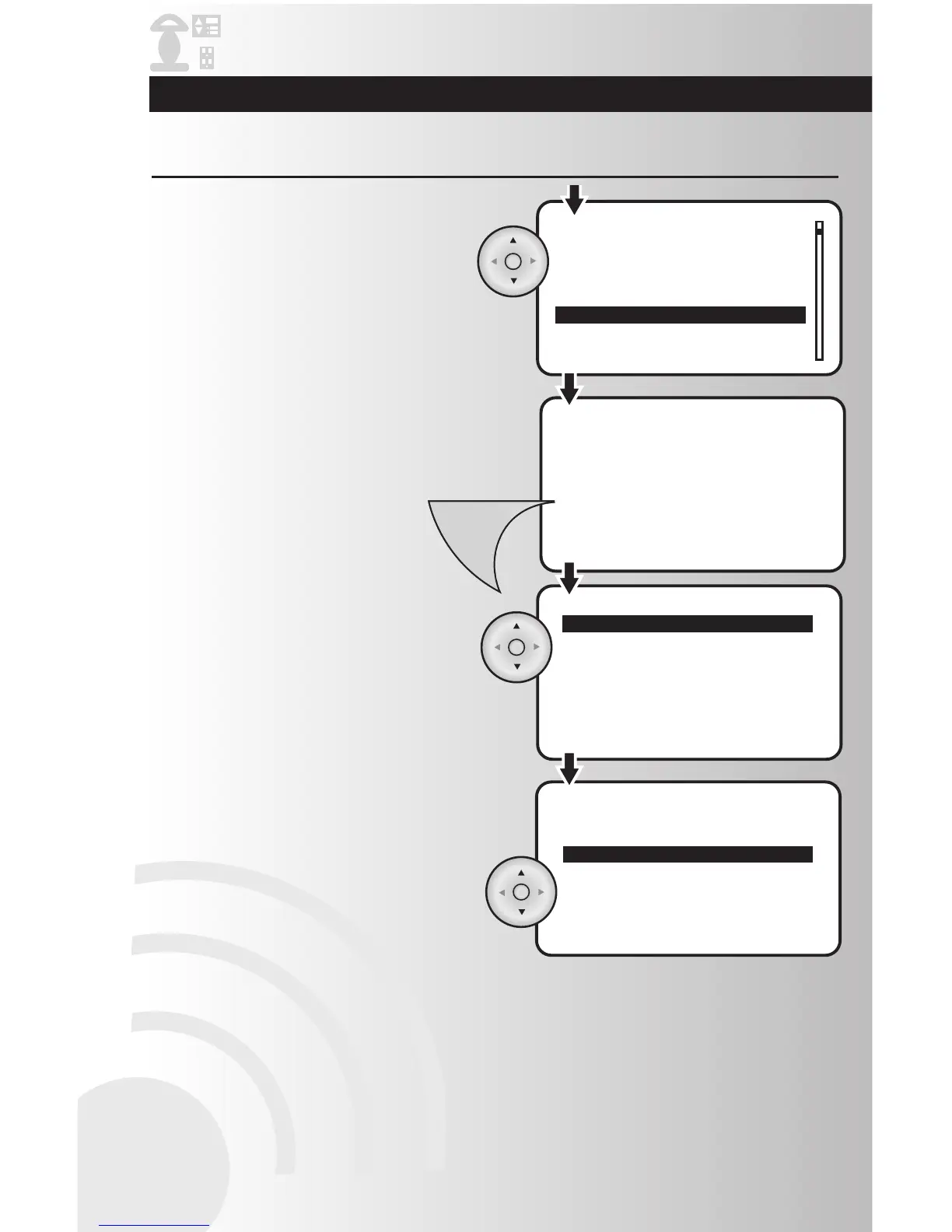
4. Repeat the process for all devices to be
hidden. After placing an “H” beside all
devices to be hidden, press the Menu button
to return to the main menu.
3. To hide a device, use the arrow pad to
highlight the desired device to be hidden,
and press OK. A letter “H” will appear
beside the device indicating that the device
will be hidden.
6. An “Unhide All” feature exists to allow you to
unhide all devices with one quick step. Use
the arrow pad to highlight “Unhide All” and
press OK. All devices wil be unhidden with
this single step.
5. Within the “Hide” feature you may also select
“Hide All.” Use the arrow pad to highlight
“Hide All,” and then press OK. This will place
an “H” beside all devices. You can then use
the arrow pad to move to only the devices
that you wish to unhide and press OK to
remove the “H.”



 To Next Page