111Scan
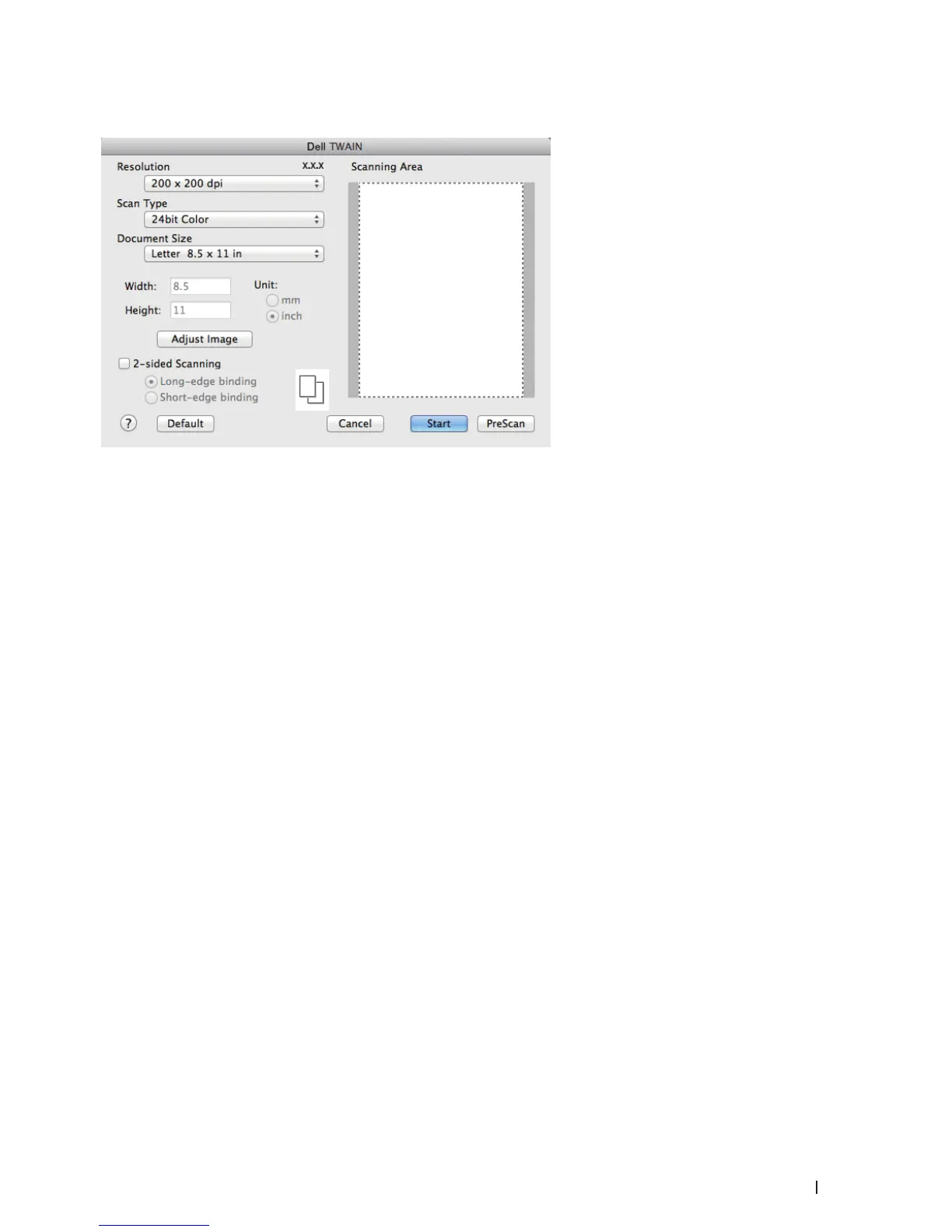
TWAIN Driver Settings (Macintosh)
NOTE: Item names and assignable values will vary depending on the machine.
NOTE: The Brightness setting is available only when selecting Black & White, Gray (Error Diffusion), True Gray, or
24bit Color from the Scan Type options.
NOTE: The Contrast setting is available only when selecting Gray (Error Diffusion), True Gray, or 24bit Color from the
Scan Type options.
Resolution
Select a scanning resolution from the Resolution pop-up menu. Higher resolutions take more memory and transfer
time, but produce a finer scanned image.
Scan Type
Select from a range of scan color depths.
• Black & White
Use for text or line art images.
• Gray (Error Diffusion)
Use for photographic images or graphics. (Error Diffusion is a method for creating simulated gray images without
using true gray dots. Black dots are put in a specific pattern to give a gray appearance.)
• True Gray
Use for photographic images or graphics. This mode is more accurate because it uses up to 256 shades of gray.
• 256 Color
Use for simple color illustrations that do not use the full color spectrum. This mode uses up to 256 colors to
create images.
• 24bit Color
Use to create an image with the most accurate color reproduction. This mode uses up to 16.8 million colors to
scan the image, but it requires the most memory and has the longest transfer time.
Document Size
Select the exact size of your document from a selection of preset scan sizes.










 To Next Page