286 Troubleshooting
Paper is Jammed at the Back of the Machine
If the machine's control panel or the Status Monitor (for Macintosh only) indicates that there is a jam in the back
(Rear) of the machine, complete the following:
1. Leave the machine turned on for 10 minutes. This allows the internal fan to cool the extremely hot parts inside
the machine.
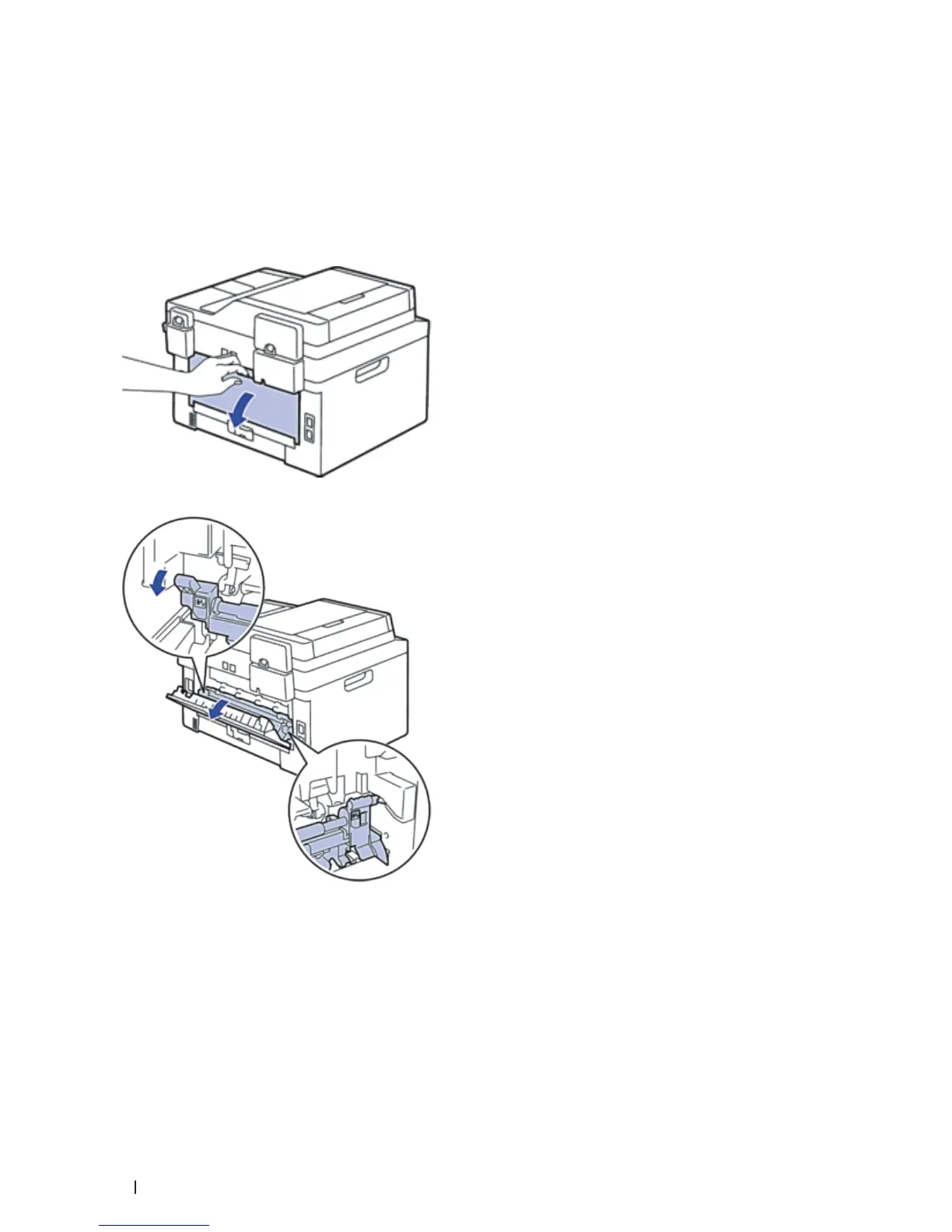
2. Open the back cover.
3. Pull the black tabs at the left and right sides toward you to release the fusing unit cover.










 To Next Page