323Routine Maintenance
6. Reload the paper and put the paper tray firmly back in the machine.
7. Press
to turn on the machine.
Check the Remaining Life of Parts
1. Press Menu.
2. Press p or q to display the Machine Info. option, and then press OK.
3. Press p or q to display the Parts Life option, and then press OK.
4. Press p or q to select the Toner or Drum option, and then press OK.
The LCD displays the approximate remaining toner or drum life.
5. Press Cancel.
Pack and Ship Your Dell Machine
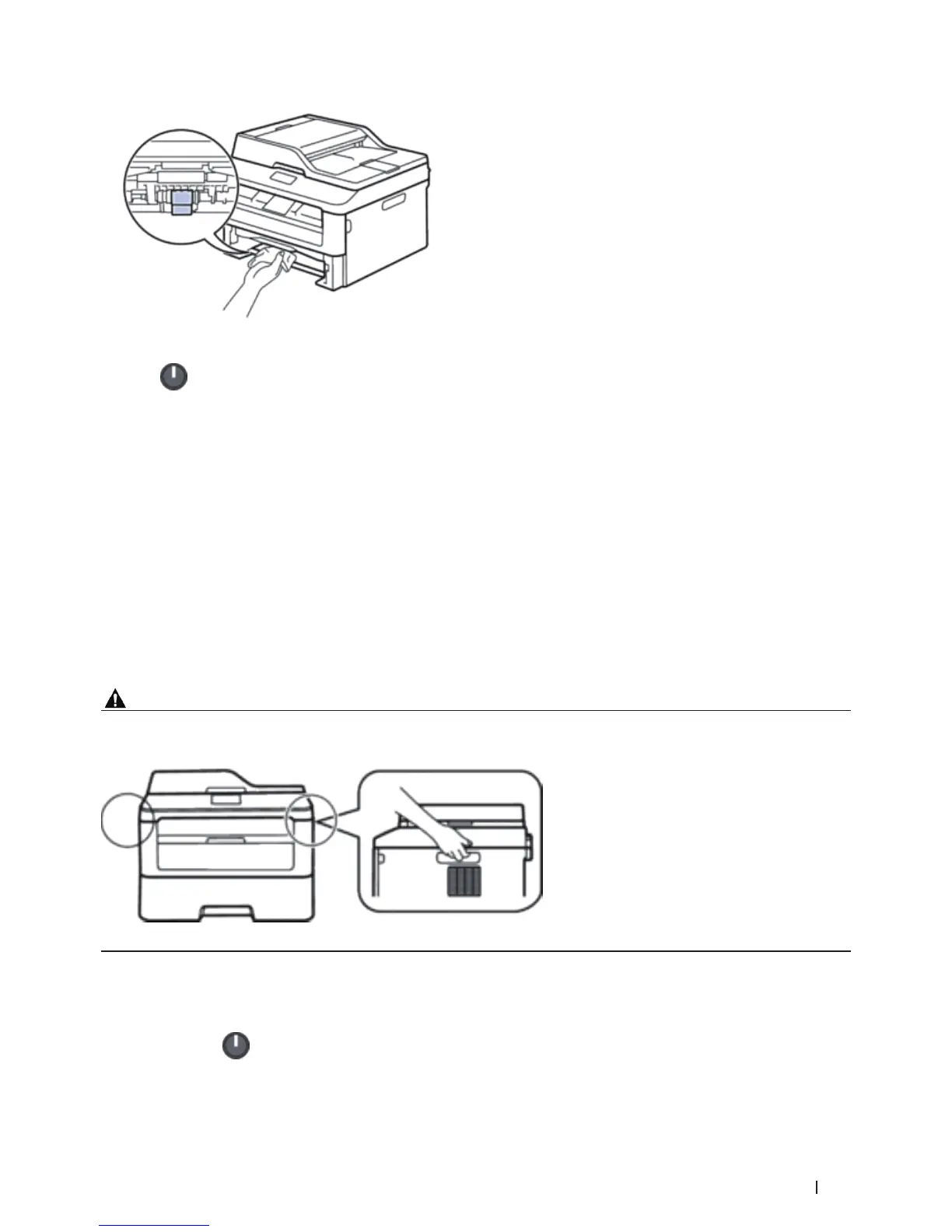
WARNING
When you move the machine, grasp the side handholds that are under the scanner. DO NOT carry the machine by
holding it at the bottom.
NOTE: If for any reason you must ship your machine, carefully repack the machine in the original packaging to avoid
any damage during transit. The machine should be adequately insured with the carrier.
1. Press and hold
to turn off the machine. Leave the machine turned off for at least 10 minutes to cool down.










 To Next Page