282 Troubleshooting
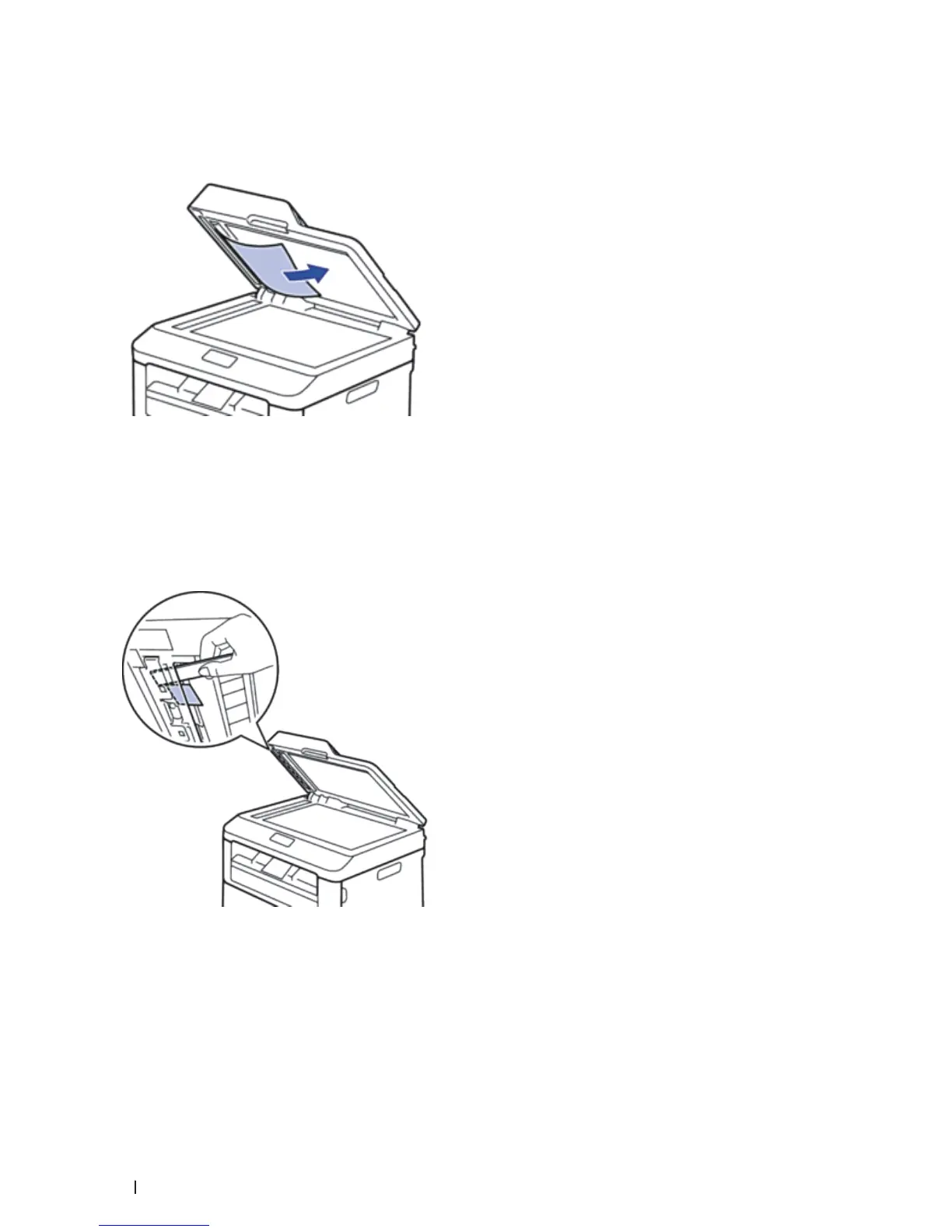
2. Lift the document cover.
3. Pull the jammed document out to the right. If the document rips or tears, be sure you remove any debris or
scraps to prevent future jams.
4. Close the document cover.
5. Press Cancel.
Remove Small Scraps of Paper Jammed in the ADF
1. Lift the document cover.
2. Insert a piece of stiff paper, such as cardstock, into the ADF to push any small paper scraps through.
3. Close the document cover.
4. Press Cancel.










 To Next Page