38 Paper Handling
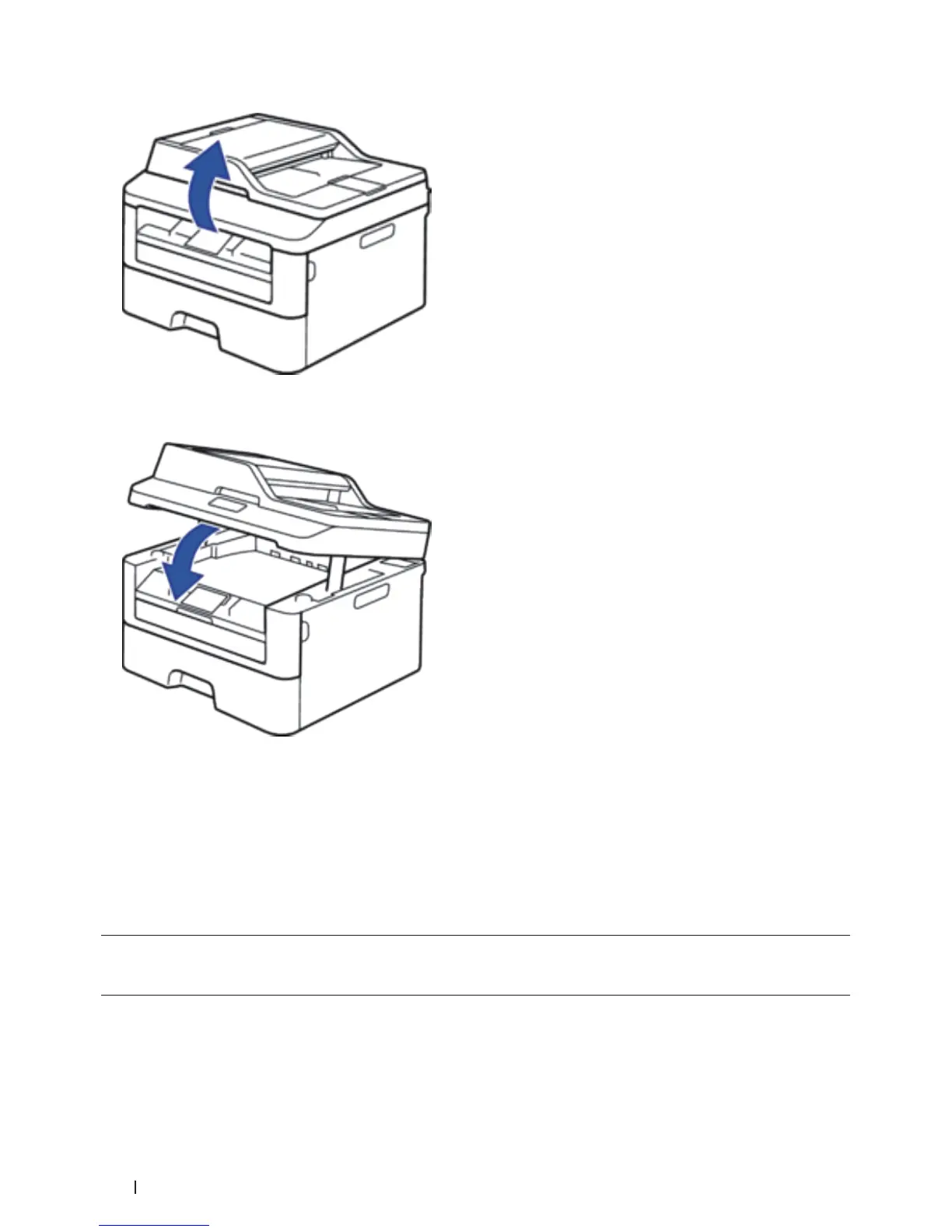
NOTE: You can still use the machine while the scanner cover is up. To close the scanner cover, push it down with
both hands.
5. Send your print job to the machine.
NOTE: Change your print preferences in the Print screen before sending the print job from your computer.
6. After the printed page comes out from the machine, load the next sheet of paper in the manual feed slot.
Repeat for each page that you want to print.
Load and Print on Thick Paper and Labels in the Manual Feed Slot
When you load a different paper size in the tray, you must change the paper size setting in the machine or on your
computer at the same time.
1. Open the machine's back cover (the face-up output tray).









 To Next Page