136 Fax
You can add a cover page to the next fax or every outgoing fax.
• Turn Off the Destination Information Display
When you send a fax, the machine displays the destination fax number (or the recipient's name if the name is
stored in the machine's memory).
• Cancel a Fax in Progress
• Check and Cancel Pending Fax
You can cancel a fax job before it is sent. You can cancel a fax job that is stored and waiting in the memory.
Send a Fax
Related Models:Dell E515dn / Dell E515dw
1. Press
(Fax).
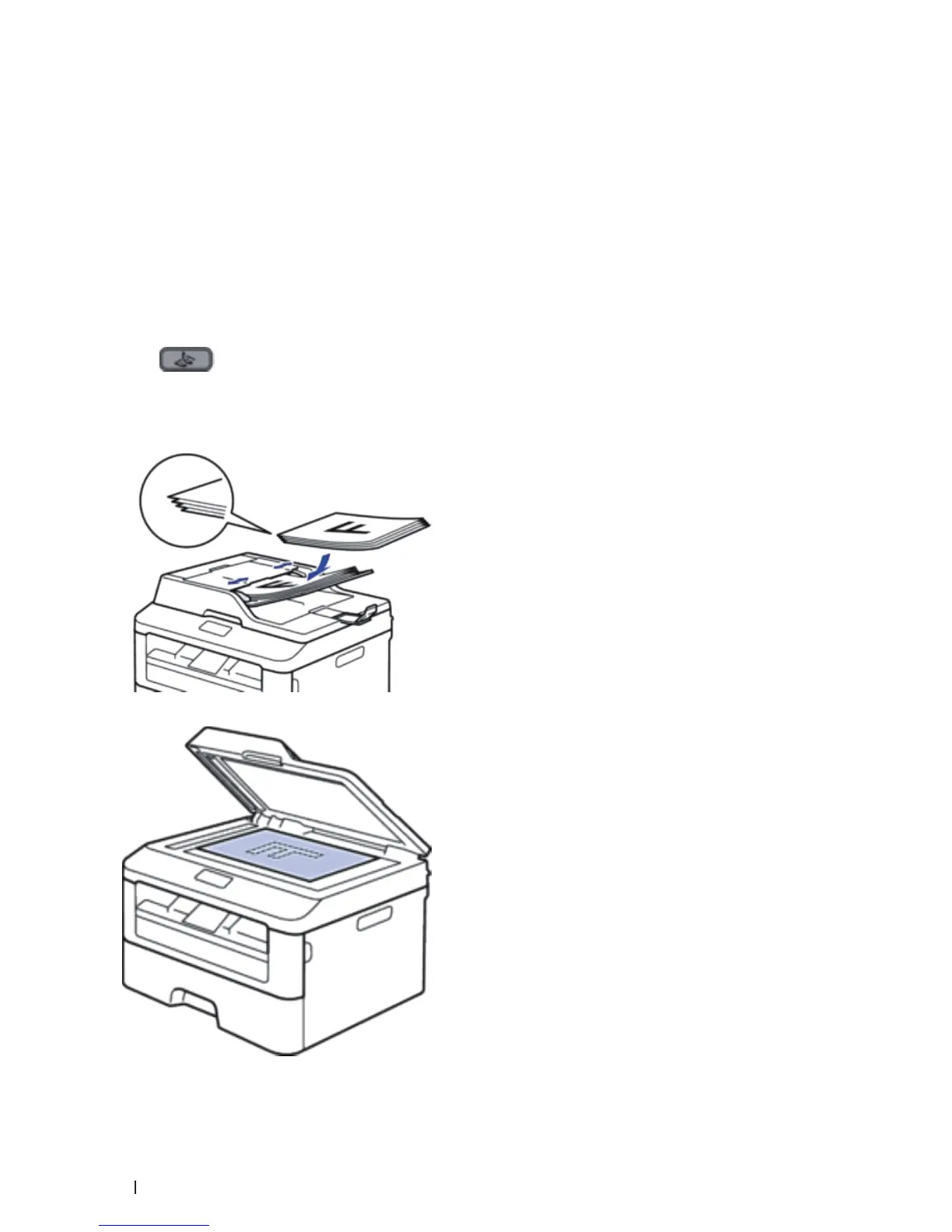
2. Do one of the following:
• Place the document
face up
in the ADF.
(If you are faxing multiple pages, we recommend using the ADF.)
• Place the document
face down
on the scanner glass.










 To Next Page