316 Routine Maintenance
Clean the Scanner
1. Press and hold to turn off the machine.
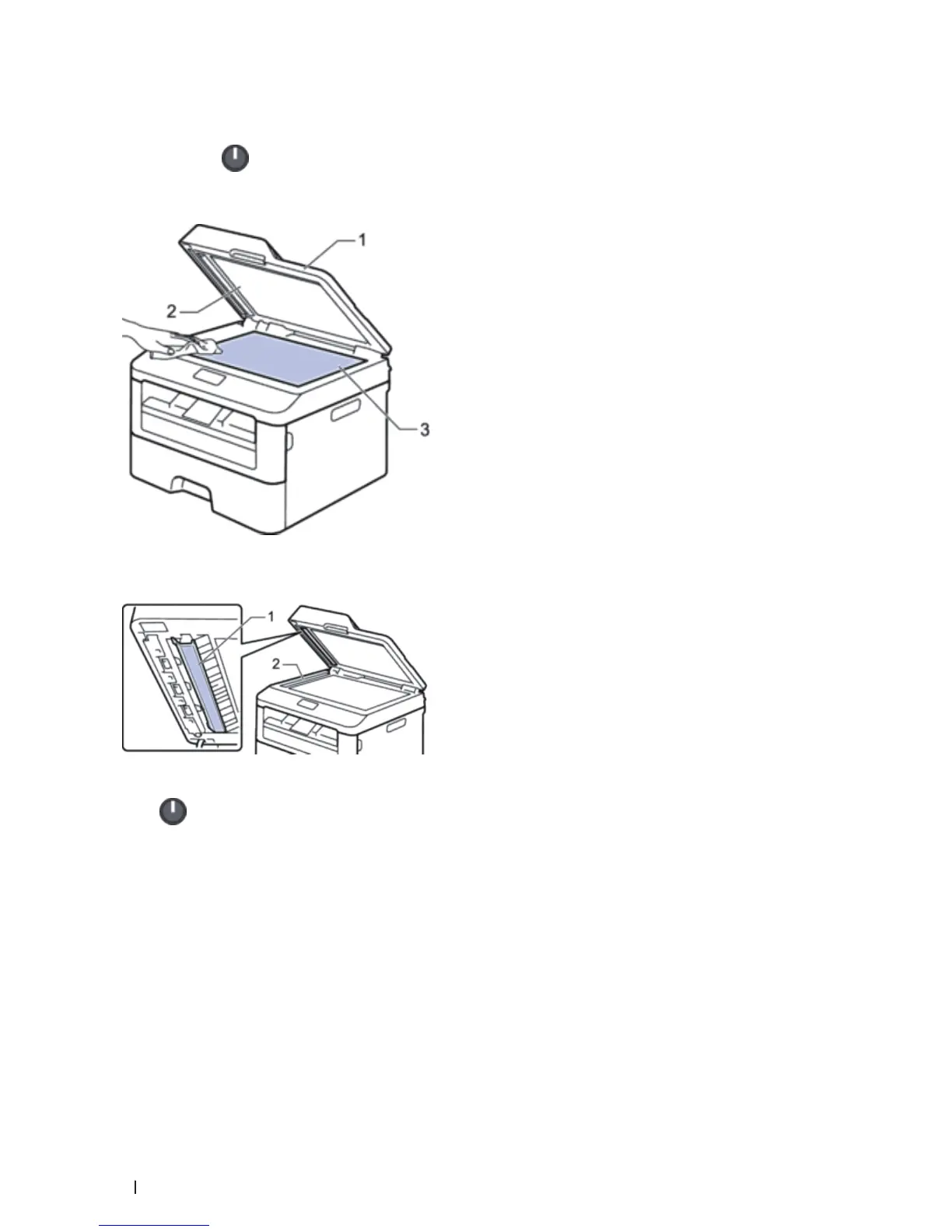
2. Lift the document cover (1). Clean the white plastic surface (2) and scanner glass (3) underneath it with a soft
lint-free cloth moistened with water.
3. In the ADF unit, clean the white bar (1) and the scanner glass strip (2) underneath it with a soft lint-free cloth
moistened with water.
4. Close the document cover.
5. Press
to turn on the machine.
Clean the Corona Wire
If you have print quality problems or the control panel displays Drum! status, clean the corona wire.
1. Open the front cover.










 To Next Page