315Routine Maintenance
CAUTION
When cleaning this product, always switch off and unplug it. Access to a live machine interior may cause electric
shock.
IMPORTANT
• Use neutral detergents. Cleaning with volatile liquids such as thinner or benzine will damage the surface of the
machine.
• DO NOT use cleaning materials that contain ammonia.
• DO NOT use isopropyl alcohol to remove dirt from the control panel. It may crack the panel.
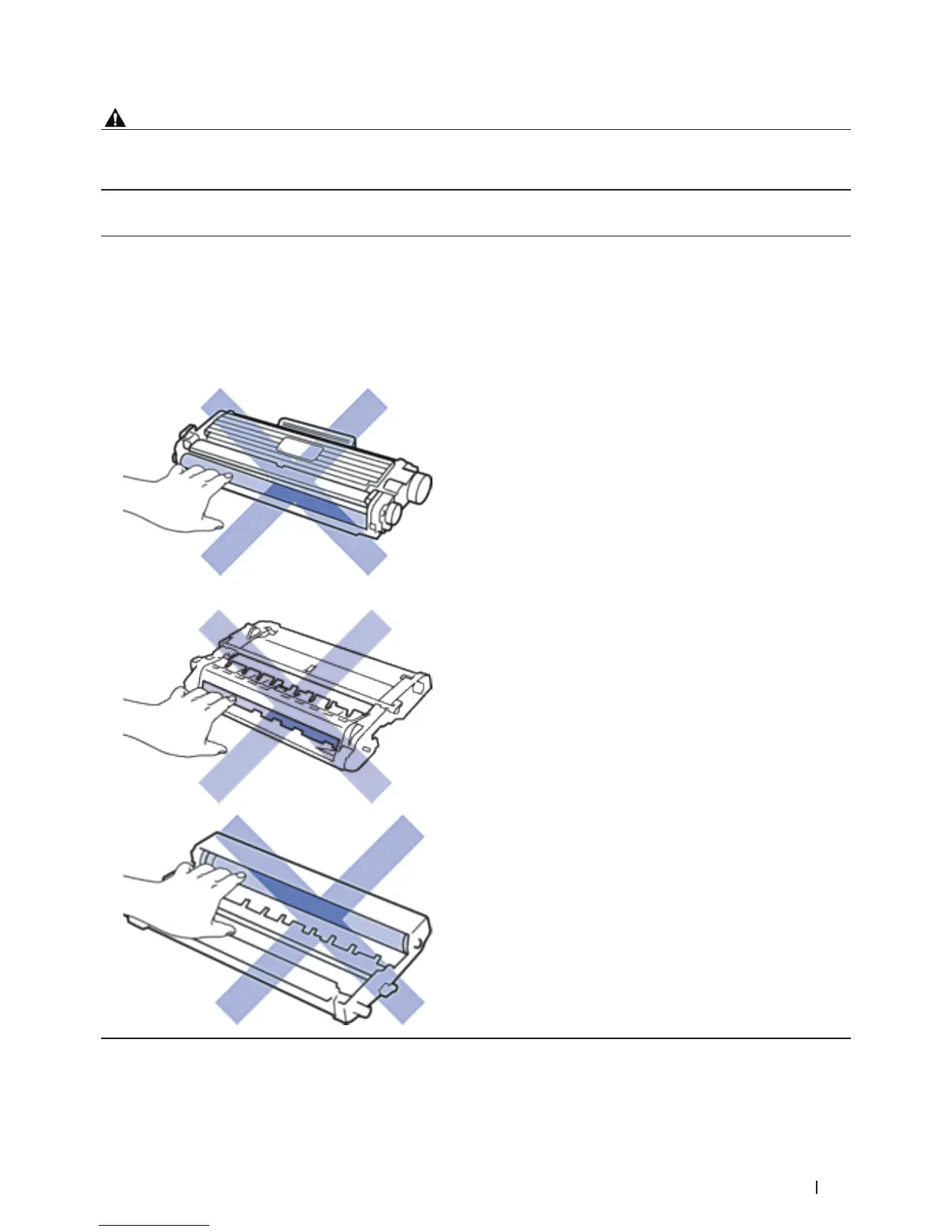
• To avoid print quality problems, DO NOT touch the shaded parts shown in the illustrations.
<Toner cartridge>
<Drum unit>










 To Next Page