313Routine Maintenance
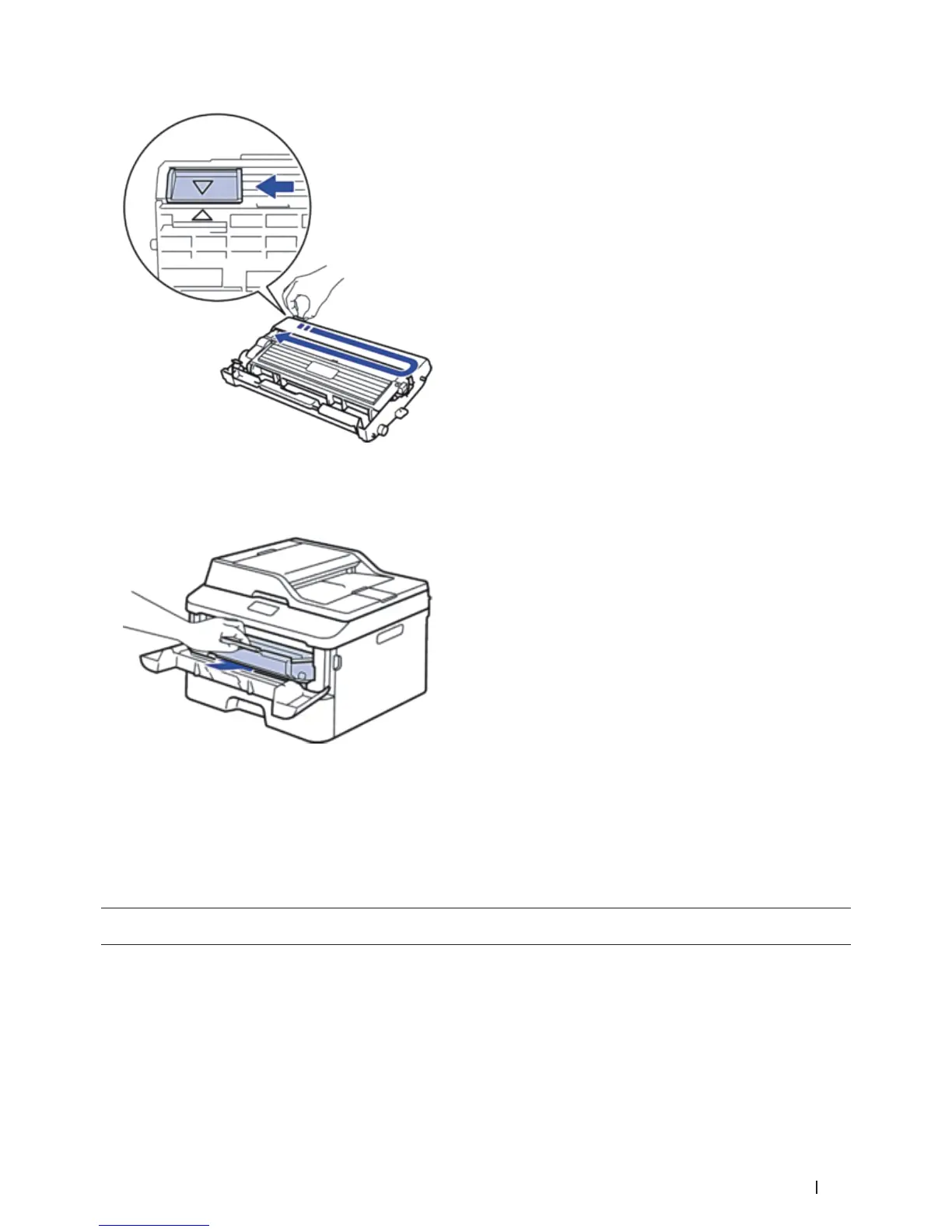
NOTE: Be sure to return the tab to the Home position ( p ). The arrow on the tab must be aligned with the arrow
on the drum unit. If it is not, printed pages may have a vertical stripe.
8. Install the toner cartridge and drum unit assembly back into the machine.
9. Close the front cover of the machine.
Reset the Drum Counter
When you replace the drum unit with a new one, you must reset the drum counter by completing the following
steps:
IMPORTANT
DO NOT reset the drum counter unless you are replacing the drum unit.
1. Open the front cover.










 To Next Page