128 Copy
7. Press Start to scan the other side.
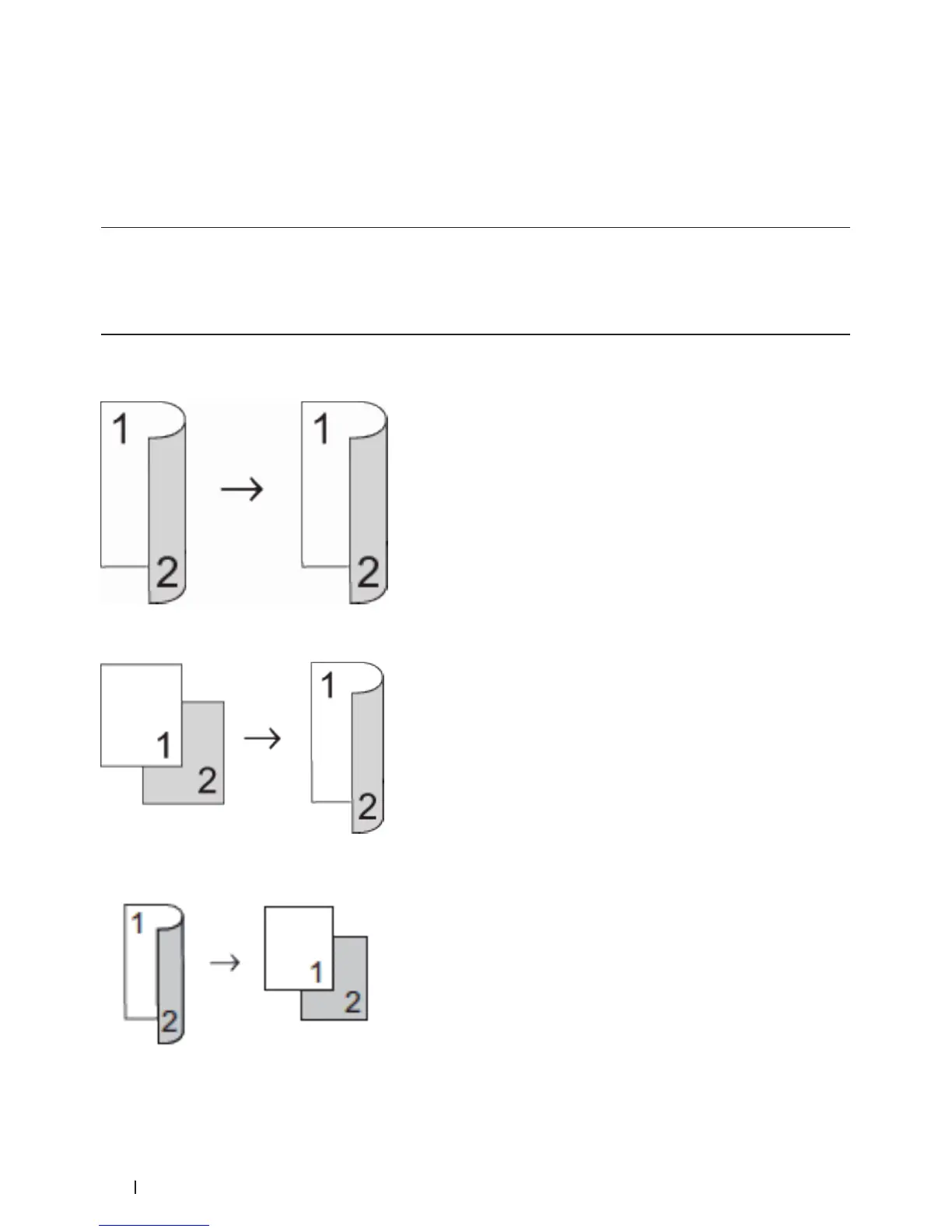
Copy on Both Sides of the Paper (2-sided Copy)
Reduce the amount of paper you use by copying onto both sides of the paper.
• You must choose a 2-sided copy layout from the following options before you can start 2-sided copying.
• The layout of your original document determines which 2-sided copy layout you should choose.
• To use the automatic 2-sided copy feature, you must load your document in the ADF.
• To use the manual 2-sided copy feature, place your document on the scanner glass.
Portrait
2–sided > 2–sided
1–sided > 2–sided Long Edge Flip
2–sided > 1–sided Long Edge Flip










 To Next Page