158 Fax
minute intervals.
Dial Manually
Related Models:Dell E515dn / Dell E515dw
1. Press
(Fax).
2. Load your document.
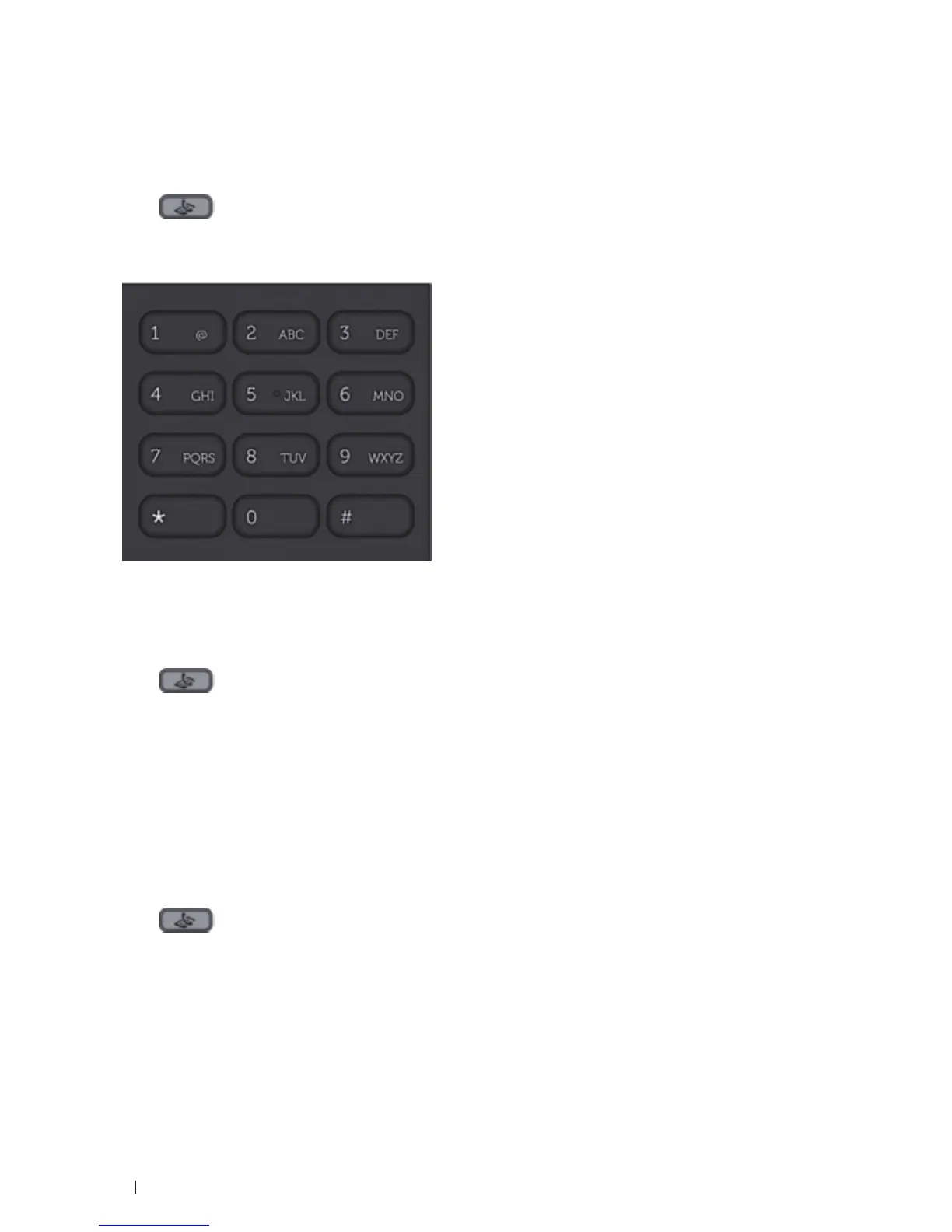
3. Press all digits of the fax number.
4. Press Start.
Dial a Number Using One Touch Dial
Related Models:Dell E515dn / Dell E515dw
1. Press
(Fax).
2. Load your document.
3. Press the One Touch button assigned to the fax or telephone number you want to dial.
NOTE: To dial One Touch numbers 1 to 4, press the One Touch button. To dial One Touch numbers 5 to 8, hold down
Shift as you press the One Touch button.
4. Press Start.
Dial a Number Using Speed Dial
Related Models:Dell E515dn / Dell E515dw
1. Press
(Fax).
2. Load your document.
3. Do one of the following:
• Press p twice and enter the three-digit Speed Dial code.
• Press p .
Press the dial pad buttons for the first few letters of the name, and then press OK.









 To Next Page