188 Fax
Right-click Dell PC-FAX and select Printer properties.
3. Click the Ports tab and then select using the port.
4. Click OK.
PC-FAX for Macintosh
• PC-FAX Overview (Macintosh)
Use Dell's PC-FAX software to send faxes directly from your Macintosh without printing them. This feature
helps reduce your paper consumption and save time.
• Send Faxes from Your Application (Macintosh)
PC-FAX Overview (Macintosh)
Use Dell's PC-FAX software to send faxes directly from your Macintosh without printing them. This feature helps
reduce your paper consumption and save time.
Send Faxes from Your Application (Macintosh)
Related Models:Dell E515dn / Dell E515dw
1. Create a document in a Macintosh application.
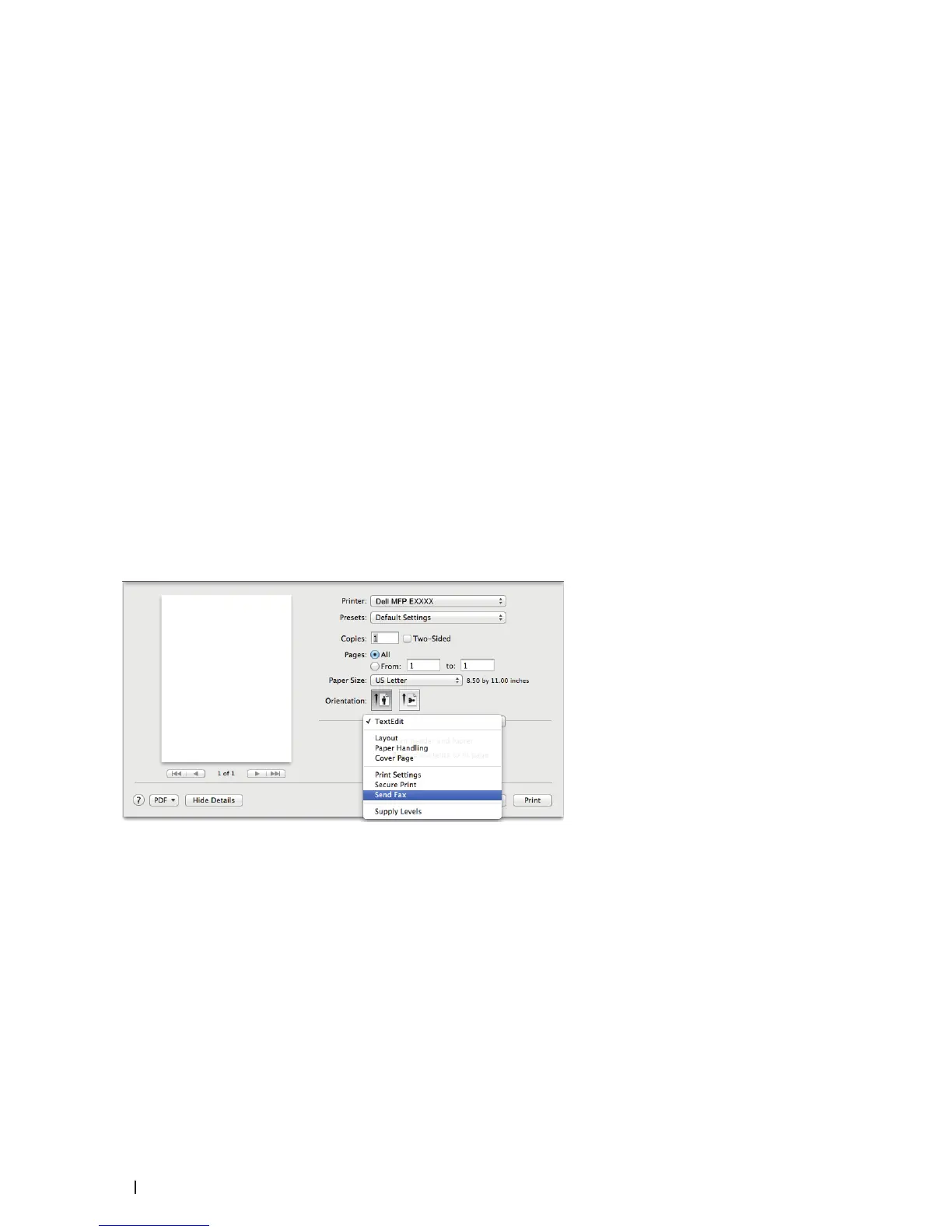
2. From an application, such as Apple TextEdit, click the File menu, and then select Print.
3. Click the application pop-up menu, and then select the Send Fax option.
4. Click the Output pop-up menu, and then select the Facsimile option.









 To Next Page