36 Paper Handling
Load and Print Paper in the Manual Feed Slot
• Load and Print Plain Paper, Thin Paper, Recycled Paper and Bond Paper in the Manual Feed Slot
• Load and Print on Thick Paper and Labels in the Manual Feed Slot
• Load and Print on Envelopes in the Manual Feed Slot
• Printing Problems
• Error and Maintenance Messages
Load and Print Plain Paper, Thin Paper, Recycled Paper and Bond Paper in the Manual Feed Slot
When you load a different paper size in the tray, you must change the paper size setting in the machine or on your
computer at the same time.
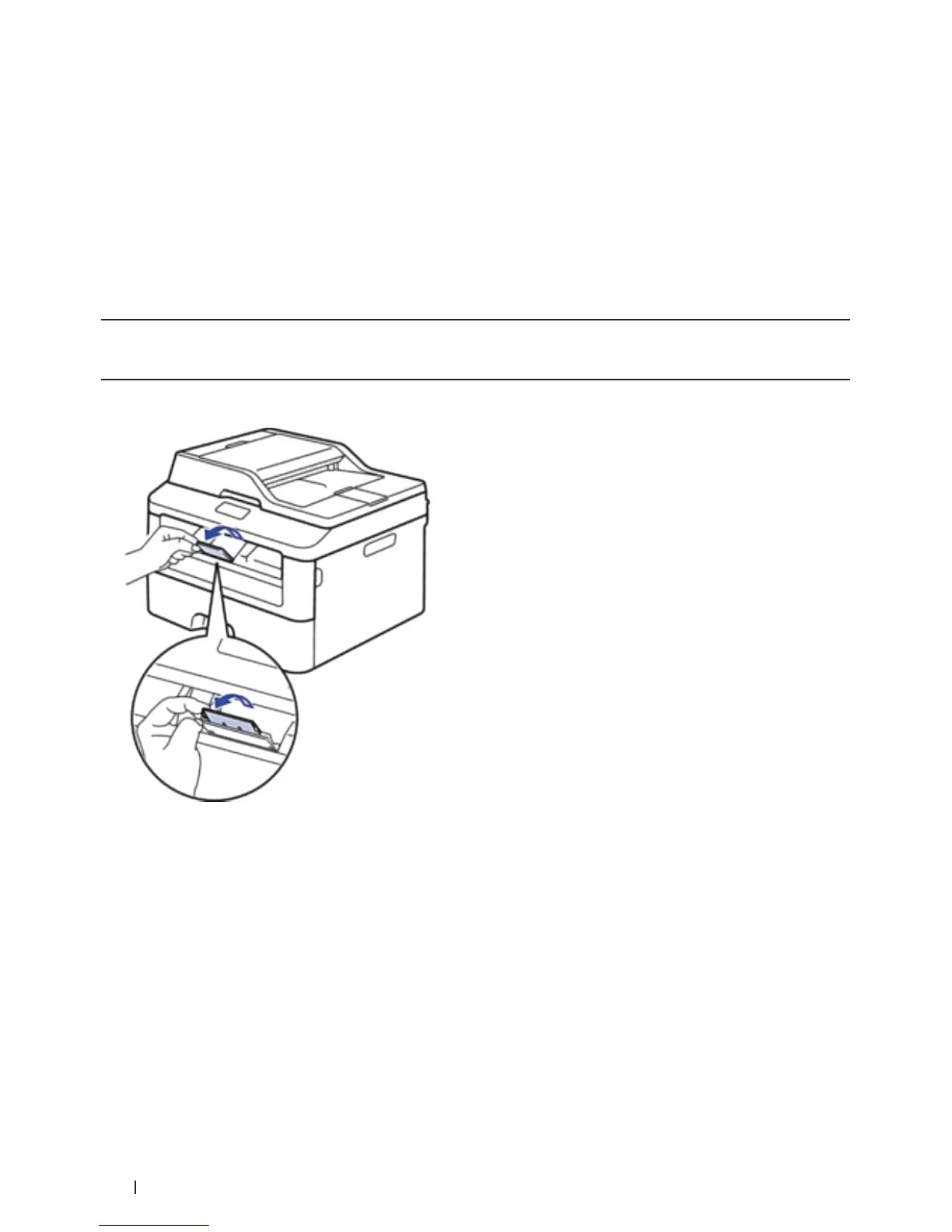
1. Lift the support flap to prevent paper from sliding off the face-down output tray.
2. Open the manual feed slot cover.









 To Next Page