71Print
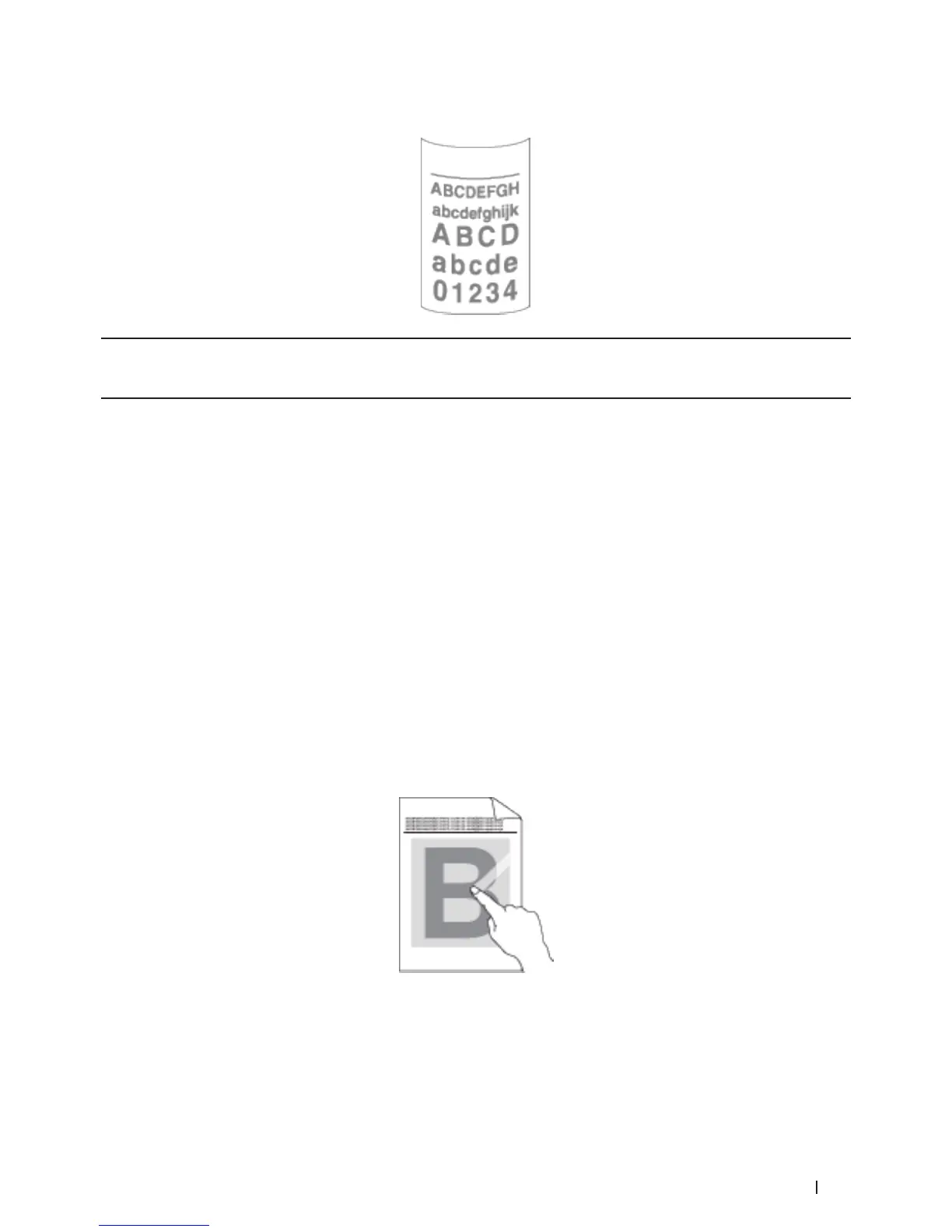
Reduce Paper Curl (Windows
®
)
If you are printing only a few pages, you do not need to select this setting. If paper curls excessively, we recommend
changing the Media Type setting in the printer driver to the Thin Paper or Env. Thin setting.
NOTE: This setting decreases the temperature of the machine's fusing process, which reduces paper curl.
1. Select the print command in your application.
2. Select Dell MFP EXXXX (where XXXX is the name of your model), and then click the printing properties or
preferences button.
The printer driver window appears.
3. Click the Advanced tab.
4. Click the Other Print Options button.
5. Select the Improve Print Output option from the Printer Function list.
6. Select the Reduce Paper Curl radio button.
7. Click OK to return to the printer driver window.
8. Click OK.
9. Complete your print operation.
Improve Toner Fixing (Windows
®
)
NOTE: This setting increases the temperature of the machine's fusing process, which improves toner's ability to stick
to paper.









 To Next Page