210 Network
NOTE: If the connection fails, your machine reverts to a wired network interface.
For Windows
®
:
You have completed the wireless network setup. Install drivers and software necessary for operating your device from
the Installer CD-ROM.
For Macintosh:
You have completed the wireless network setup. Install drivers and software necessary from "StartHereOS X.app" in
the installation CD-ROM.
Use Wi-Fi Direct™
• Print or Scan from Your Mobile Device Using Wi-Fi Direct
• Mobile Printing
• Configure Your Wi-Fi Direct Network
Configure your Wi-Fi Direct network settings from your machine's control panel.
• I Cannot Complete the Wireless Network Setup Configuration.
Print or Scan from Your Mobile Device Using Wi-Fi Direct
Related Models:Dell E514dw / Dell E515dw
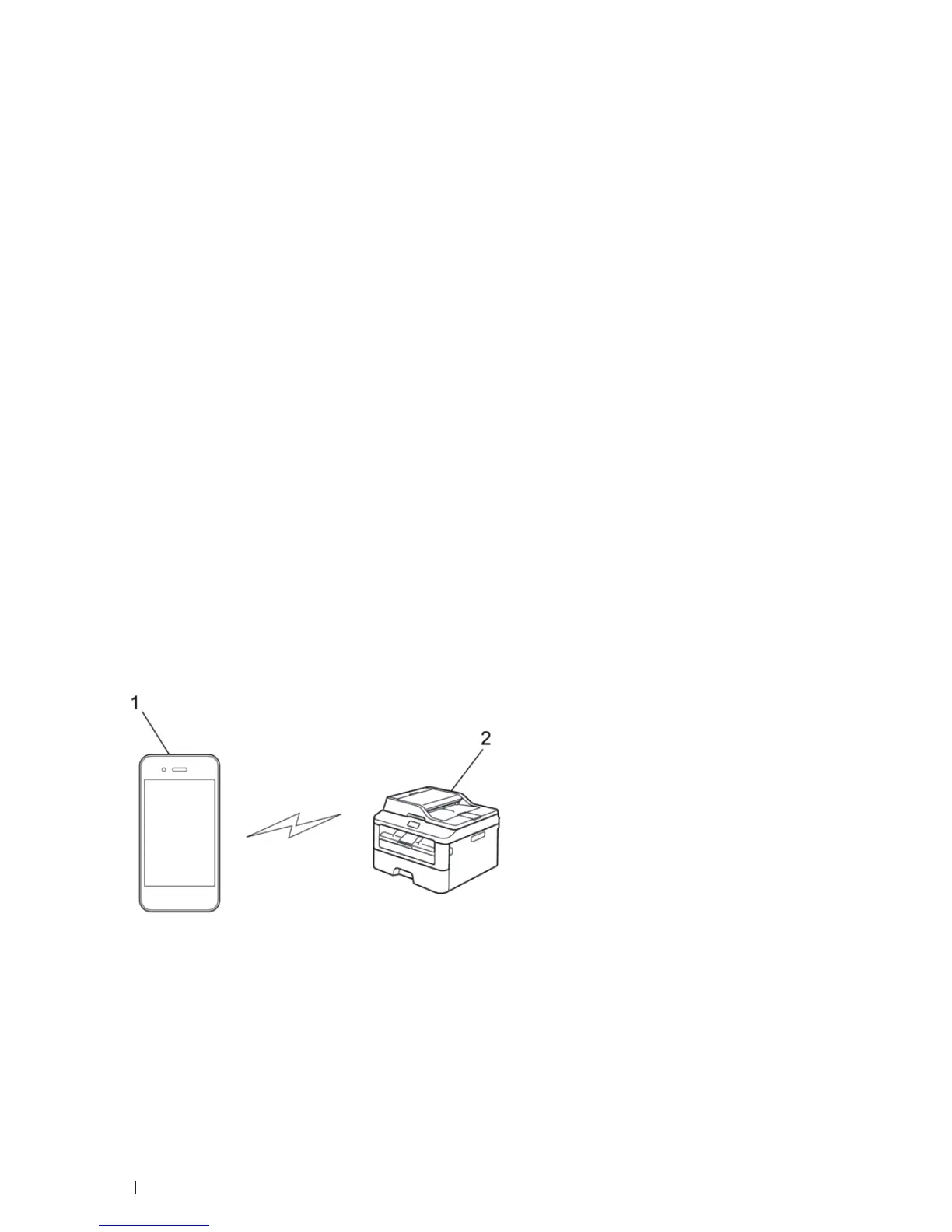
Wi-Fi Direct is one of the wireless configuration methods developed by the Wi-Fi Alliance
®
. It allows you to
configure a secured wireless network between your Dell machine and a mobile device, such as an Android™
device, Windows
®
Phone device, iPhone, iPod touch, or iPad, without using an access point. Wi-Fi Direct supports
wireless network configuration using the one-push or PIN Method of Wi-Fi Protected Setup™ (WPS). You can also
configure a wireless network by manually setting an SSID and password. Your Dell machine's Wi-Fi Direct feature
supports WPA2™ security with AES encryption.
1. Mobile device
2. Your Dell machine
NOTE: Although the Dell machine can be used in both a wired and wireless network, only one connection method can









 To Next Page