35Paper Handling
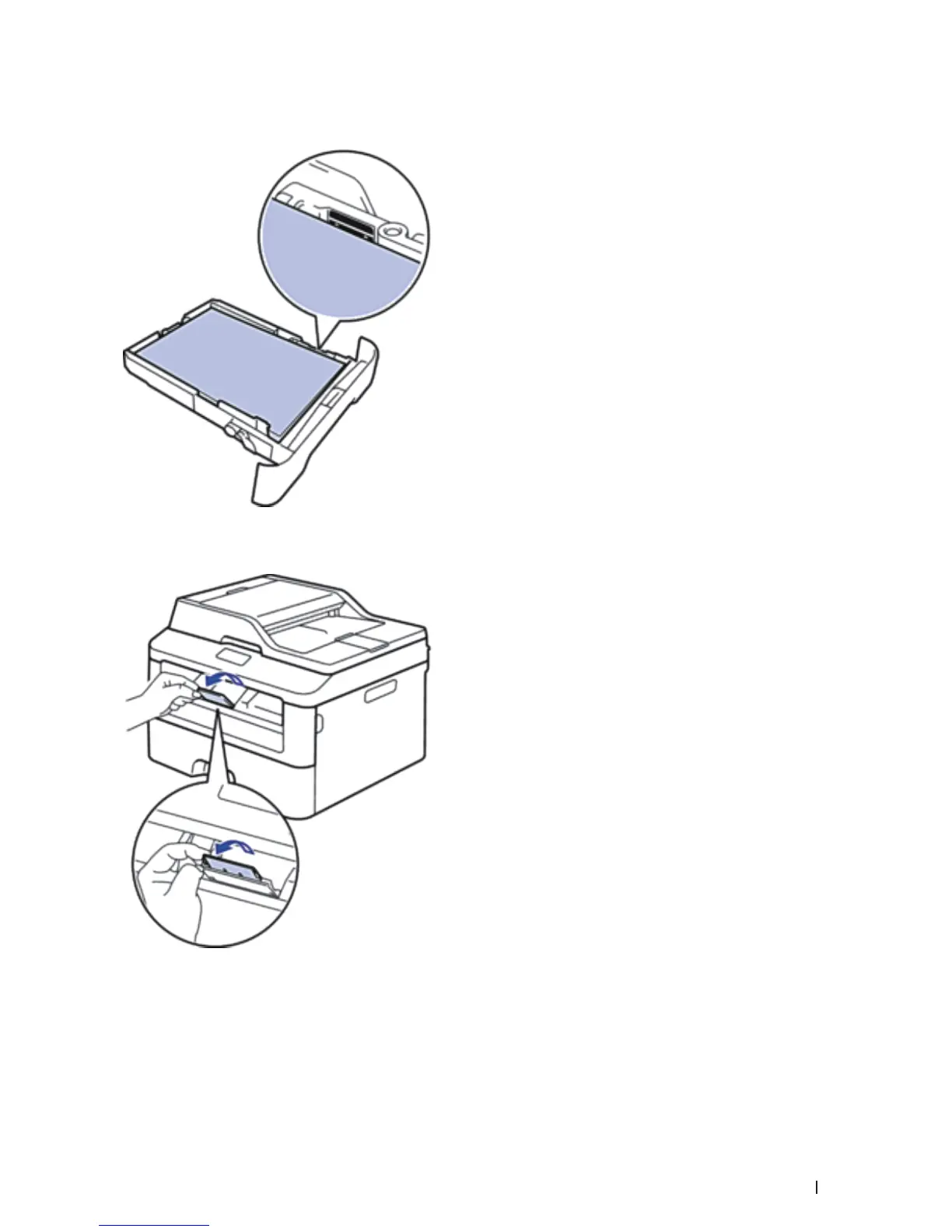
5. Make sure the paper is below the "MAX" mark.
Overfilling the paper tray will cause paper jams.
6. Slowly push the paper tray completely into the machine.
7. Lift the flap to prevent paper from sliding off the output tray.
8. Send your print job to the machine.
NOTE: Change your print preferences in the Print dialog box before sending the print job from your computer.










 To Next Page