324 Routine Maintenance
2. Disconnect all the cables, and then unplug the power cord from the AC power outlet.
NOTE: The machine is equipped with a non-detachable AC power cord depending on the model.
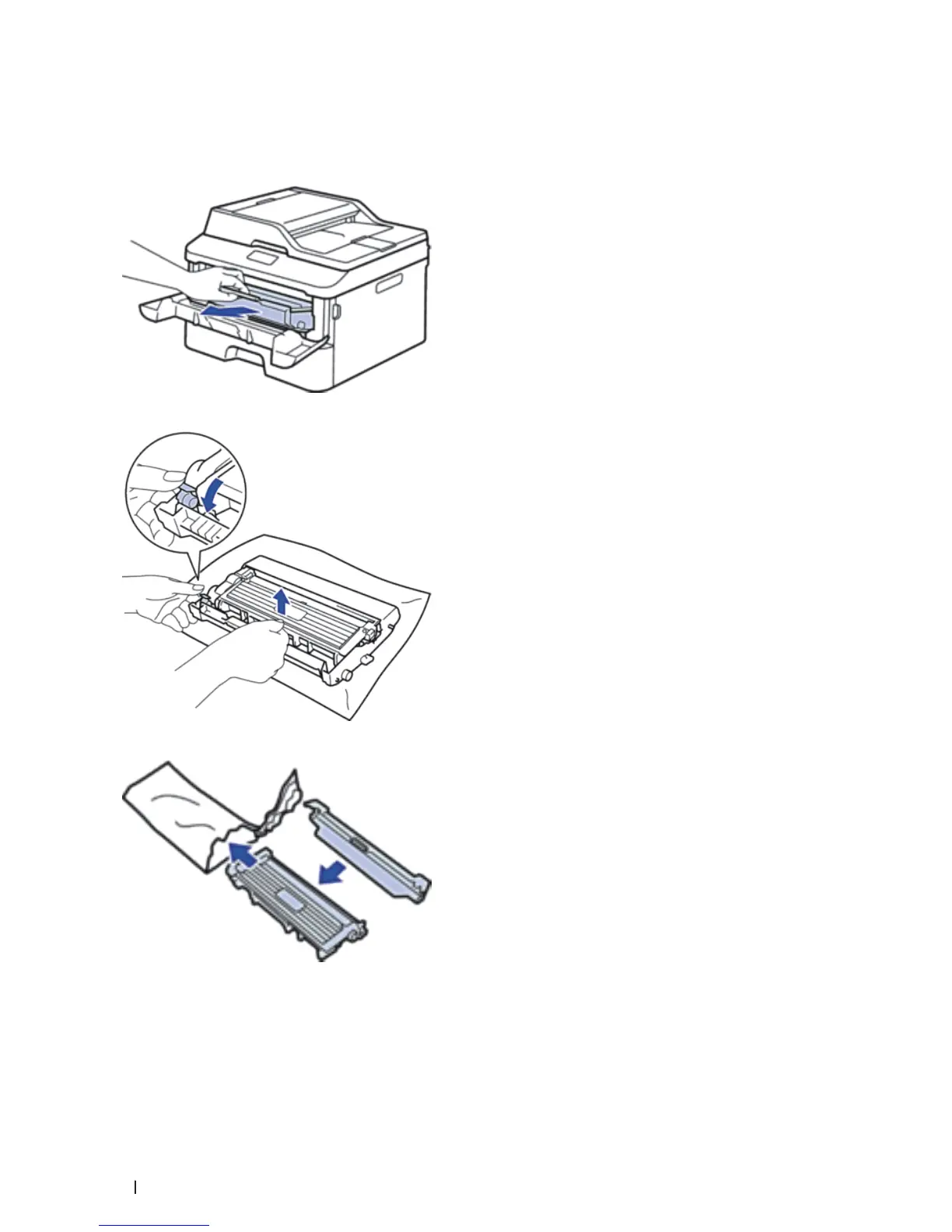
3. Remove the toner cartridge and drum unit assembly.
4. Push down the lock lever and take the toner cartridge out of the drum unit.
5. Put the protective material on the toner cartridge. Put it in a plastic bag.
6. Put the protective material (1) in the machine to the left as shown in the illustration.










 To Next Page