321Routine Maintenance
NOTE
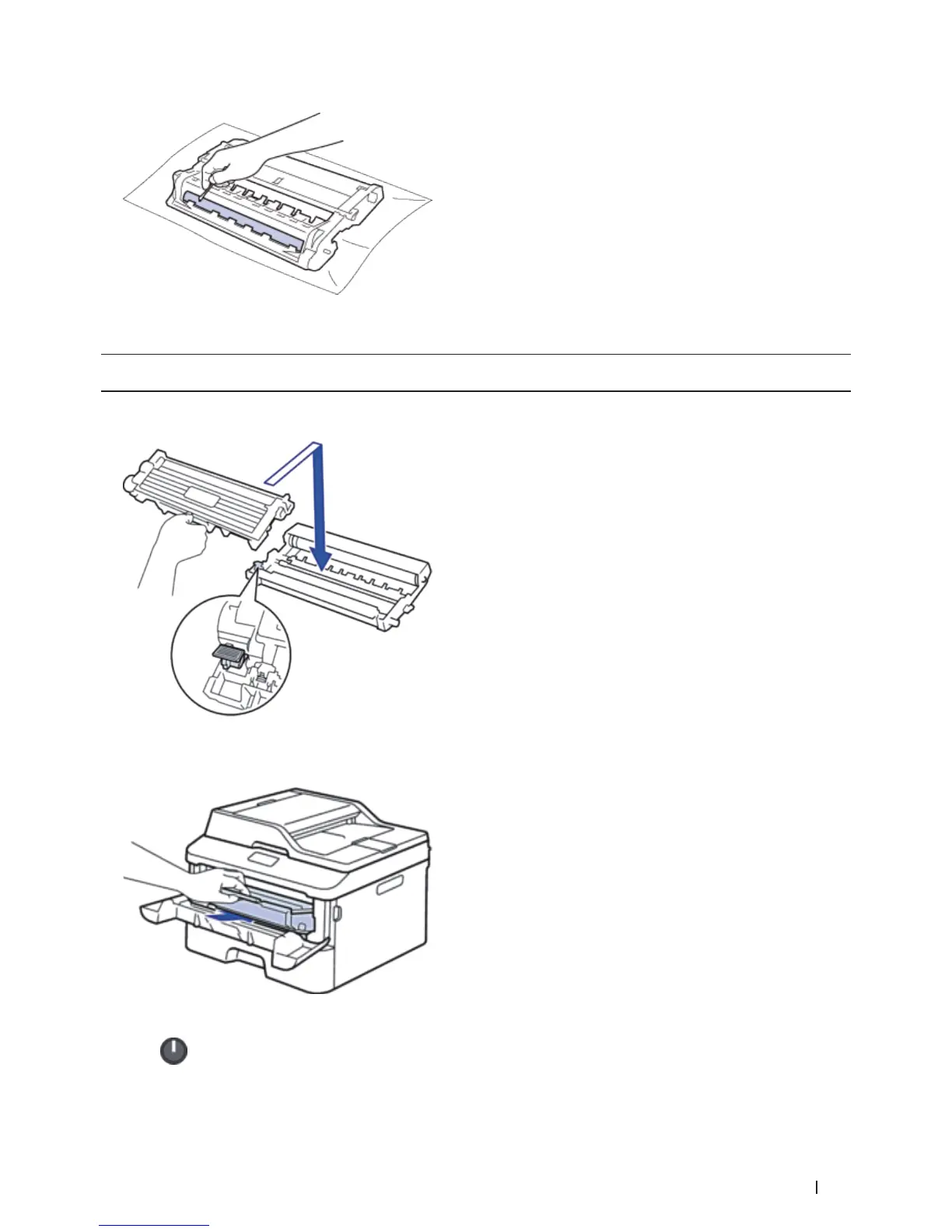
DO NOT clean the surface of the photosensitive drum with a sharp object or any liquids.
8. Put the new toner cartridge firmly into the drum unit until you hear it lock into place.
NOTE: Make sure you put the toner cartridge in correctly or it may separate from the drum unit.
9. Install the toner cartridge and drum unit assembly back into the machine.
10. Close the front cover of the machine.
11. Press
to turn on the machine.










 To Next Page