NOTE: Ensure that your computer is in Service Mode. For more information, see before working inside your computer.
CAUTION: If the computer does not turn on, does not enter Service Mode, or does not support Service mode,
disconnect the battery cable.
2. Remove the sim-card tray, if applicable.
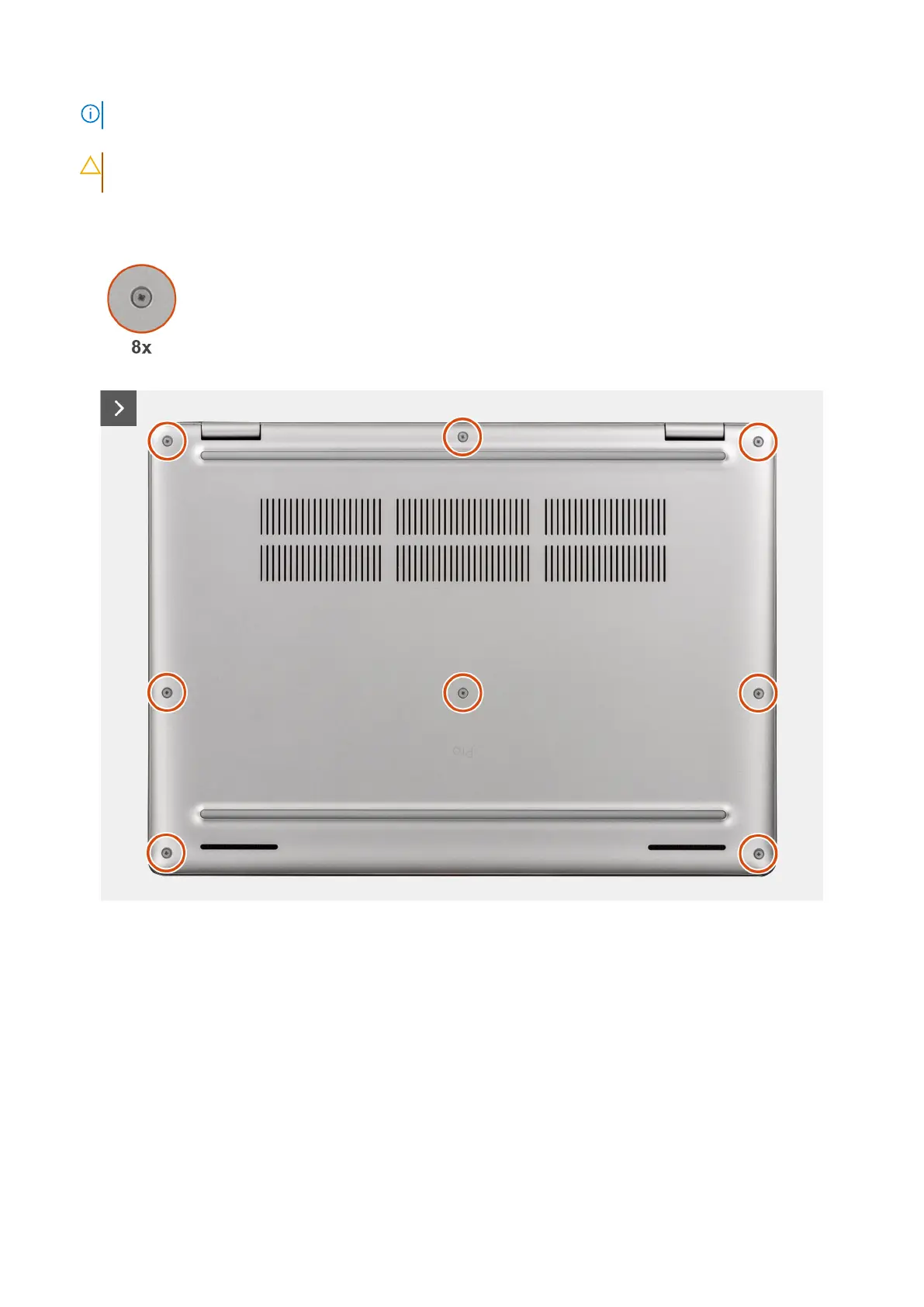
Figure 19. Removing the base cover
Removing and installing Customer Replaceable Units (CRUs)
43



 To Next Page