92
2. Use the cursor keys ([▲] [▼]) or numerical keys ([1] [2]) to select the item to be set.
3. Use the cursor keys ([◄] [►]) to select settings value.
4. Press the ENT key or BS/C key for the settings value to be valid and then return to the SET
BARCODE screen.
“6: CODE128”: Detailed settings for Code 128
1. Select “6: CODE128” at the SET BARCODE menu and then press
the ENT key.
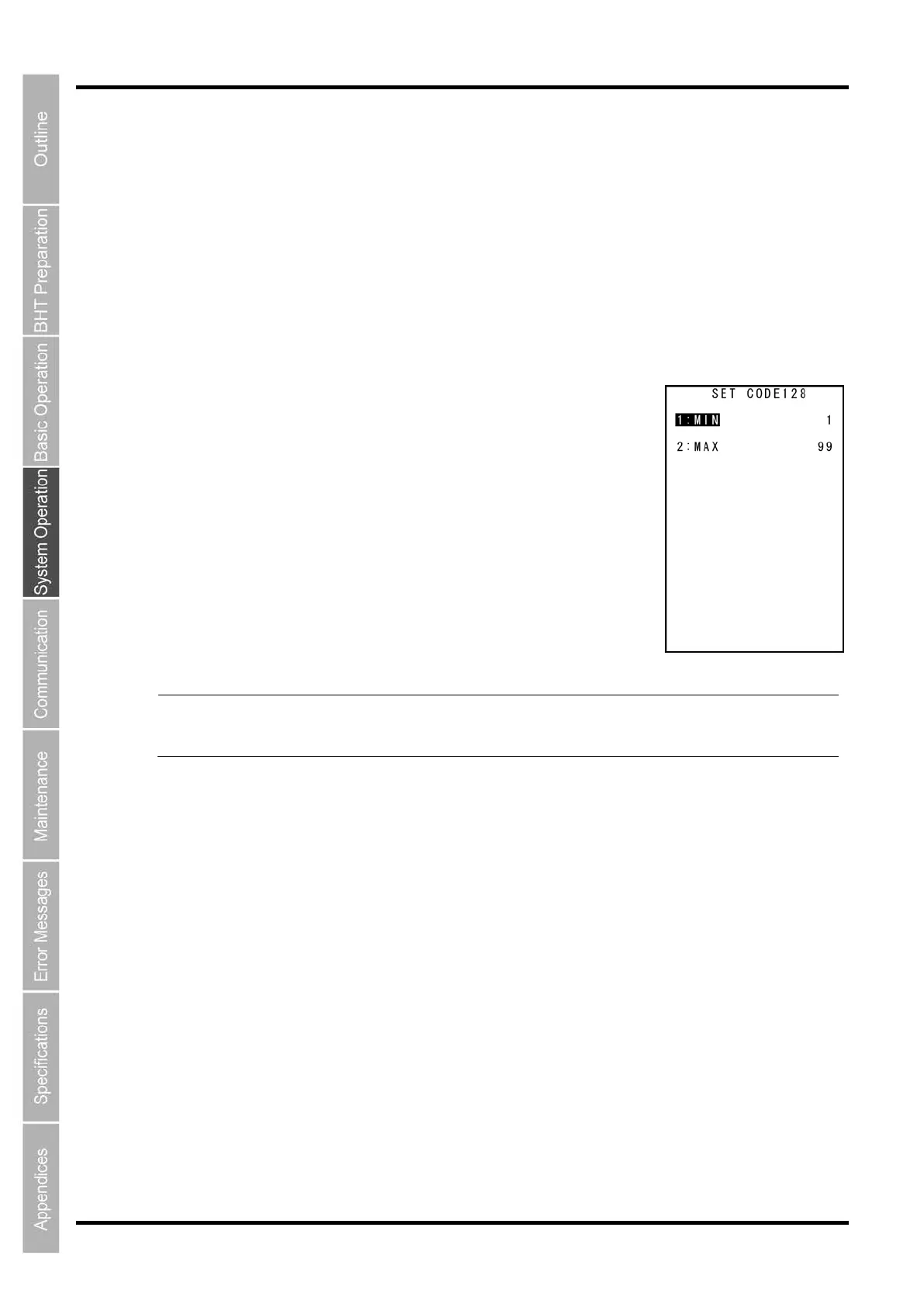
The SET CODE 128 screen is displayed.
“1: MIN”:
Set minimum number of digits of Code 128
Setting range: 1–99
“2: MAX”:
Set maximum number of digits of Code 128
Setting range: 1–99
- Point -
Make sure that the minimum number of digits is less than the
maximum number of digits. If
the value of minimum number of digits is larger than the
maximum number of digits, error
occurs during the reading.
2. Use the cursor keys ([▲] [▼]) or numerical keys ([1] [2]) to select the item to be set.
3. Use the cursor keys ([◄] [►]) to select settings value.
4. Press the ENT key or BS/C key for the settings value to be valid and then return to the SET
BARCODE screen.



 To Next Page