208
Message BHT Response Cause Countermeasure
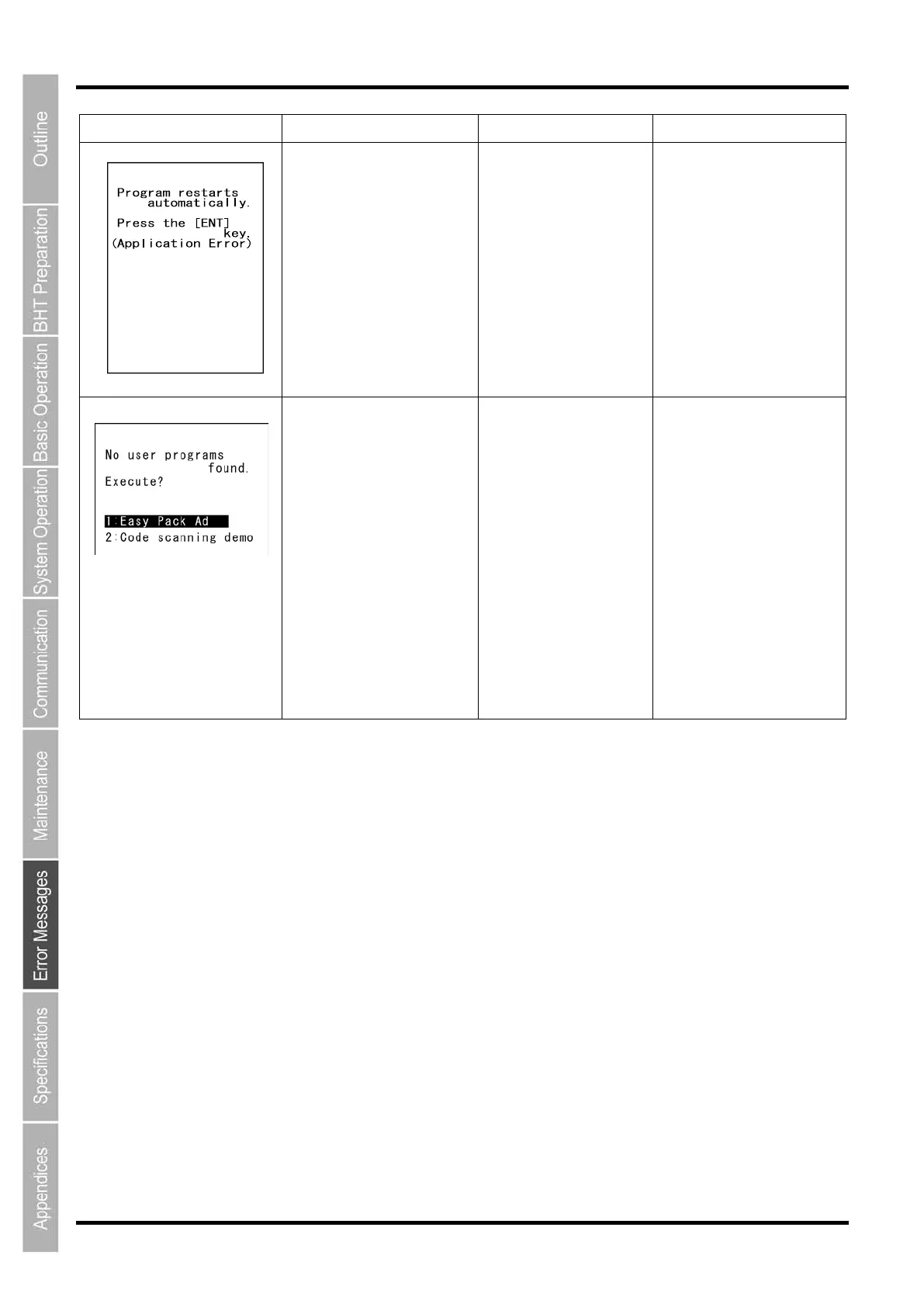
The message is continuously
displayed.
An error has occurred
during execution of
System Program due to
the application. The
application restarts from
the beginning.
Check the application.
The message is continuously
displayed.
found when the BHT is
turned on.
administrator.
scanning demo without user
programs.
Pressing “2: Code scanning
demo
scanning demo.
Press the trigger switch to
start the code scanning
demo.
Selecting “1: Easy Pack Ad”
turns on Easy Pack Ad for
BHT-1500.
Refer to the application
manual for details.



 To Next Page