SEVEN PLUS User’s Guide | 31
This chapter will help you set up your SEVEN PLUS. You will
want to read this chapter before you insert and start a new Sensor.
2.1 CHARGING YOUR RECEIVER BATTERY
The Receiver battery is re-chargeable like a cellular phone. The re-chargeable battery will last for about
3-5 days before you need to charge it with the Receiver Charging Cable. Your re-chargeable battery life
depends on your Alert settings and how often you use the Events Menu. The Receiver will tell you when
the battery charge is low. The Receiver takes 3 hours to charge fully if the battery is completely drained.
To recharge your battery, follow the instructions below:
1. Connect the Receiver Charging Cable into the port on the bottom of the Receiver. Make sure the
“Push” button side of the charger cable is facing down.
2. Connect the plug into a standard power outlet.
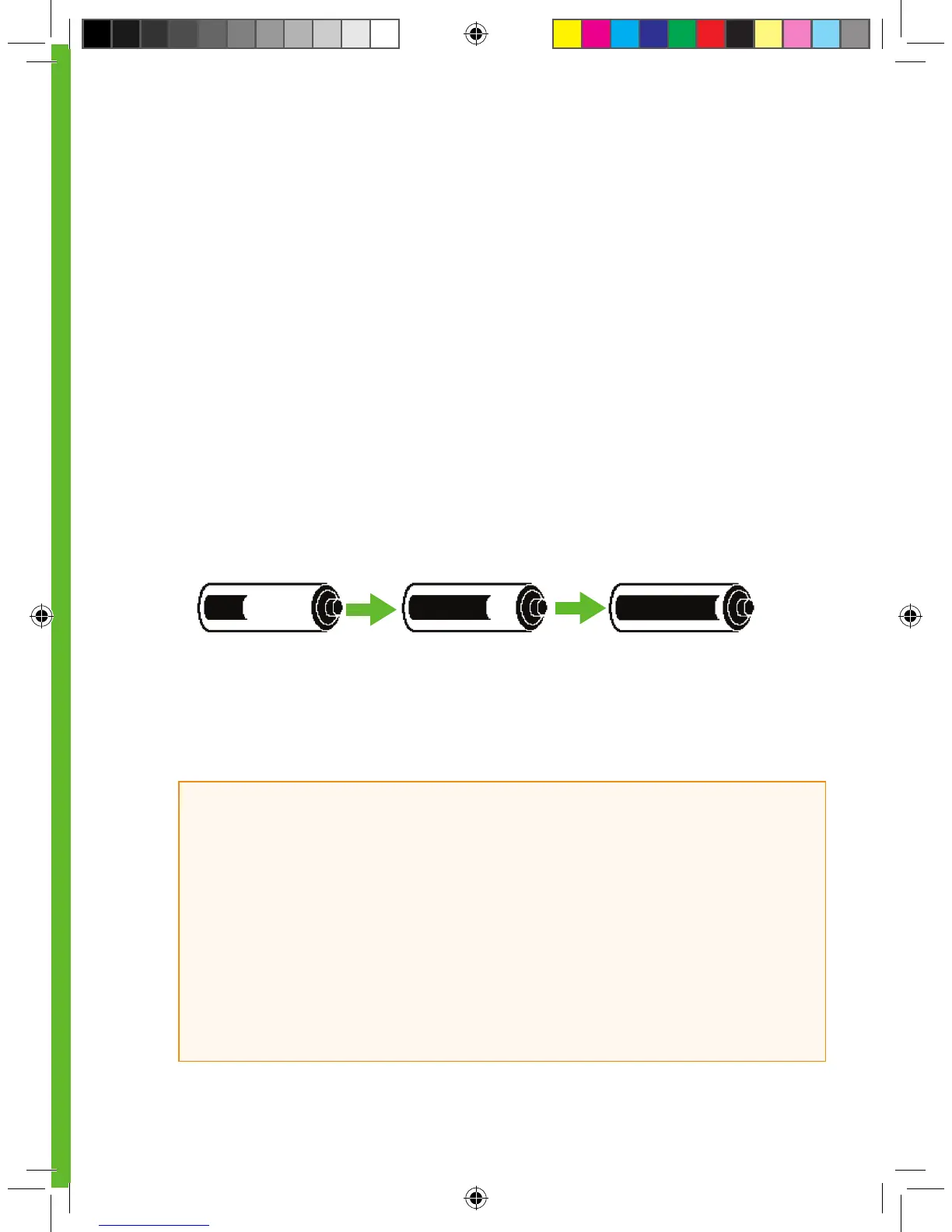
3. The Receiver will show the symbol below of a battery charging across the Receiver screen:
4. After a few seconds, your Trend Screen will reappear with the Charging Battery symbol shown in
the lower right corner next to the Antenna Symbol.
5. The battery will fully charge after 3 hours.
6. After charging is complete, press the “Push” Button on the charger to disconnect.
HELPFUL HINTS:
• Charge your battery before each Sensor insertion. Periodically check your battery level to
make sure it has enough charge.
• If your battery drains and is not charged for about 6 months, the back-up battery might
also drain. When this happens, you will need to reset your Receiver’s time (see Chapter 2,
Section 2.2.1, “Setting your Receiver Time and Date”).
• Only use the DexCom battery charger provided in the Starter Kit. Do not use any other
battery charger. You should charge the Receiver during daytime inactivity.



 To Next Page