78 | SEVEN PLUS Continuous Glucose Monitoring System
5.5 TEMPORARY SENSOR SHUT DOWN
There may be times when you want to temporarily shut down your Receiver. Shutdown will stop
all communication between the Transmitter and Receiver and will turn the Receiver off. You
will not receive glucose readings while the Receiver is shut down, but your current continuous
monitoring session will remain in progress. Follow these steps to shut down your Receiver:
1. Press any button to turn the Receiver’s display on.
2. Press the OK button to reach the Options Menu.
3. Use the Up p and Down q Arrow buttons to scroll until “Shutdown” is
highlighted.
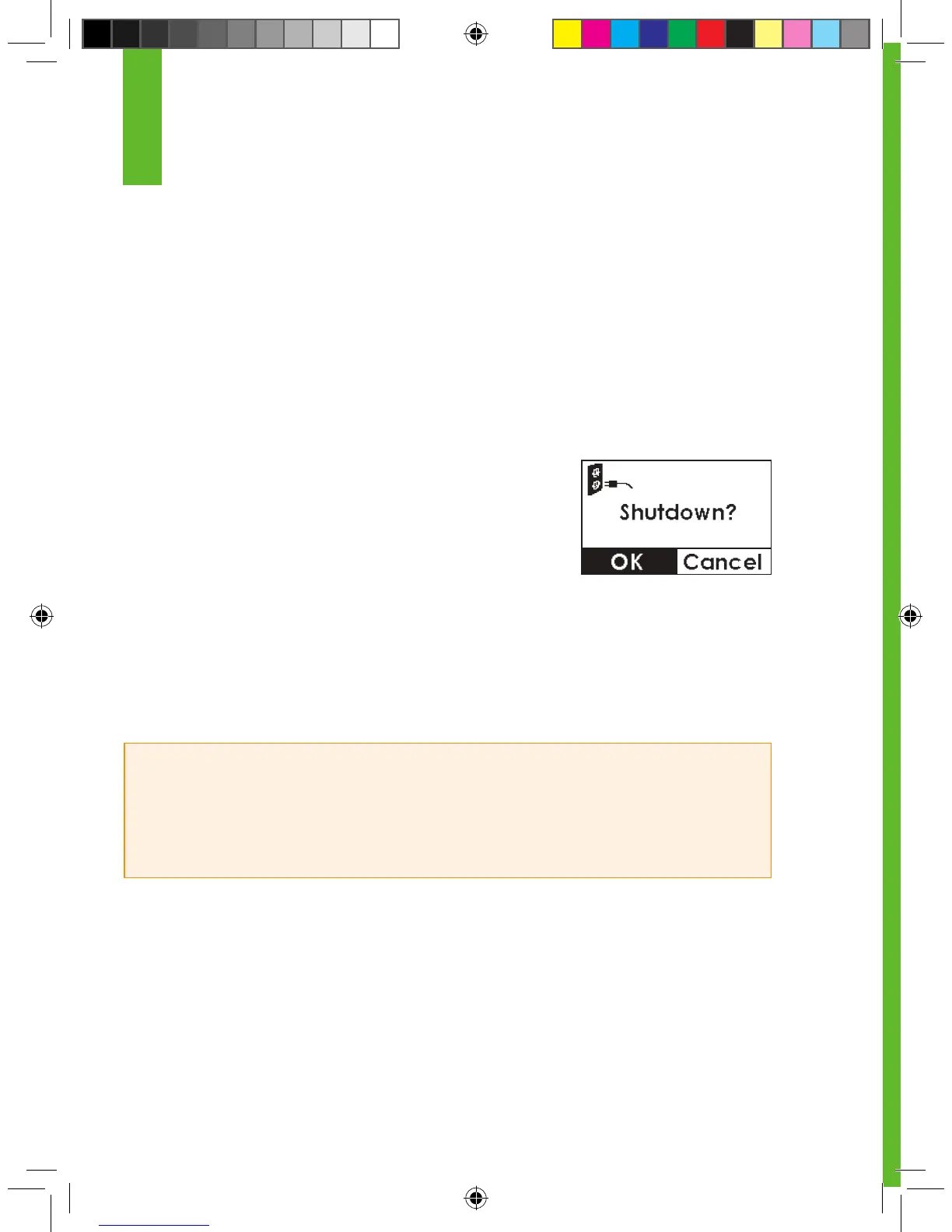
4. Press the OK button. The Shutdown conrmation screen will
appear.
5. Press the OK button to conrm that you want to shut down.
6. The Receiver will power down. No data will be collected and no Alerts/ALARMS will sound or
appear.
7. Hold down any key to turn the Receiver on again.
HELPFUL HINTS:
• Remember that your Alerts and ALARM will not work when the Receiver is shut down.
• Your Sensor will stop 7 days after you start the Sensor. Shutting down does not extend Sensor
life beyond 7 days.
5



 To Next Page