SEVEN PLUS User’s Guide | 99
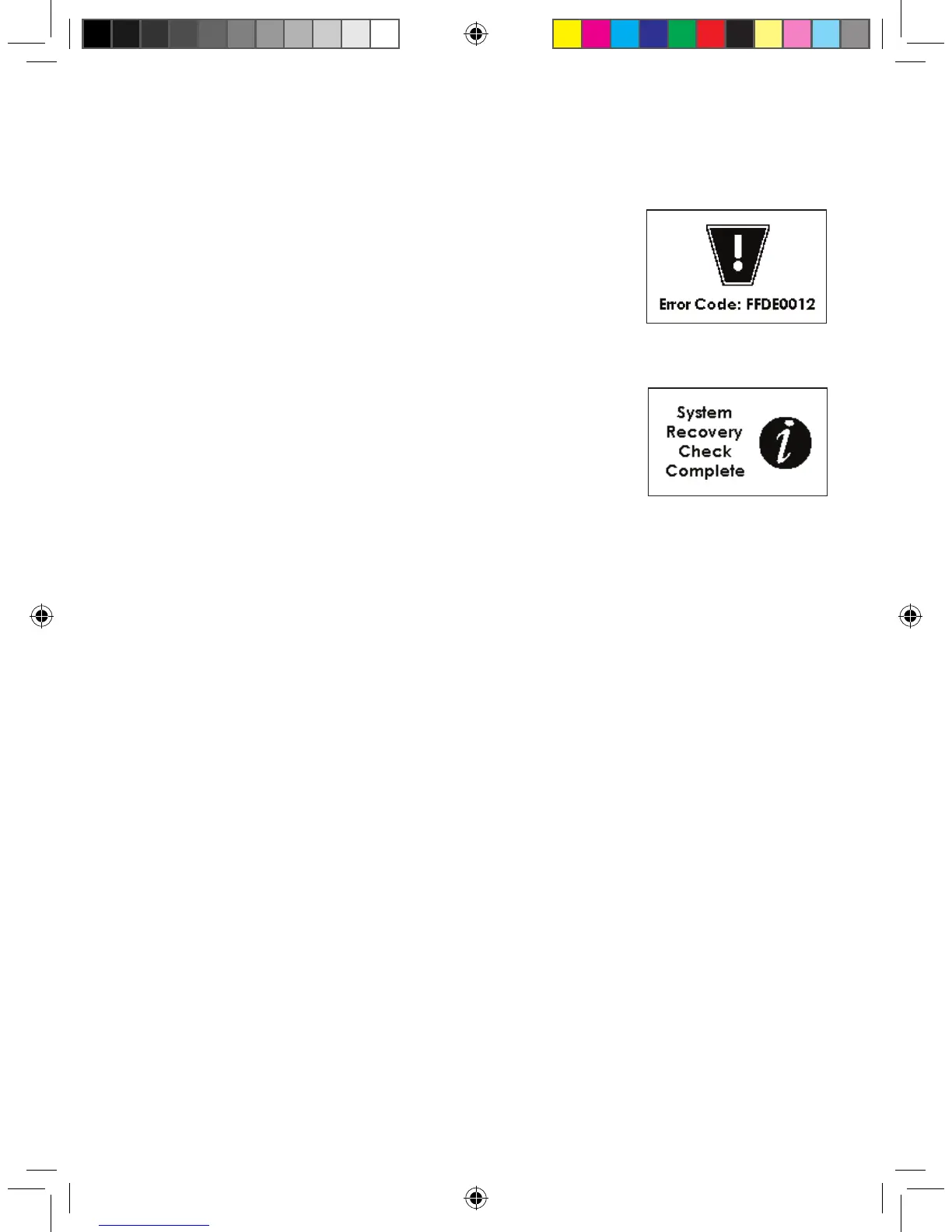
Receiver Error Code
An error code displayed on your Receiver means the Receiver may
not be working properly. An example is shown to the right:
Note the code that appears on the screen, if any,
and contact DexCom Technical Support at
1-888-SEVENGO (738-3646). Continue to check
BG readings using your meter.
System Recovery Check
This screen indicates there was a problem with the Receiver, but the
System was able to x itself. Press the C button to clear this display,
and your continuous monitoring session will continue.
8.5 RECEIVER AND CABLES TROUBLESHOOTING
Battery and Charging Difculties
1. Remember to charge your Receiver’s battery.
a. The charge will last approximately 3-5 days, depending on how often you turn on your
Receiver’s screens, use the Alerts, and enter Events.
b. Make sure you are not pressing buttons by mistake if you carry the Receiver in your pocket
or bag.
c. Check the Battery image on your Trend Graphs to see how much charge is left in the bat-
tery.
2. Make sure the Charging Cable is fully inserted in the Receiver and in the electrical outlet.
a. If your cable has a Push button, press this to release the cable. Do not pull
out without pressing the button.
b. Pull the cable out carefully so you do not bend the prongs.
c. Only use DexCom cables.
3. If your battery drains and is not charged for about 6 months, the back-up battery might also
drain. When this happens, you will need to reset your Receiver’s time (see Chapter 2, Section
2.2.1, “Setting your Receiver Time and Date”).
4. Only use the DexCom battery charger.
Receiver Error Code Screen
System Recovery
Check Screen



 To Next Page