34 | SEVEN PLUS Continuous Glucose Monitoring System
5. The Receiver will check the ID number.
a. If the ID number is valid, the Receiver will accept it and return to the
Trend Graphs.
b. If the ID number is not valid, the Receiver will show a series of question marks and will
then return to the Transmitter ID Screen so you can enter
the correct ID.
2.2.3 ABOUT STS SCREEN
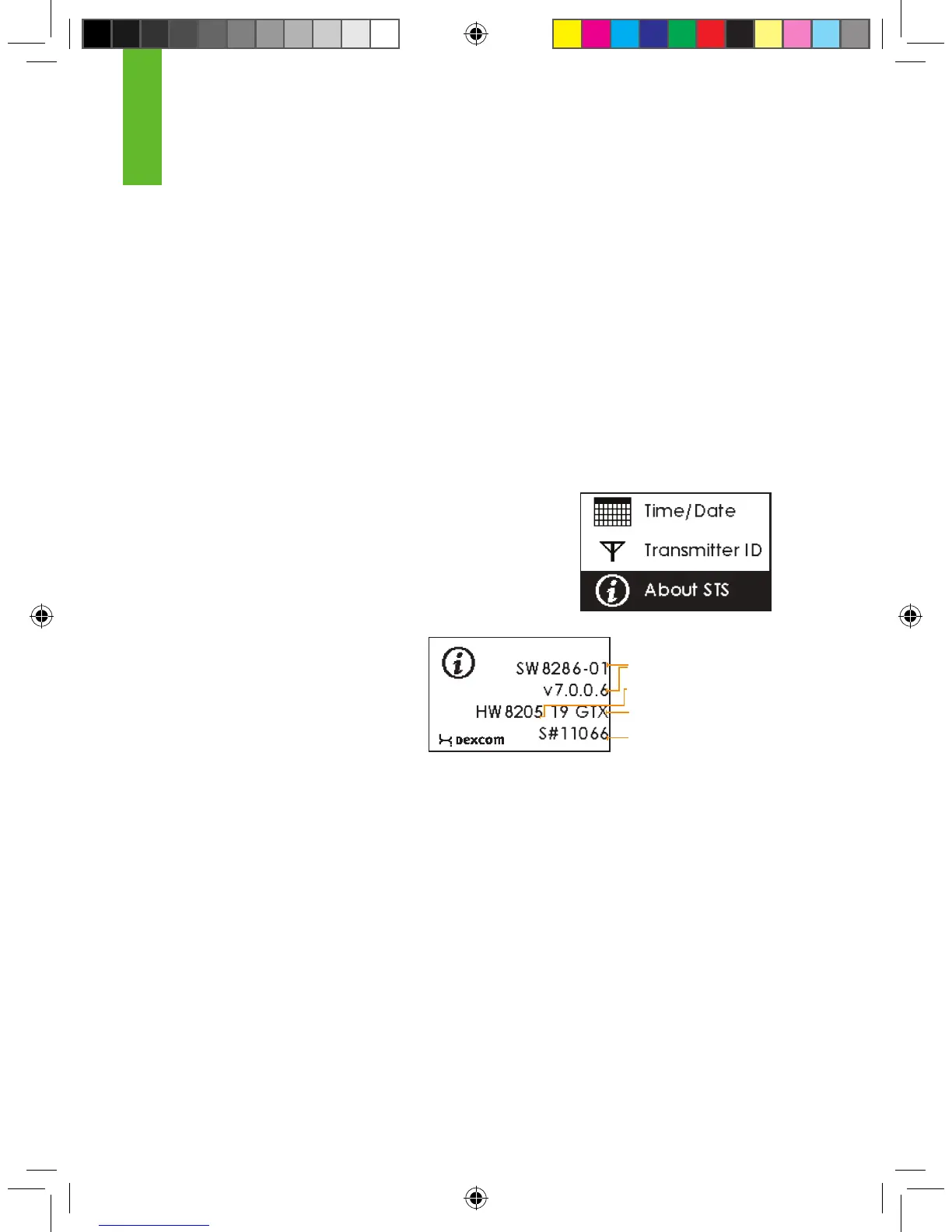
The “About STS” Screen shows information about the Receiver, including the software number
and version, hardware number and version, Transmitter type, and Receiver serial number. (“STS”
is the product family for the SEVEN PLUS.)
To reach the About Screen from the Settings Menu, highlight
“About STS” and press the OK button to enter the About
Screen.
You will see the following screen:
Receiver Software
Receiver Hardware
Transmitter Type
Receiver Serial Number
2



 To Next Page