SEVEN PLUS User’s Guide | 89
7.2 .1 EARLY SHUT-OFF – SENSOR FAILURE
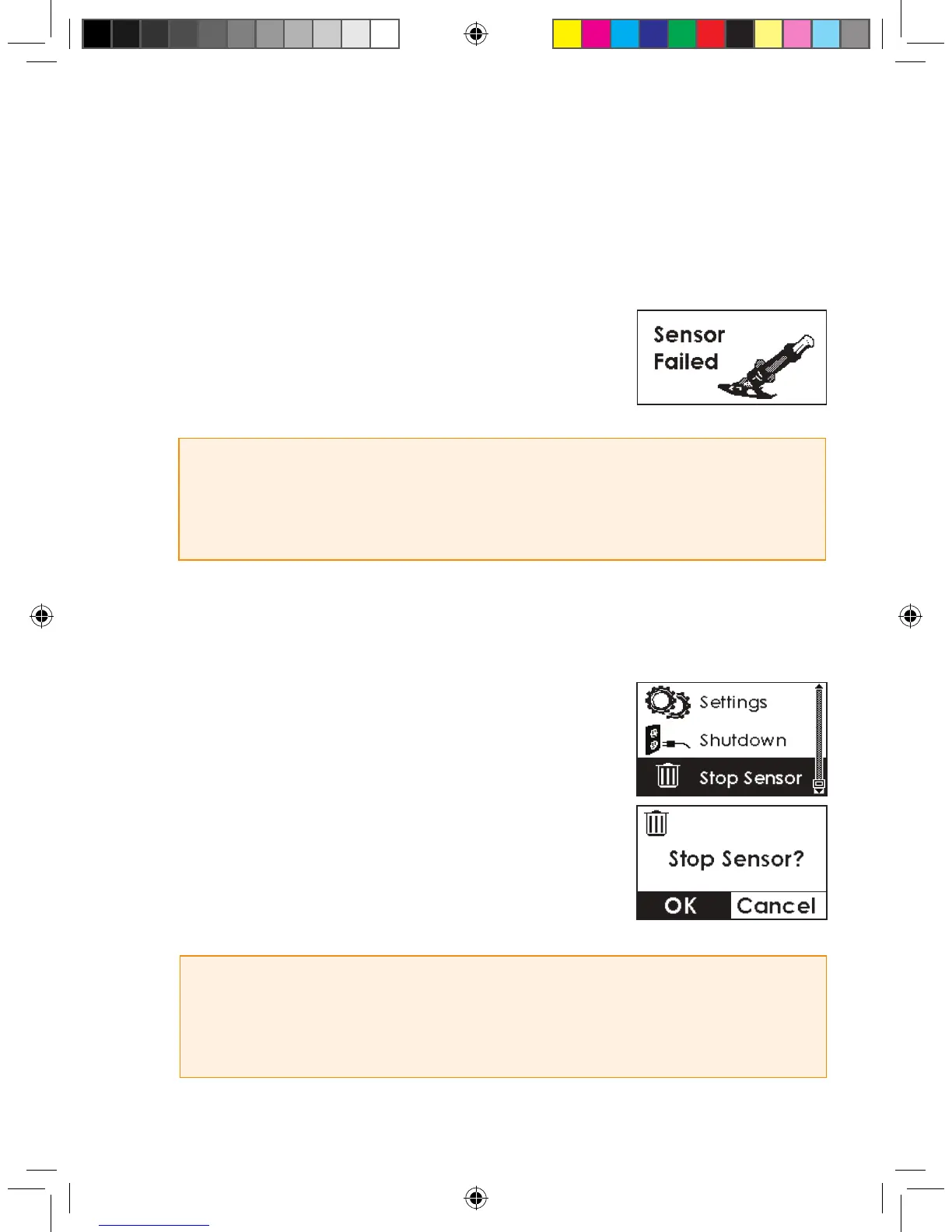
During use the Receiver may detect a series of issues with your Sensor signal where it can
no longer determine what your glucose reading is (see Chapter 8, Section 8.3, “Sensor Failed
Troubleshooting”). At this time the System will automatically turn off and show the screen to the
right:
If you see this screen then your continuous glucose monitoring
session has ended. Press the C button to clear this screen.
7.2.2 MANUAL SENSOR SHUT-OFF – “STOP SENSOR”
To manually end your Sensor session, use the Stop Sensor Menu.
This Menu title will only appear during a Sensor wear period. You
must have already started a Sensor with the Start Sensor Menu,
and the Sensor Session must not have expired (Chapter 7,
”Completing Your Continuous Glucose Monitoring Session”) or
failed (Chapter 8, Section 8.3, “Sensor Failed Troubleshooting”).
Press the OK button to conrm that you want to stop the Sensor.
HELPFUL HINT
• If you removed your Sensor before telling the Receiver, the Failed Sensor Screen will show up
automatically. You must press OK before inserting a
new Sensor.
HELPFUL HINT
• You cannot reverse this decision after the nal
OK
. Press the
C
button if you do not want to
stop the Sensor wear period.
Failed Sensor Screen



 To Next Page