SEVEN PLUS User’s Guide | 81
6.1 DIABETES EVENTS
With the SEVEN PLUS you can enter meal, insulin, health, and activity information. This
information can help you and your diabetes management team review your glucose trends and
patterns and may help you make better decisions about your diabetes management plan. These
events can be reviewed later with the DexCom Data Manager software.
6.1.1 HOW TO ENTER AN EVENT
1. Press any key to turn on the Receiver’s display.
2. Press the OK button to reach the Options Menu.
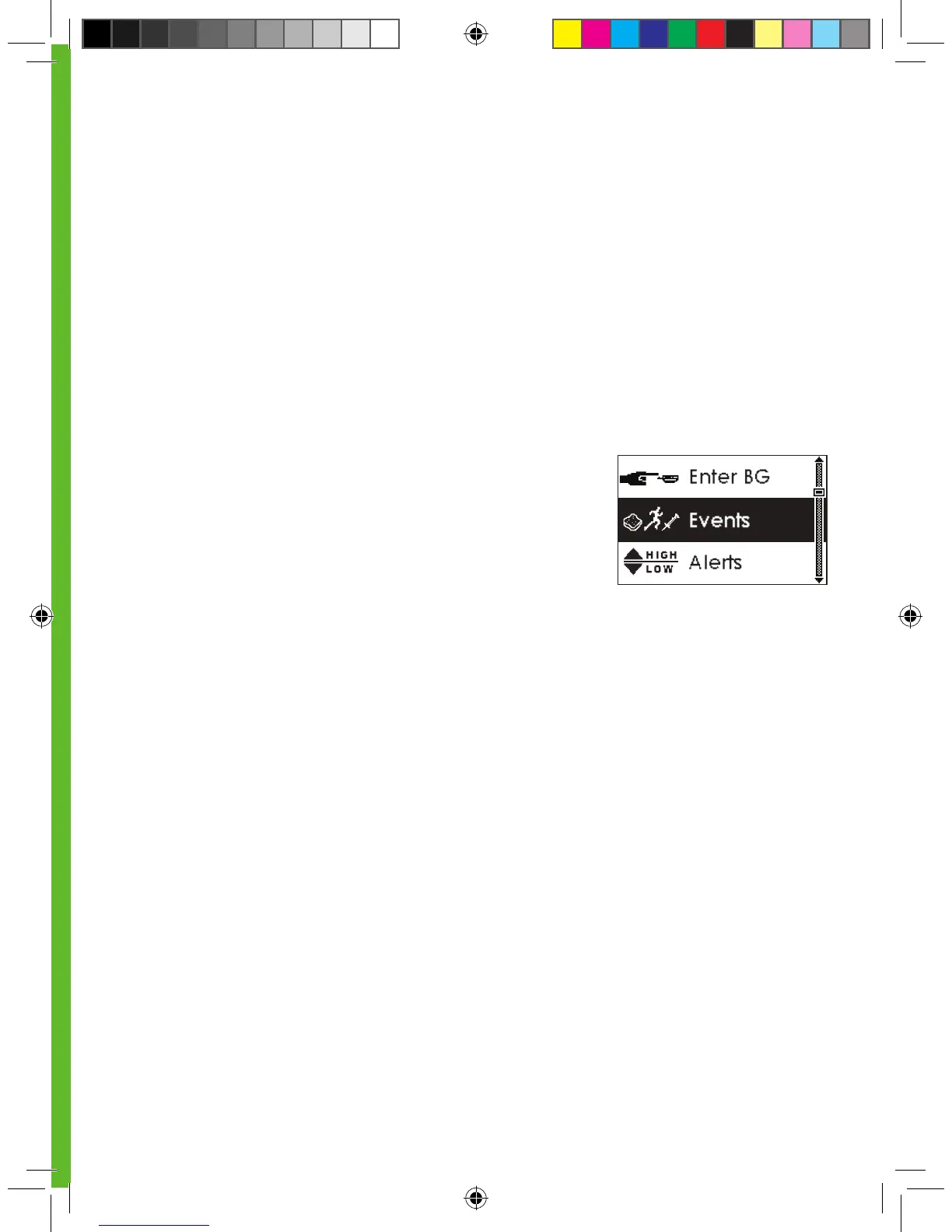
3. Use the Up p and Down q Arrow buttons to
scroll until you highlight “Events.” (see screen
shown to the right).
4. Press the OK button to go into the Events Menu.
5. Use the Up p and Down q Arrow buttons to
scroll through the different type of Events:
a. Carbohydrates b. Insulin c. Exercise d. Health
6. Highlight the event you want, and press the OK button to enter the Events option you want.
7. In the individual Events Menus, use Up p and Down q Arrow buttons to scroll through the
options you want to select (e.g., grams of carbohydrates, type of exercise), and press the OK
button to select the option.
8. At the time setting screens for each event:
•
You will see the current date and time. Press OK if you would like to use this time stamp.
•
If you would like to change this entry, use the Up p and Down q Arrow
buttons to highlight “edit”. Press OK.
a. Use the Up p and Down q Arrow buttons to scroll until you select the year you want.
Then press the OK button.
i. You can scroll by 1 digit at a time.
b. Use the Up p and Down q Arrow buttons to scroll until you select the month you want.
Then press the OK button.



 To Next Page