SEVEN PLUS User’s Guide | 93
8.1 SENSOR INSERTION TROUBLESHOOTING
Sensor Insertion Difculties
•
I am having trouble taking out the Safety Lock/Transmitter Key:
- Make sure to pull straight out using the arrows on the Safety Lock as a guide.
- Do not wiggle back and forth.
•
I am not able to pull the Collar up:
- Make sure the plunger is completely pressed down before pulling the collar up.
- When pulling the Collar up you should hear 2 clicks.
- Try using more force when pulling the collar up.
•
I am not able to remove the Applicator from the Sensor Pod:
- Pull the Collar all the way up. It should be very close to the top of
the Applicator.
- Make sure the Transmitter Latch is down before squeezing the
Release Tabs.
- Then squeeze the ribbed Release Tabs (on the side), and lift the
Applicator away from your body.
•
Removing the Transmitter Latch is difcult:
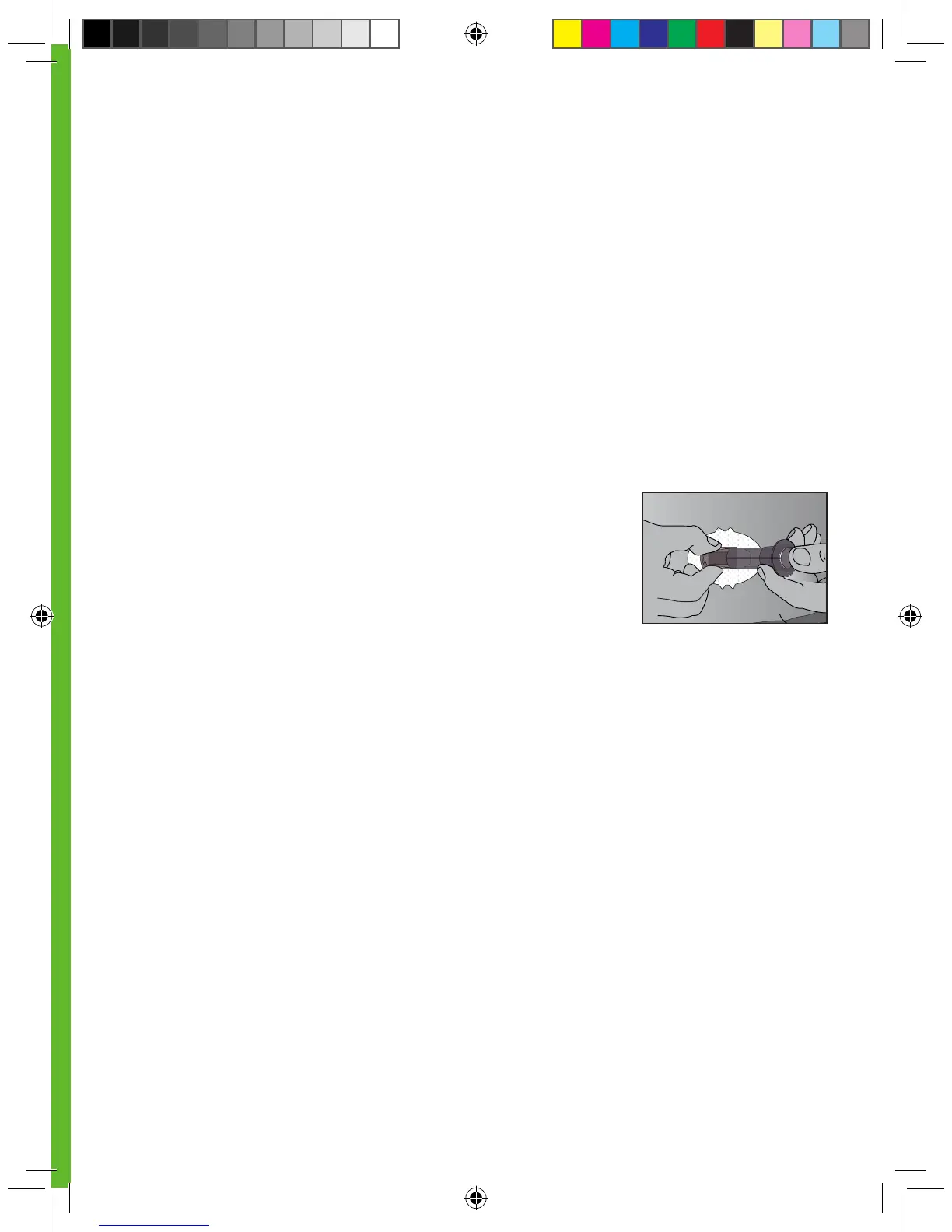
- Hold the Sensor Pod down with one hand and twist the Latch with
the other hand to remove it.
- Do not try to snap it straight off.
Sensor Pod is Not Sticking Long Enough
•
Do not use any cream or lotion on your skin where you attach the Sensor Pod.
•
Clean the skin and make sure it is completely dry before you attach the Sensor Pod. Do not leave
any substance on the skin where the Needle inserts.
•
You may use medical tape (such as Blenderm
TM
) over the white adhesive patch of the Sensor Pod,
but do not place the tape over the Transmitter or the plastic parts of the Sensor Pod.
Release the Applicator



 To Next Page