SEVEN PLUS User’s Guide | 63
4.3 CALIBRATION UPDATE
Calibration Update is required every 12 hours to make sure your Sensor readings remain
accurate or are close to your BG meter readings. You can enter any ngerstick readings you
take during Sensor wear. If you have not entered any ngerstick readings in the past 12 hours,
the Receiver will ask you for a ngerstick reading to update its calibration. The steps below
show you how to enter this calibration.
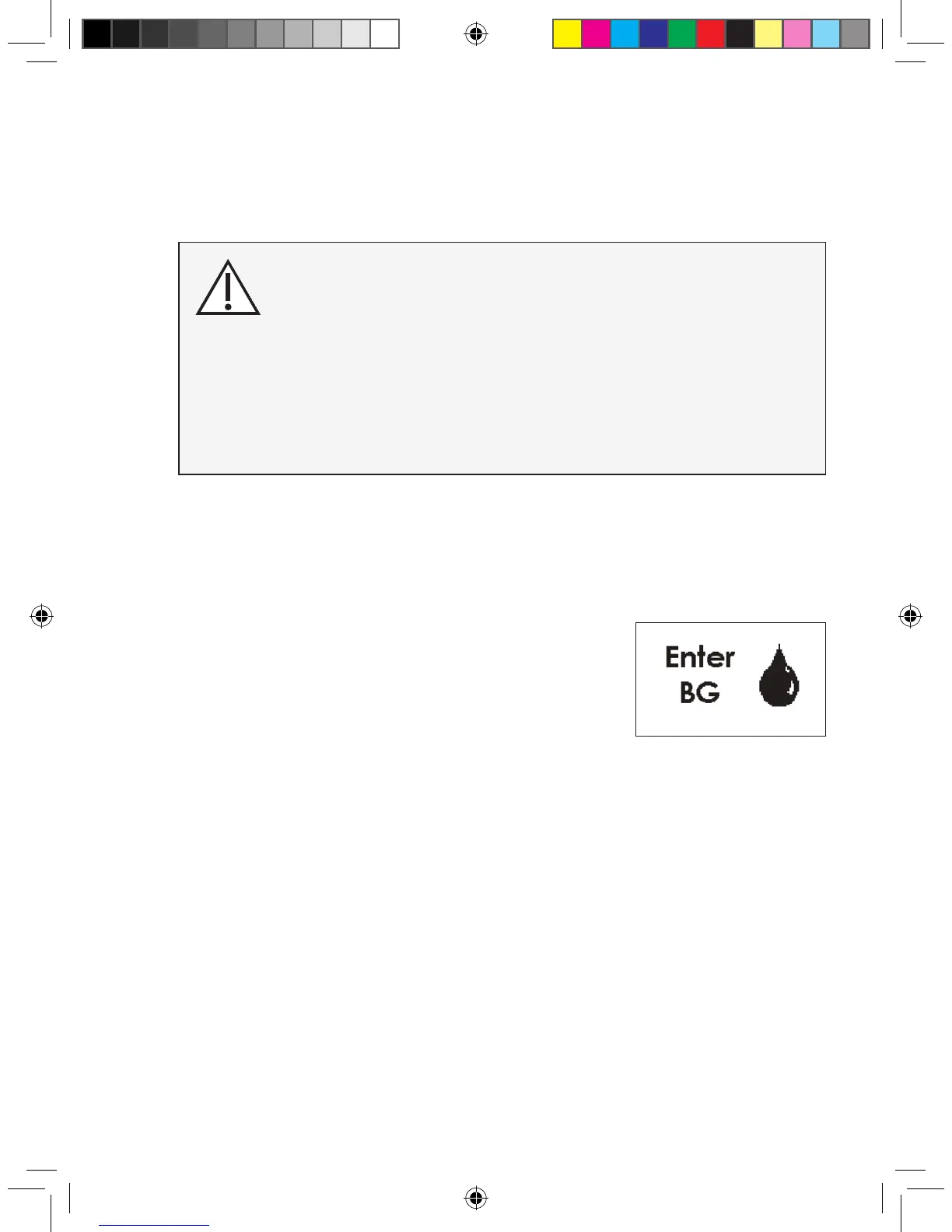
1. If you see the reminder symbol show to the right, clear this dis-
play by pressing any Receiver button. The Calibration Update
Screen will not go away until you press a button.
2. Take a ngerstick at this time. Enter this reading in the Receiver
to update calibration.
3. This screen will appear every 15 minutes until you enter a new ngerstick reading that is ac-
cepted for calibration (using OpenChoice or Auto Upload).
4. If this screen re-appears shortly after you have entered a new ngerstick
reading, review Chapter 5, Section 5.4, “Glucose Status.”
You must update SEVEN PLUS calibration every 12 hours at a
minimum. The performance of the System when calibrated
less frequently than every 12 hours has not been studied.
For OpenChoice Calibration you must enter the exact
ngerstick reading that your blood glucose meter displays.
Enter all ngerstick readings for calibration within 5 minutes.
Entering incorrect ngerstick readings or ngerstick readings that
occurred more than 5 minutes ago will affect device
performance.
Calibration Update
Screen



 To Next Page