SEVEN PLUS User’s Guide | 35
2.3 SETTING YOUR ALERTS
2.3.1 FACTORY ALERT SETTINGS
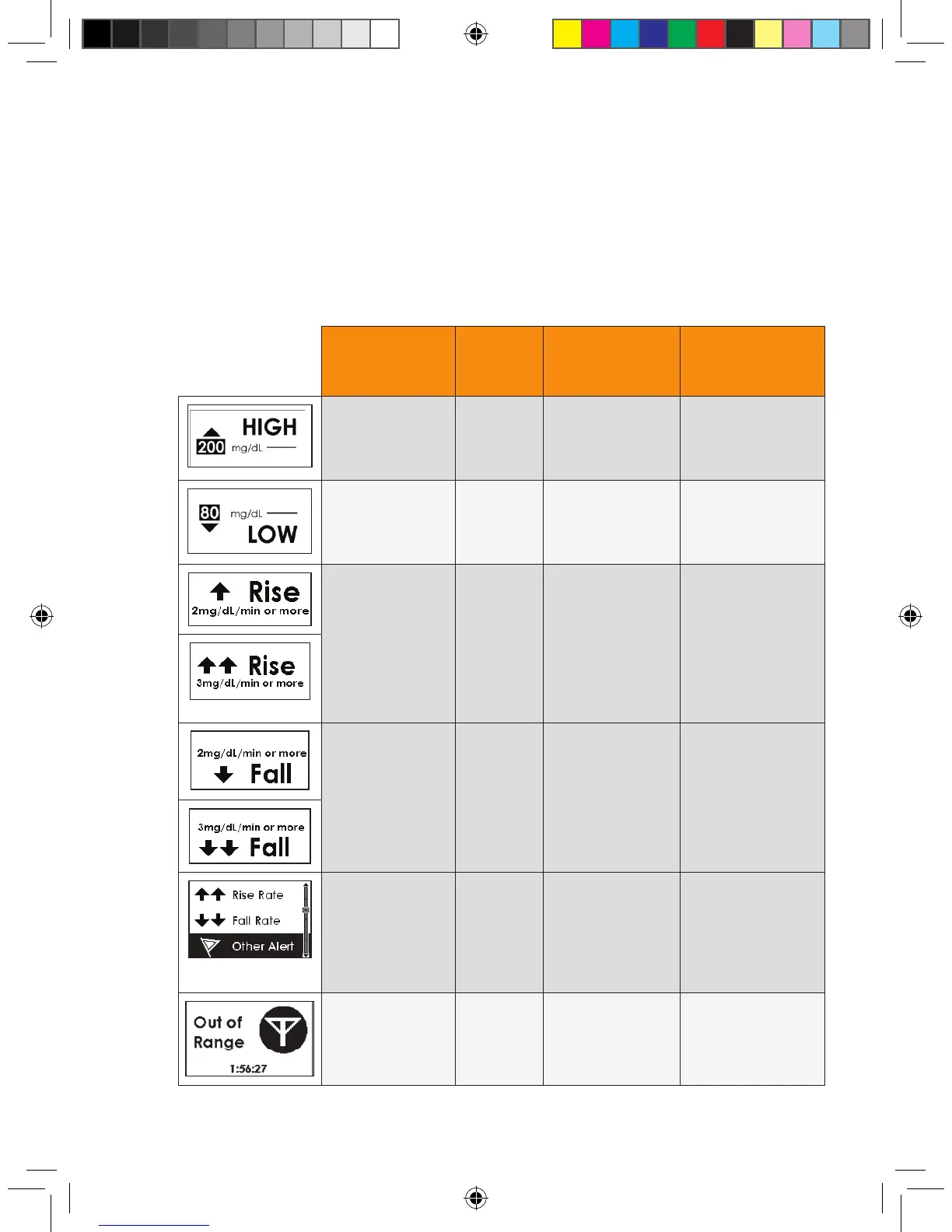
The SEVEN PLUS’ Alerts arrive from the factory with the following “default”
settings. These default Alert Settings are provided in the below table:
Alert Type Default
Settings
Default Prompt
Sound/
Vibrate
Default
Re-alert
Setting
High Alert 200
mg/dL
Vibe then Beep
(vibrate rst, then
2 high beeps and
vibrate)
None
(no re-alerts after
pressing button)
Low Alert 80 mg/dL Vibe then Beep
(vibrate rst, then
3 low beeps and
vibrate)
None
(no re-alerts after
pressing button)
Rise Alert Off Disable (None) None
(no re-alerts after
pressing button)
Fall Alert Off Disable (None) None
(no re-alerts after
pressing button)
Other Alert
(See Chapter
11, Appendix 1
for a detailed
list of all
“Other Alerts.”)
On Vibe then Beep
(Vibrate rst, then
medium beep tone)
Depends on the Alert
Type
(See Chapter 11,
Appendix 1).
Out of
Range Alert
Off Disable (none) Continues to
re-alert you until you
come back into range.



 To Next Page