SEVEN PLUS User’s Guide | 95
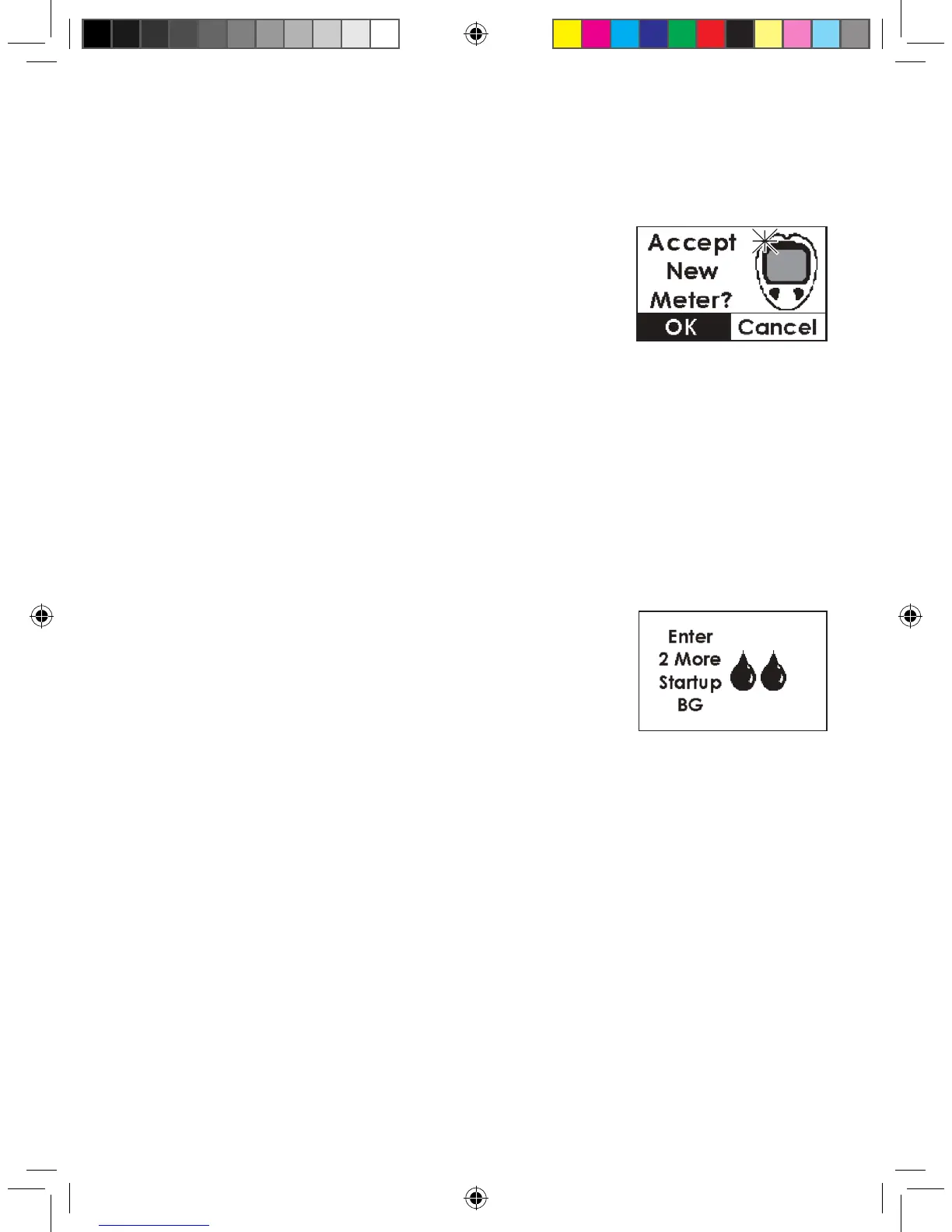
New Meter Screen
You will see this screen if you have connected a new/
different meter to your Receiver. Your Receiver
will vibrate.
1. You will be asked to register the meter with your System. See
Chapter 4, Section 4.1.2, “Using Auto Upload for Calibration”.
2. You will have to take 2 additional ngersticks and upload them.
8.2.2 BLOOD DROP PROMPTS
8.2.2.1 TYPES OF BLOOD DROP PROMPTS
This section describes the three blood drop symbols you will see. The next section (Section
8.2.2.2, “Status Box Symbols During Blood Drop Prompts”) describes what to do when you see
one of these symbols.
Repeat Double Blood Drop Prompt
If Start-Up calibration is not successful, the Receiver will continue
to display this screen until you correct the problem. Make sure you
have followed the instructions in Section 4.1.1, “Using OpenChoice
for Calibration” and the instructions for how to address the
Connection Failure Screen and New Meter Screen (if using Auto
Upload). If you have followed these steps and you still receive the
Double Blood Drop Prompt, then one of the following errors has
occurred:
•
Both ngerstick readings you took and entered for your rst calibration were outside of the
40-400 mg/dL range, or
•
The Receiver and Transmitter were not talking (Out of Range Symbol in Status Box) with each
other at the time you took the 2 ngersticks entered for calibration, or
•
The Receiver could not understand (“???” in Status Box) your Sensor signal at the time you
entered the ngerstick readings for calibration.
New Meter Screen
Double Blood Drop Prompt



 To Next Page