SEVEN PLUS User’s Guide | 39
2.3.4 SETTING OUT OF RANGE ALERT
The Out of Range Alert lets you know when the Transmitter and
Receiver are not talking. Typically, you should keep the Transmitter
and Receiver within 5 feet (1.5 meters) of each other.
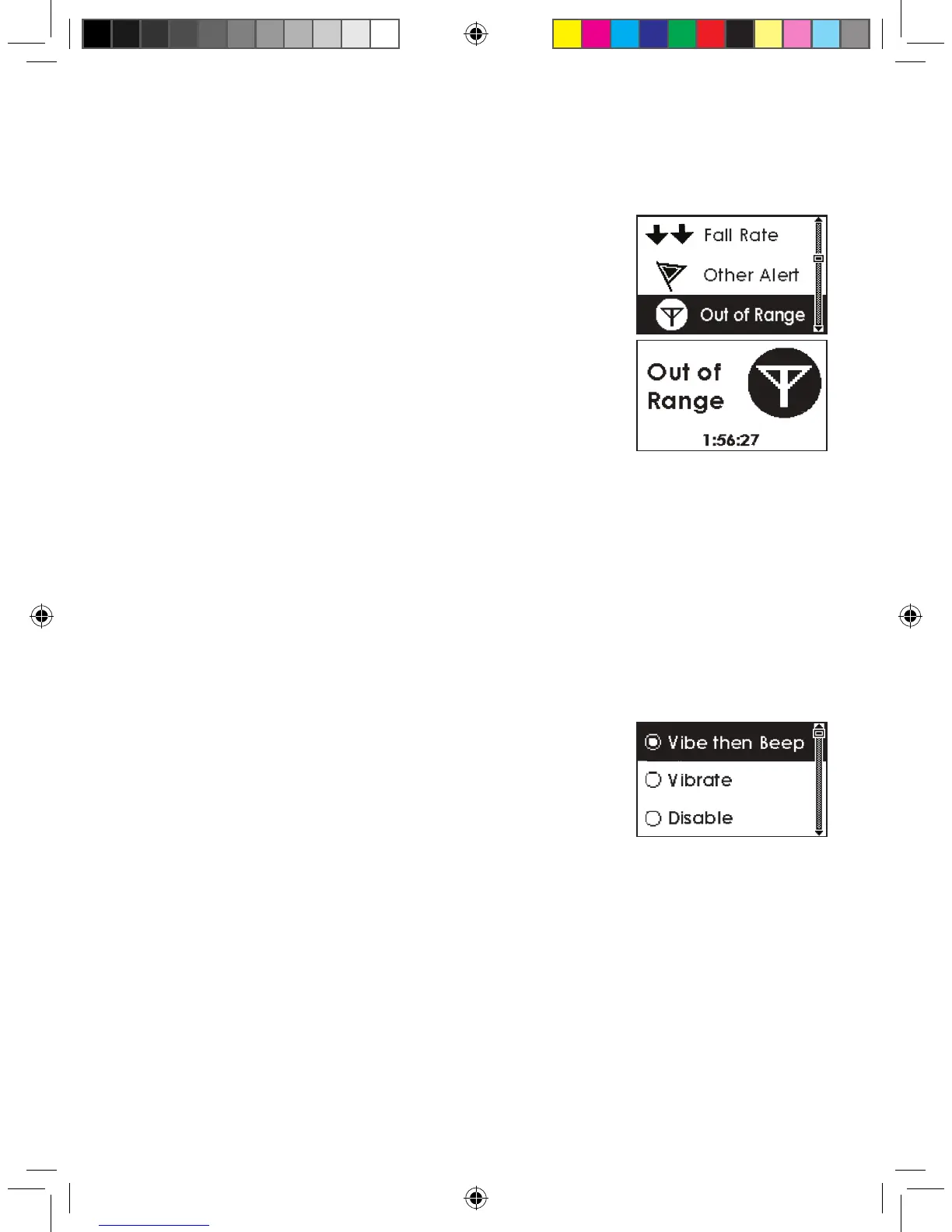
When the Transmitter and Receiver are too far apart and are
not talking, you will not receive Sensor glucose readings. When
this happens, the Out of Range Symbol will appear in the Status
Box on your Receiver and the screen to the right will appear. The
amount of time out of range will appear on the Out of Range Alert
screen.
The Out of Range Alert’s default setting is off (“Disable”). But, you can set the amount of time
the Transmitter can be out of range before the Receiver alerts you. You can change the settings
so the Alert will beep and vibrate, or vibrate only. You can set the Alert between 20 and 200
minutes. If you go out of range, the Receiver will continue to re-alert you until you come back in
range again or press a Receiver button.
The following steps show how to change the Out of Range Alert settings.
1. Select the Out of Range Alert as described in 2.3.1, “Factory Alert Settings.”
2. Use the Up p and Down q Arrow buttons to scroll to the type of Alert notication you want
to receive:
a. Vibrate then Beep (the rst alert will vibrate, then every 5
minutes the Alert will vibrate and beep)
i. The Out of Range sound is one medium tone
beep.
b. Vibrate (no sound, the Receiver will vibrate only)
c. Disable (to turn off this particular Alert notication)
3. Press the OK button to select the type of Alert notication you want.
a. If you select “Disable” you do not need to change any more settings.
b. If you select Vibe then Beep or Vibrate, you will then set the amount of time “Out of Range”
before the Receiver Alerts you. Continue using the Up p and Down q Arrow buttons to
scroll to the time you want and press the OK button to select it.
You will then return to the Trend Graphs.



 To Next Page