SEVEN PLUS User’s Guide | 61
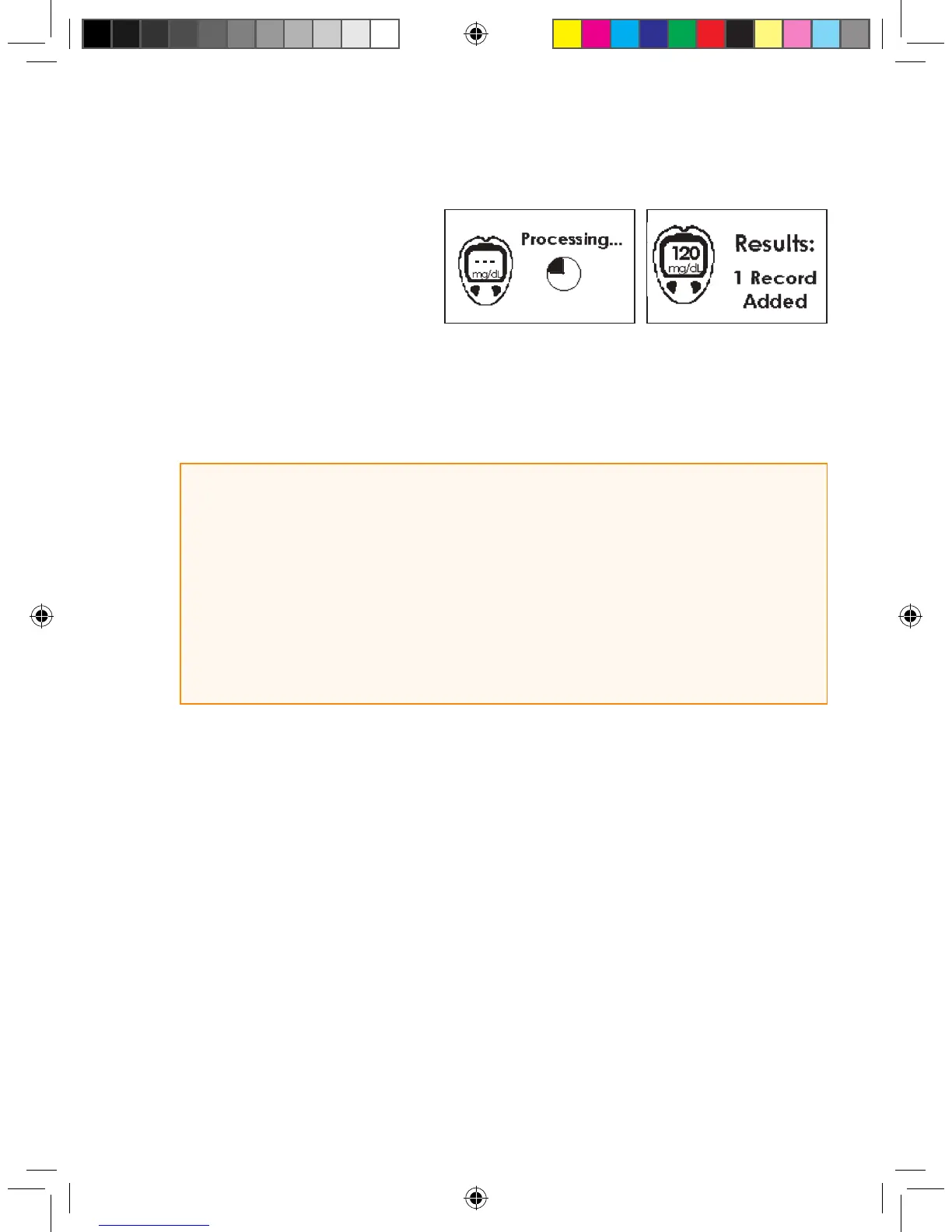
7. The processing screen will
appear, followed by the results
screen.
8. Once you see the Results Screen, then press the Push button on the Connection Cable to
disconnect the cable from the OneTouch Ultra Meter and the Receiver (the order that you
disconnect the cable does not matter).
9. After you are done, press the C button to return to the 3-Hour Trend Graph.
HELPFUL HINTS:
• Always check that the Receiver and meter date and time are the same.
• All ngerstick readings taken with your OneTouch Ultra meter might be used
for calibration. Do not share your blood glucose meter with other people.
• If you use more than 1 OneTouch Ultra meter during SEVEN PLUS use, any ngersticks you take
using the “non-registered” meter will not be used for calibration even if you attach this meter with the
connection cable. You will have to register the meter rst and then take ngerstick readings with the
new meter for Auto Upload calibration.



 To Next Page