DOBOT CR5 User Guide 5 Function Description of Software
Issue V3.5.3.1 (2020-05-09) User Guide Copyright © Yuejiang Technology Co., Ltd
46
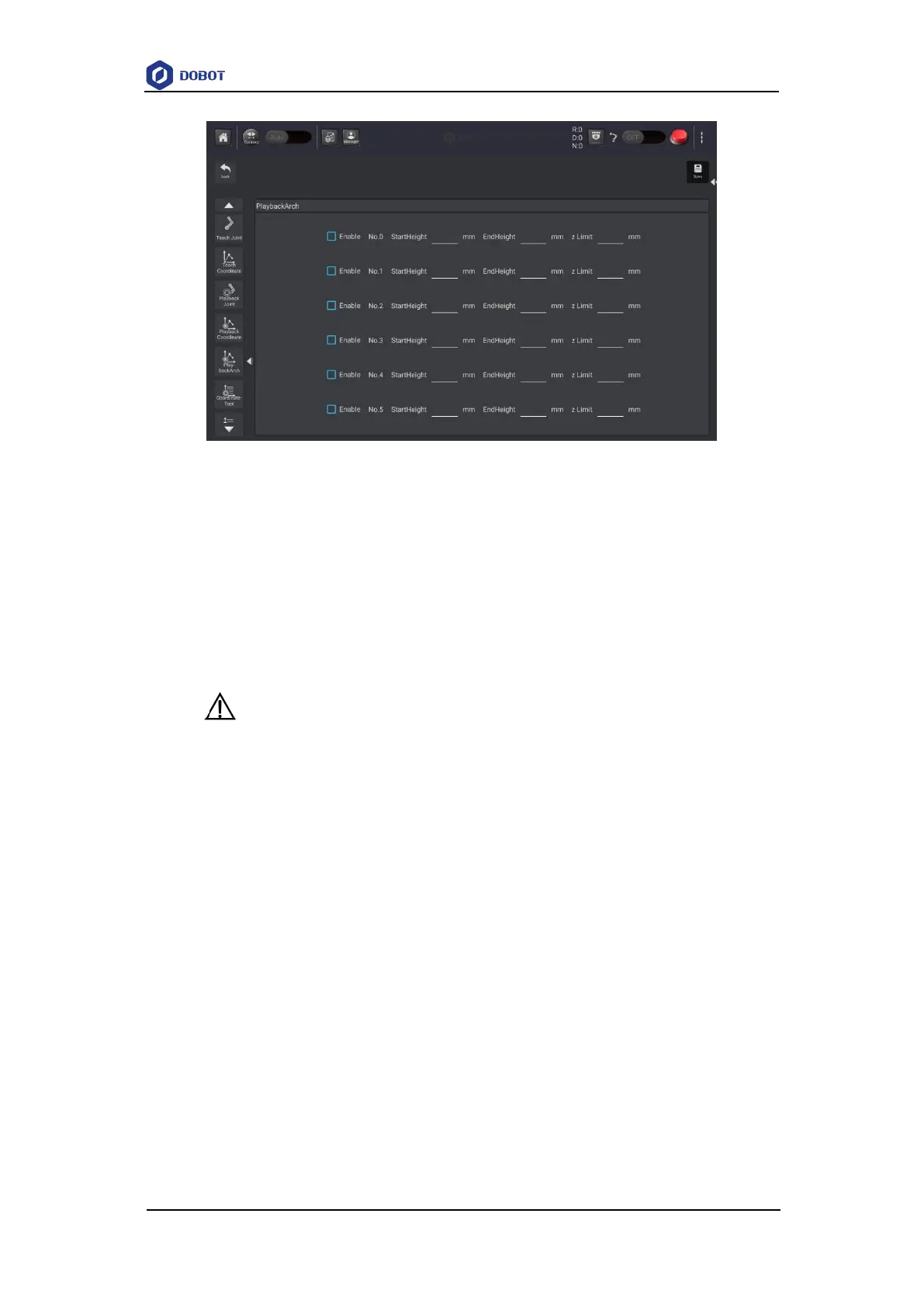
Figure 5.6 Jump parameters
5.1.1.3 Setting User Coordinate System
When the position of workpiece is changed or a robot program needs to be reused in multiple
processing systems of the same type, you can create coordinate systems on the workpiece to simplify
programming. There are totally 10 groups of User coordinate systems, of which the first one is
defined as the Base coordinate system by default and cannot be changed. And the others can be
customized by users.
NOTICE
When creating a User coordinate system, please make sure that the reference coordinate
system is the Base coordinate system.
Point: move TCP to any point A to create origin, and create user coordinate system
according to the default tool coordinate system As shown in Figure 5.7.



 To Next Page