E Operation Omega 2
1
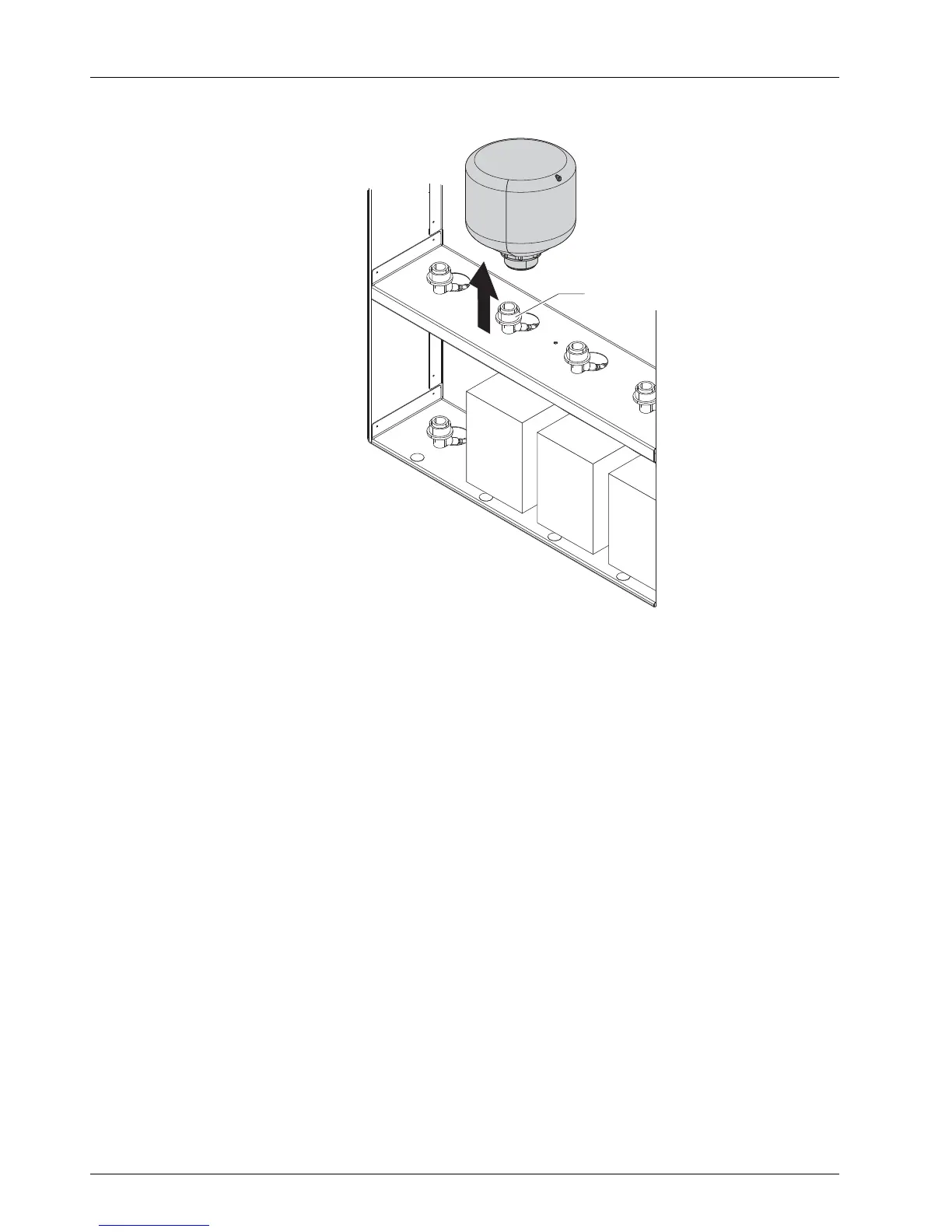
Fig. 11 Removing refill tank from the loading compartment
1. To remove the old refill tank: Re move connecting piec e of the refill tank
by pulling back the coupling (1) from the quick conne ctor.
2. Remov e refill tank from the loading compartment.
3. Prepare new refill tank for the desire
dcolor(Y,M,C,K,lightcolorssuch
as Lc and Lm or white and spot color).
4. Fit conn ecting pie ce of the refill tank onto the q uick connector by pulling
back the coupling.
5. Release coupling. Ensure that the coupling is properly engaged on the
quick connector.
6. Wait approx. 10 seconds un
til the majority of the ink has run into the
internal intermediate t
ank.
32 / 9 1 2004 – 2014 © Durst Ph ototechnik AG – www.d urst-online .com , Omega 2, Issued 0 7/20 14



 To Next Page