Introduction WINAQMS MINI DAS User manual 1.0
2
WinAQMS Mini DAS SECURITY
WinAQMS Mini DAS can be used to restrict access of certain users by setting
usernames and passwords (see “Security” in section 4.8). The default user access level
is 70 (full access) and the username and password for WinAQMS Mini DAS is:
Username: WinAQMS Mini DAS
Password: ecotech
1.2 Software Protection Device
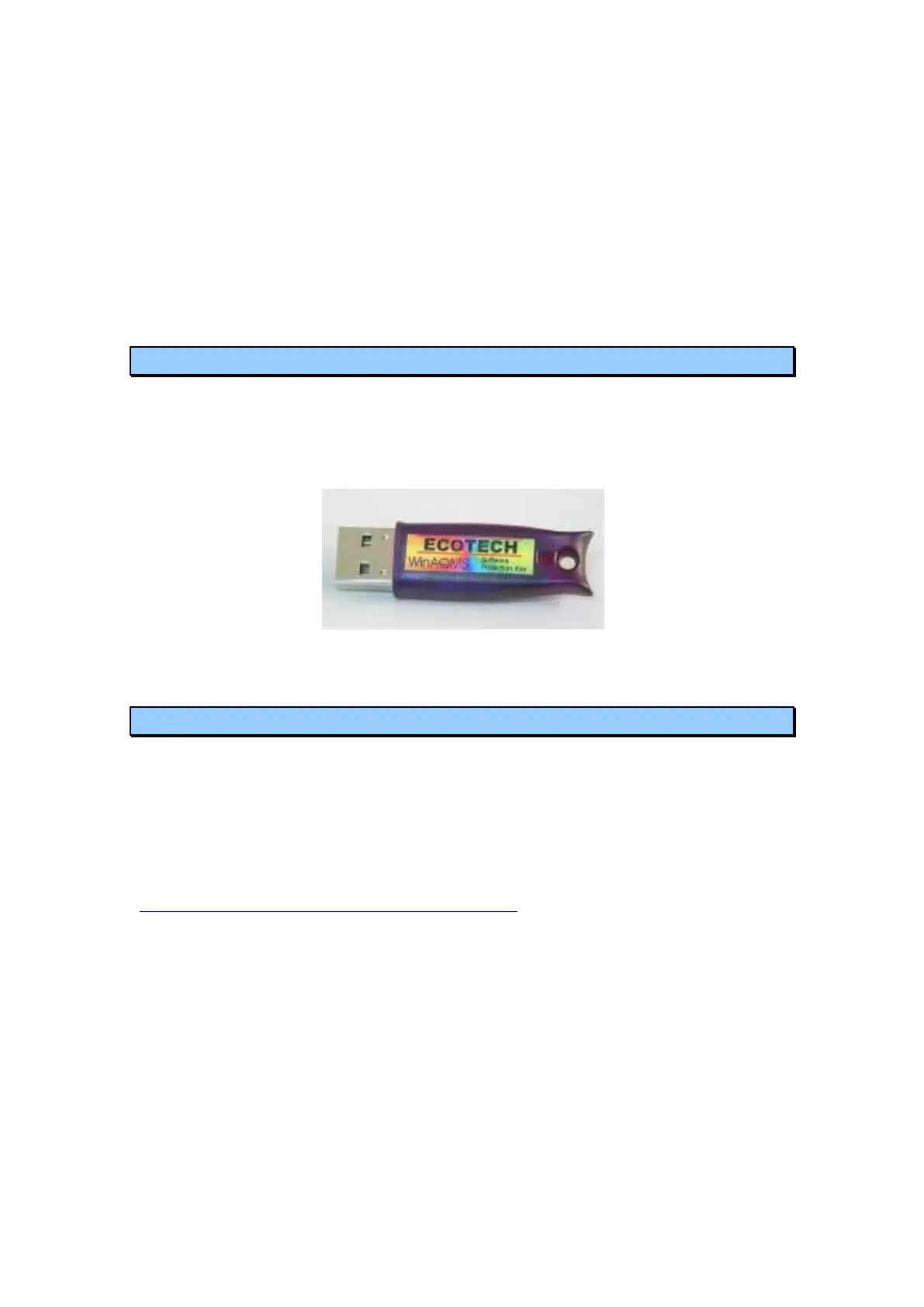
WinAQMS Mini DAS also comes with a software protection device (or “dongle”)
which plugs into a USB port (or a parallel port on older loggers) on the DAS. The
dongle must be plugged in to the USB (or parallel) port for the software to function
correctly. If the user has a WinCollect dongle it can be used to run WinAQMS Mini
DAS Client software.
Figure 2: WinAQMS Mini DAS USB dongle
1.3 About This Manual
This manual is intended to serve as a guide to the most used features of WinAQMS
Mini DAS. We strongly recommend that you read this manual before using
WinAQMS Mini DAS to gain an understanding of its capabilities and operation.
As we are always trying to improve our products we welcome any feedback that you
might have with respect to this software. If you find any omissions or any errors in
this manual or with the software please email us at
WinAQMS Mini DAS.Feedback@ecotech.com.au
Throughout this manual there will be words printed in italicized text. These words
refer to parts of the WinAQMS Mini DAS software, such as menu items and field
names.



 To Next Page