WinAQMS Mini DAS User manual 1.0 Edit Menu
53
Colour: This field allows the colour of the magnitude markers to be
selected.
Show Sector
Markers: This will split the wind rose into sectors like a pie graph.
Sector Marker
Colour: This field allows the colour of the sector markers to be selected.
Magnitude Marker
Interval: This is the spacing between successive magnitude markers.
Sector Marker
Interval: This is the spacing of the sector markers (in degrees).
Display Scheme: This field will load the settings of a particular scheme the user
has defined previously
5.8 Sizeable Font Data Value
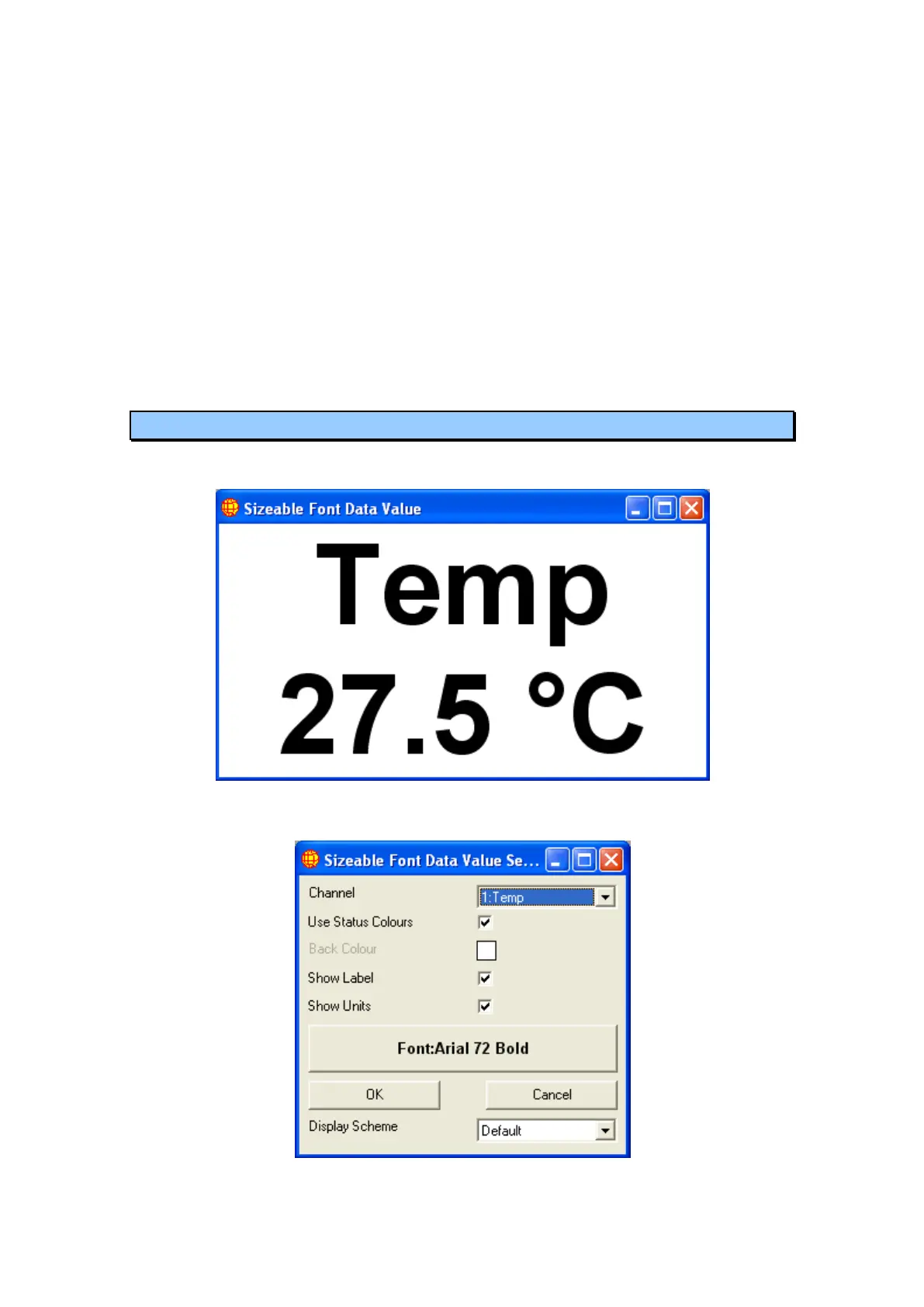
The sizeable font data value displays a single channels data value with user specified
font settings.
Figure 61 Sizeable Font Data Value Window
Double clicking on the window will open the settings window.
Figure 62 Font size Settings Window



 To Next Page