Edit Menu WinAQMS Mini DAS User manual 1.0
36
Figure 38 Saving settings to a Display
Scheme
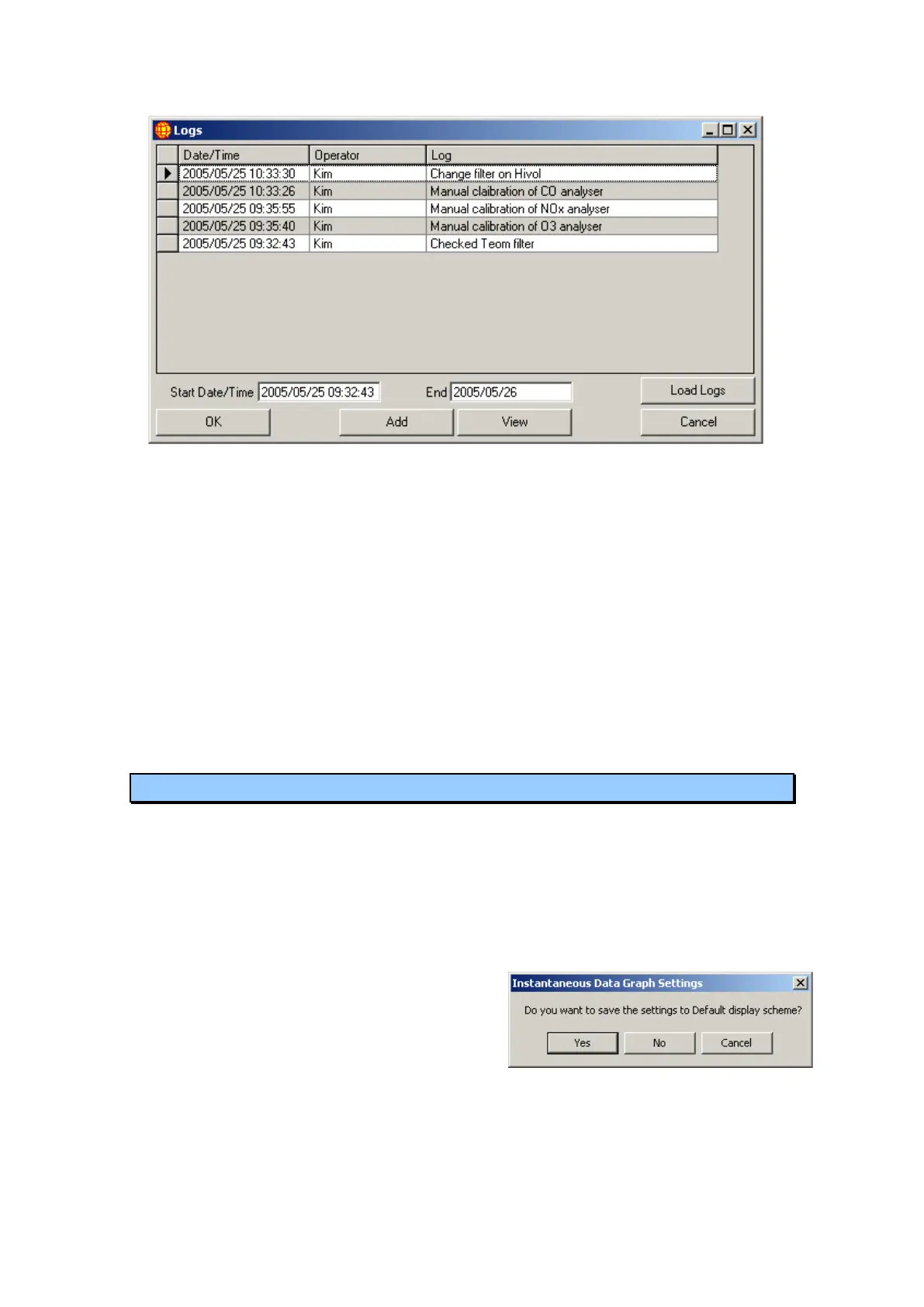
Figure 37 Logs main screen
Start date time: Time from which logs are to be collected from. Default
is start of the 10 latest logs, this can be altered to
include more older logs by changing the start date
time.
End date time: Date up to which logs will be included. Default is the
following day to ensure most recent logs are included.
Ok : Confirm log entries, must be pressed for any entries to
be confirmed and saved.
Load Log: Loads all logs from within the time specified in the
start and end date/time.
Cancel: Leave the window without saving changes
4.6 Display Schemes
Display schemes in WinAQMS Mini DAS save settings for the Instantaneous Data,
Instantaneous Graph, Instantaneous Wind Speed and Direction, Historical Data and
Historical Graph windows. A display scheme will remember your settings for each of
these windows. For example, the Default scheme will remember which channels you
have selected in the Instantaneous Data and Instantaneous Wind Speed and Direction
windows, the colours you have selected for the channels plotted in the Instantaneous
and Historical Graphs and all other settings you have chosen.
When you make a change to any of the
settings for these windows and close the
window a dialog box will appear as shown in
Figure 38. If you want to save the changes
made to the window then choose Yes. If you
do not want to save the changes to the
window then choose No. If you do not want
to save the changes to the window and want
the window to remain open so you can make more changes then choose Cancel.



 To Next Page