Edit Menu WinAQMS Mini DAS User manual 1.0
50
Instantaneous Graph Settings
Access this through the Graph Settings button on the Instantaneous Data Graph
window. Settings for the Instantaneous Graph are the same as for the Historical
Graph except that the Report list box is replaced with a Graph Time Frame and a
Graph Redraw Period (Refer to Section 2.10.1, Historical Graph Settings for
explanation of the other options.)
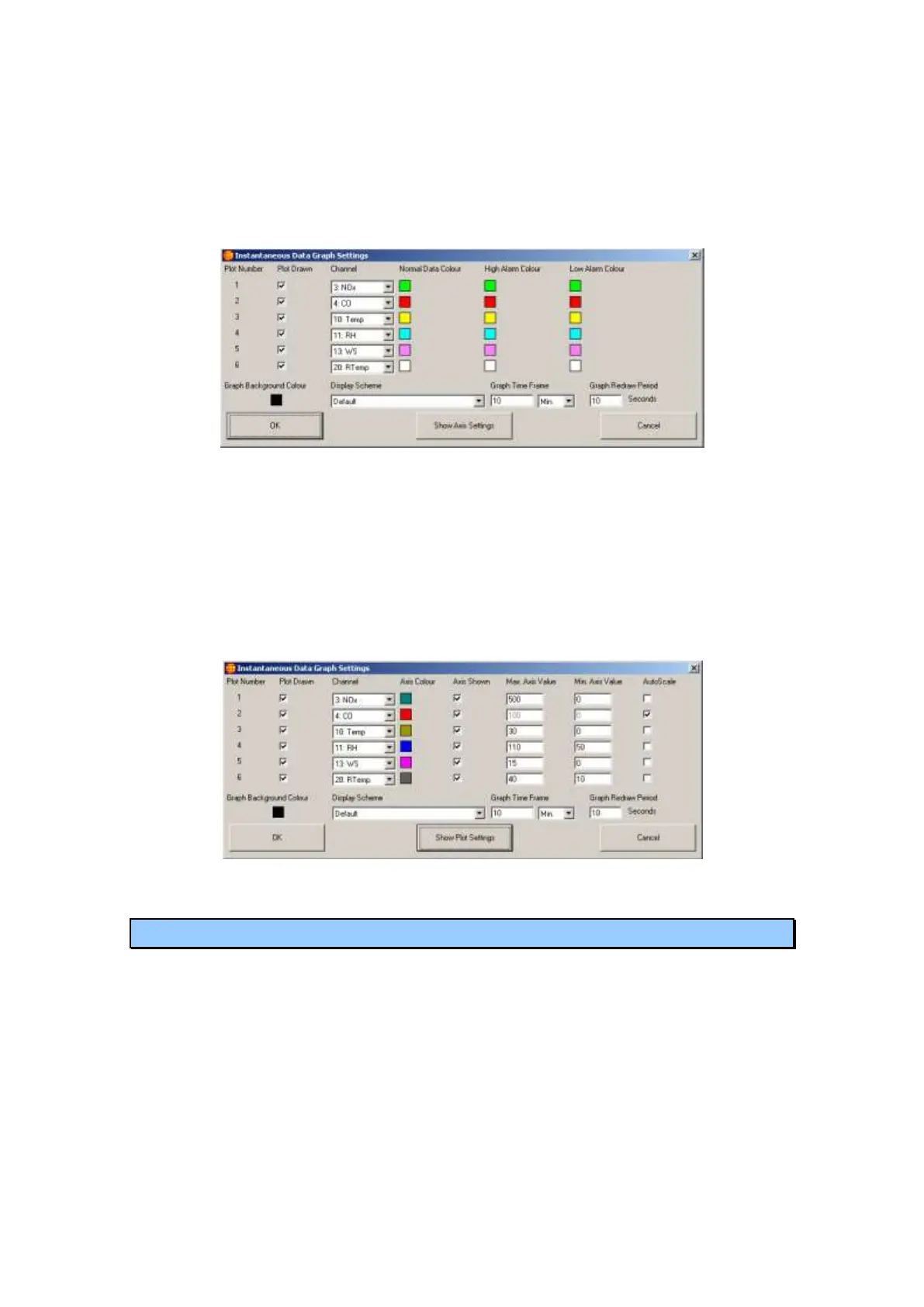
Figure 57 Instantaneous Graph Settings with Plot Settings
Graph Time Frame, sets the length of time that the graph will retain data for. If
the Graph Time Frame is set to 10 minutes then all displayed plots will show data
for the last ten minutes.
Graph Redraw Period, sets the interval at which the graph redraws. The data from
the analysers will continue to be stored by the graph but will not be displayed until
the graph redraw period is up. Clicking on the graph or using the keyboard to
display the white line will also cause the graph to redraw itself.
Figure 58 Instantaneous Graph Settings with Axis Settings
5.7 Instantaneous Wind Speed/Direction
The Wind Speed and Direction window displays the wind speed and direction data in
graphical form. The data points can be positioned either towards or away from the
wind source and will be positioned according to the magnitude of data. If the data
value goes over the high alarm value or under the low alarm value for the channel the
data points can be set to change colour when this occurs. Data is displayed as a dot,
cross, plain line or one with an arrow head. These data points, along with the rest of
the graph, can be customised within the settings menu (see below).



 To Next Page