Edit Menu WinAQMS Mini DAS User manual 1.0
28
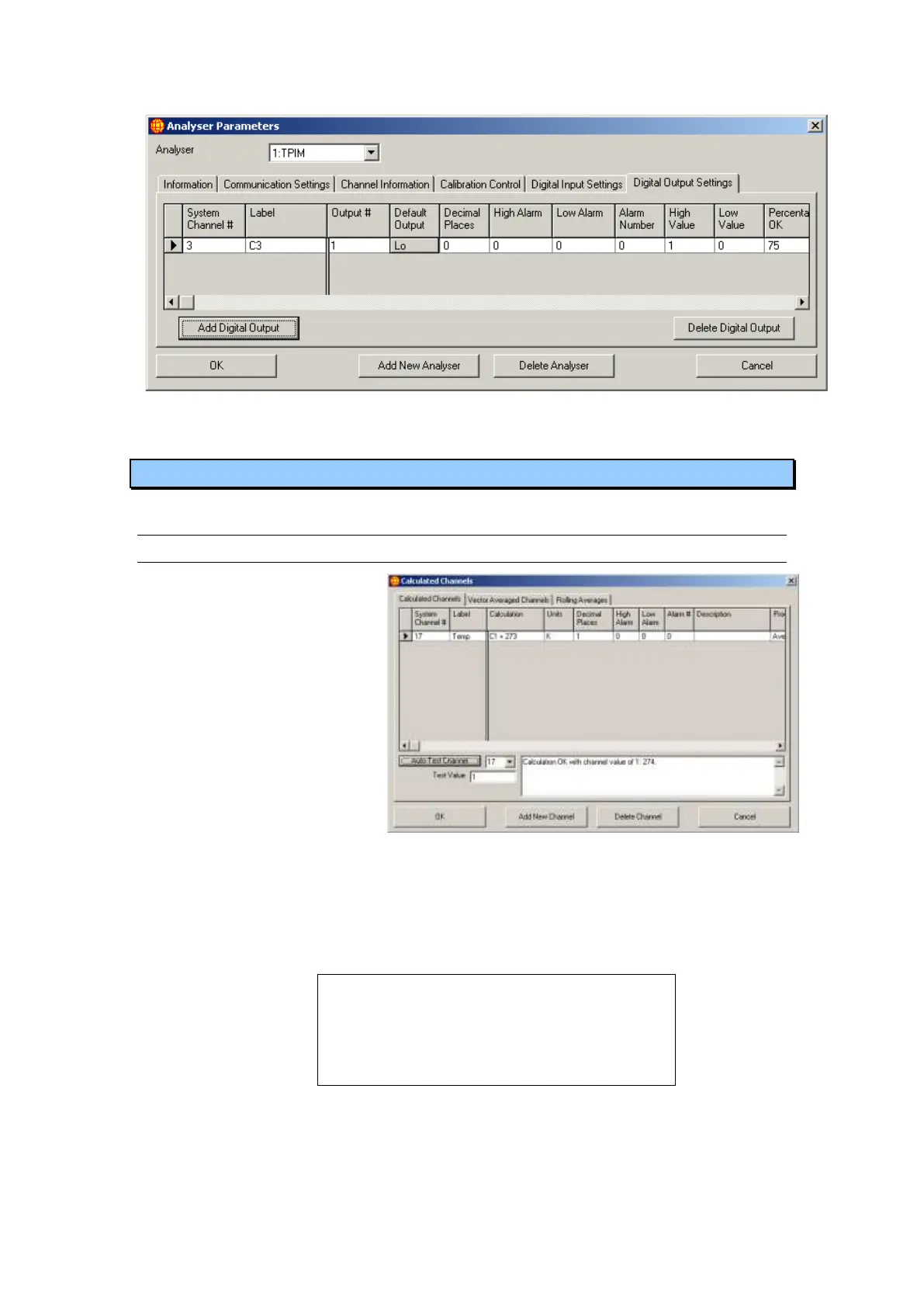
Figure 28 Digital Output Settings in Analyser Parameters
4.3 Calculated Channels
4.3.1 Calculated Channels
The Calculated Channels tab
on the Calculated Channels
window allows you to create
new channels that perform
scalar calculations on the
data in existing channels.
All the fields in the
Calculated Channels tab
have the same function as in
the Channel Information tab
of the Analyser Parameters
window, except for the
Calculation field. This field
is where you enter the calculation you want the channel to perform. The calculation
refers to system channels with the text CX, where X is the system channel number. In
Figure 29, for example, a calculated channel determines the temperature in Kelvin
using the calculation <C1 + 273>, where channel 1 contains the temperature data in
degrees Celsius. The Process field works on the data after the calculation has finished.
Note: If a source channel is using a maximum,
minimum, standard deviation or total process the
calculated channel will use the instantaneous
data values for those channels not the maximum,
minimum, standard deviation or total for the
average period.
Below the table of calculated channels is a dropdown list box and a button. The
dropdown list will show all the calculated channels and clicking on the Auto-Test
Channel button will run the calculation for the channel in the dropdown list box with
the channel value entered in the Test Value box. Each occurrence of a channel, CX,
Figure 29 Calculated Channels



 To Next Page