WinAQMS Mini DAS User manual 1.0 Appendix
63
A
A
A
p
p
p
p
p
p
e
e
e
n
n
n
d
d
d
i
i
i
x
x
x
A
A
A
–
–
–
C
C
C
o
o
o
n
n
n
f
f
f
i
i
i
g
g
g
u
u
u
r
r
r
i
i
i
n
n
n
g
g
g
W
W
W
i
i
i
n
n
n
A
A
A
Q
Q
Q
M
M
M
S
S
S
M
M
M
i
i
i
n
n
n
i
i
i
D
D
D
A
A
A
S
S
S
E
E
E
x
x
x
a
a
a
m
m
m
p
p
p
l
l
l
e
e
e
In the example in this manual you will be shown how to configure WinAQMS Mini
DAS using the basic database which is included on the WinAQMS Mini DAS CD and
then to add analysers and channels to build up a more complex system. It is
recommended that you read section 3-6 of this manual to become familiar with the
layout and capabilities of WinAQMS Mini DAS before going through this example.
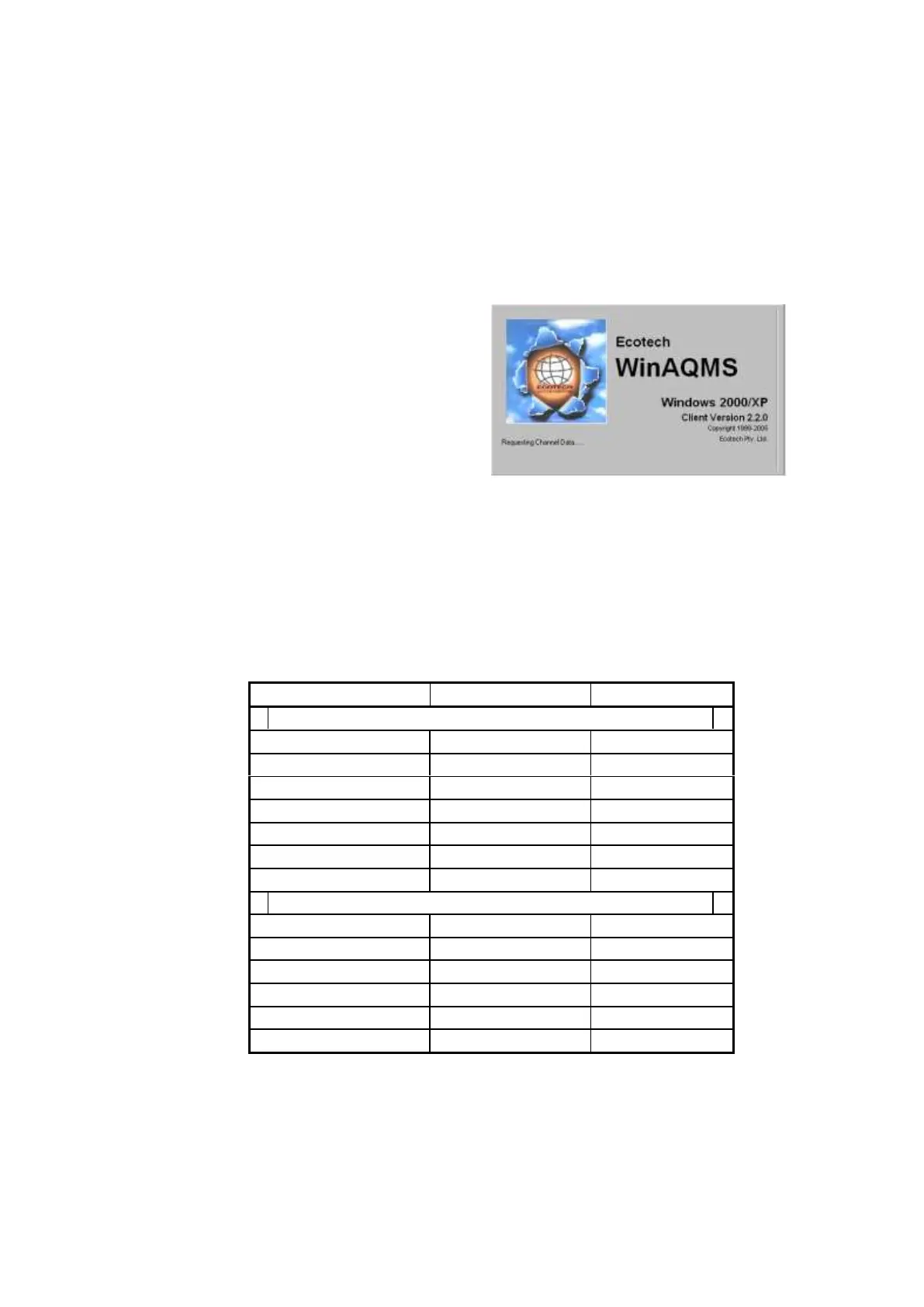
Start WinAQMS Mini DAS by going to the
Start menu and clicking on the Start button,
select Programs (All Programs for Microsoft
Windows XP), move to the WinAQMS Mini
DAS Client icon and select WinAQMS Mini
DAS Client. WinAQMS Mini DAS will
load and display the screen shown below,
then goes to the main WinAQMS Mini DAS
screen.
Figure 74 WinAQMS Mini DAS Loading
The basic database that comes with WinAQMS Mini DAS has two channels. They are
a temperature channel and a Carbon Monoxide channel. The temperature sensor is a
basic device connected to an Ecotech Termination Panel (TP). The Carbon Monoxide
channel data is supplied by a Ecotech EC9830 analyser.
On the menu bar select Edit and then Analyser Parameters. The two analysers should
have settings matching those in Table 4.
Table 4: Initial Analyser Settings



 To Next Page