Edit Menu WinAQMS Mini DAS User manual 1.0
34
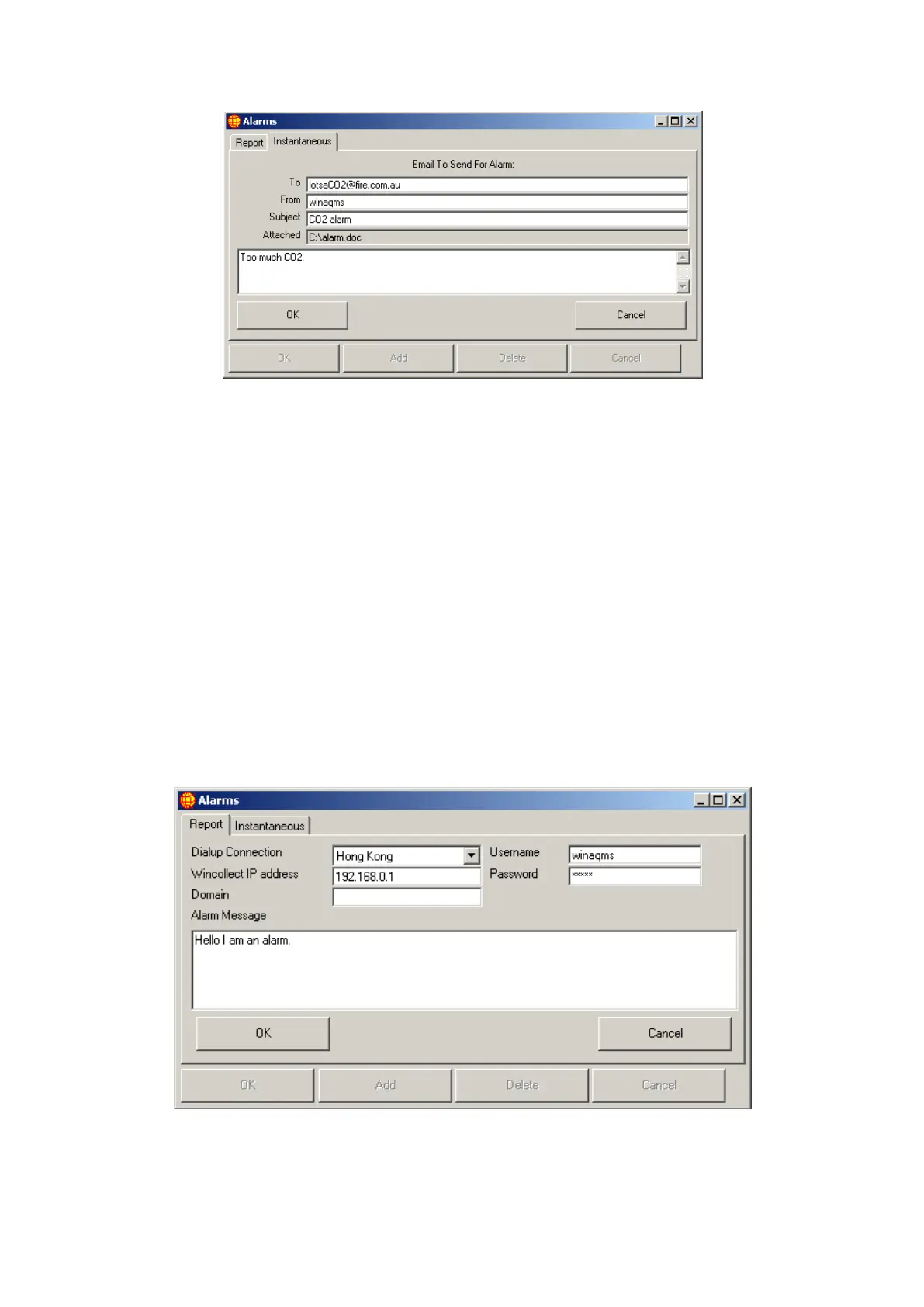
Figure 34 Alarm Email Details
The To field is the email address that the alarm email should be
sent to. From is where the email will say it is from.
Subject is the subject of the email message.
Attached is the path and name of any files that are to be attached to
the alarm email message. (This should be a comma delimited list of
valid paths and filenames on the logger.)
The large open text box is for the text of the email message.
o Send Alarm: When an alarm condition is met and the Send Email option is set,
WinAQMS Mini DAS will send an email using the SMTP server that has been
set in the SMTP Server field in System Parameters (Section 4.1). The email
will automatically include an additional short text message describing what
alarm has been triggered and when it happened in addition to the text in the
box (which will follow the message).
o The Alarm Details View/Set button will open up a window similar to the one
shown below.
Figure 35 Wincollect Alarm
The Dialup Connection dropdown list is a list of all the dialup
connections on the DAS. If the DAS is not connected to the



 To Next Page