WinAQMS Mini DAS User manual 1.0 General Information
13
HELP MENU
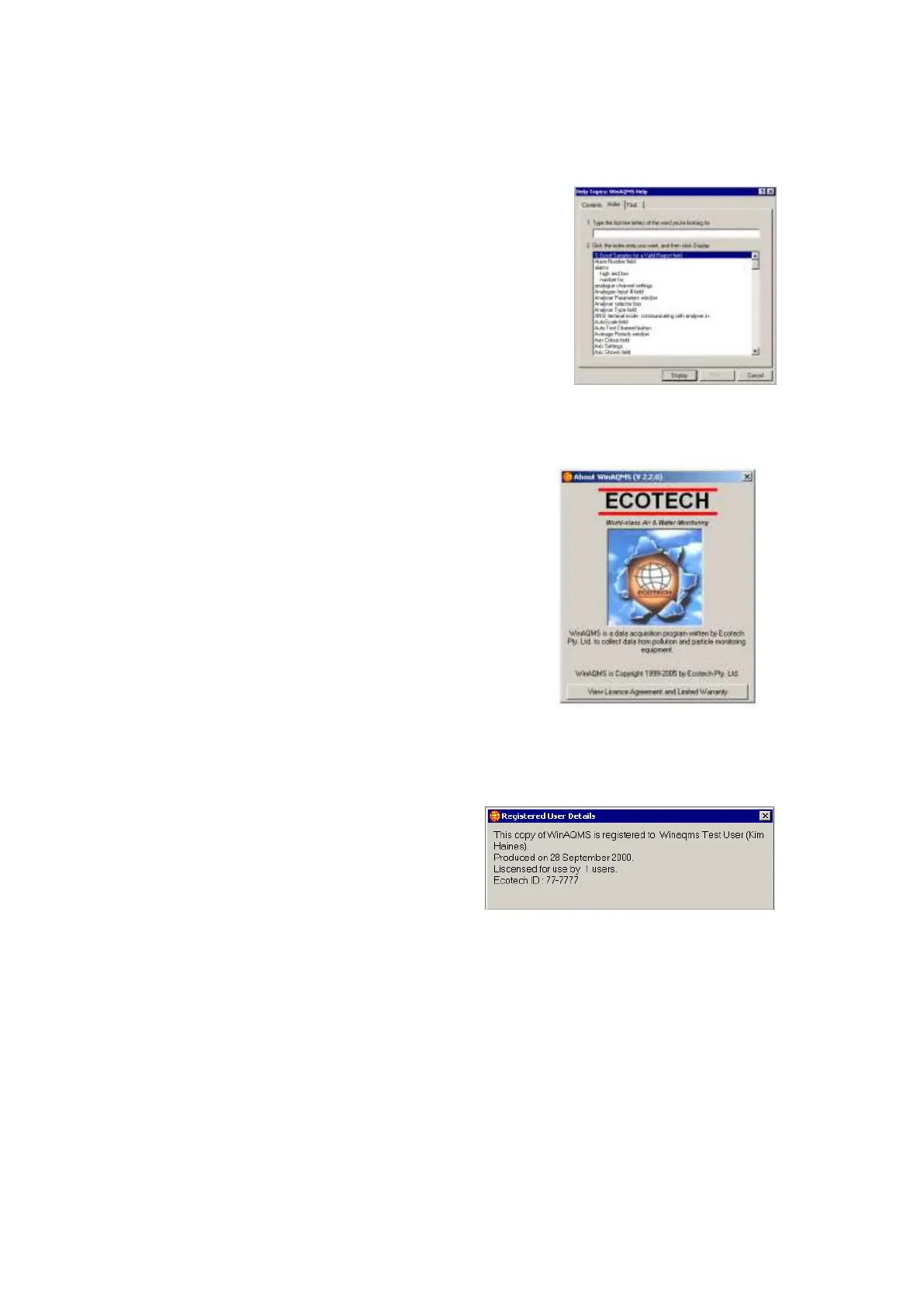
The Help menu contains three help menu
items Contents, Index and Introduction to
WinAQMS Mini DAS all access the online
help file (Figure 17). Contents can be used to
get help on topics; Index can search the help
file for specific words and Introduction to
WinAQMS Mini DAS goes through an online
version of the example in this manual.
Figure 17 Help index.
The Help, About WinAQMS Mini DAS window
shows important legal information concerning
the licence agreement and warranty of
WinAQMS Mini DAS and also shows the
version number of WinAQMS Mini DAS that
is running (Figure 18).
Figure 18 About WinAQMS Mini DAS.
Registered Users shows information
about who WinAQMS Mini DAS is
registered to, the date of production, how
many users are allowed to use the
software at the same time and the
Ecotech Identification number for the
software (Figure 19).
Figure 19 Registered User Details



 To Next Page