WinAQMS Mini DAS User manual 1.0 Edit Menu
39
and Server. This option requires digital certificates that
have been issued by Ecotech Pty. Ltd.
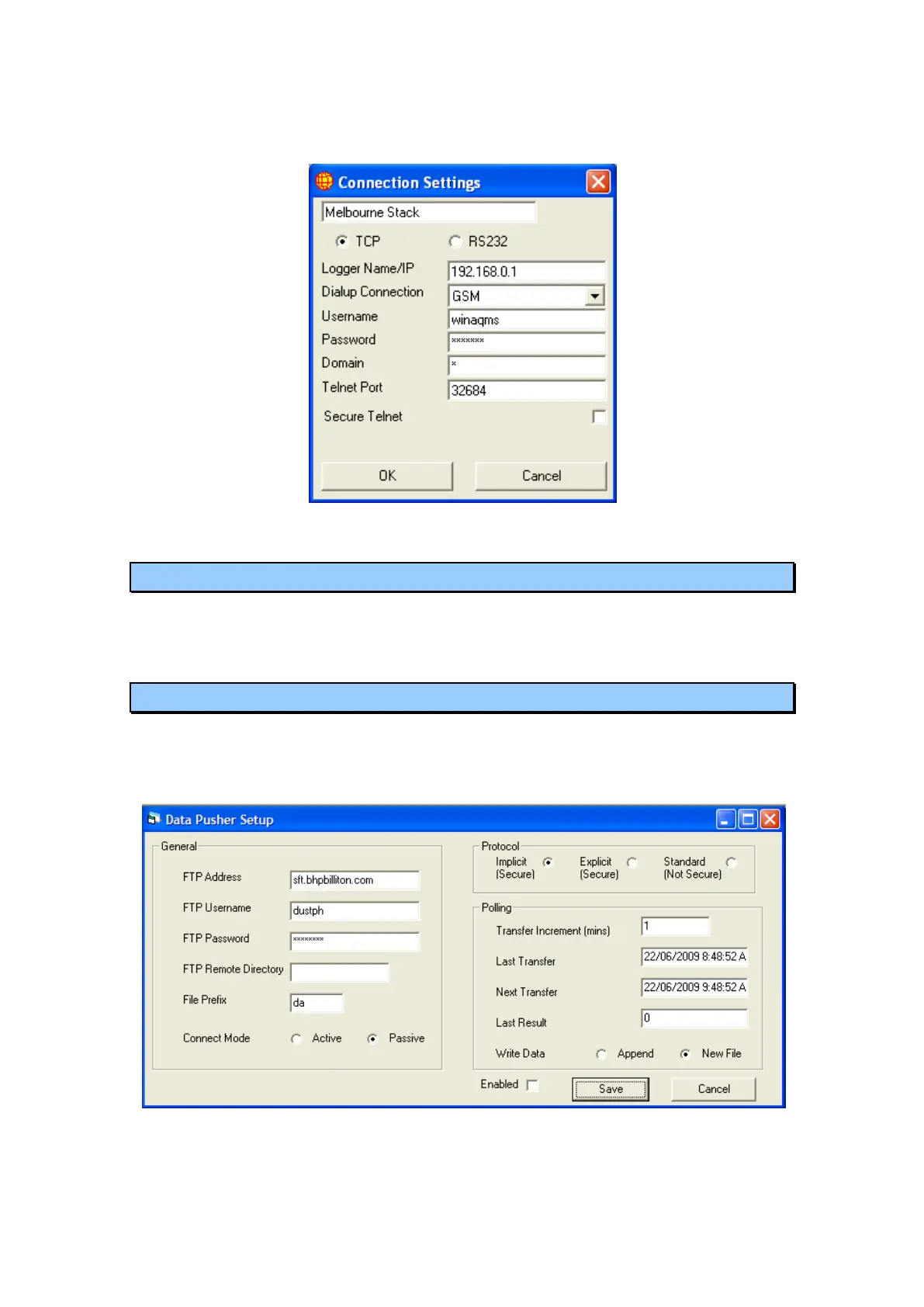
Figure 42 TCP/IP Connection Settings
4.8 Security
The Security menu item is used to login, change passwords, add users and change
security levels (see the section “Security” on page 14).
4.9 Data Pusher
The Data Pusher is used to upload data to an FTP site without the need for a request.
The Data Pusher requests data from the Data Server for a defined time period and
automatically uploads the data file to the selected FTP site.
Figure 43 Data Pusher screen
General



 To Next Page