WinAQMS Mini DAS User manual 1.0 Edit Menu
31
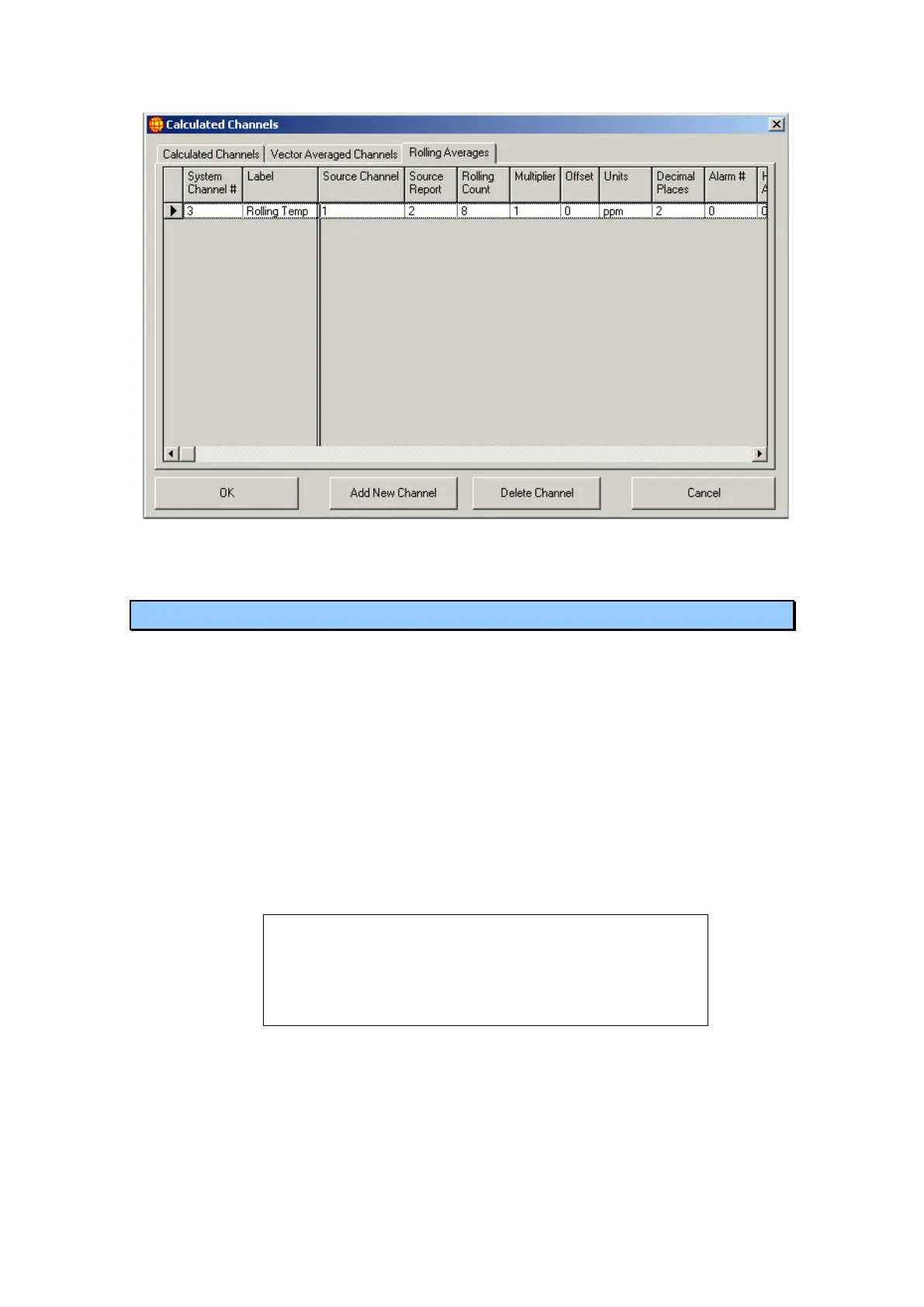
Figure 31 Rolling Average Channels in Calculated Channels
4.4 Report Settings
The Report Settings menu allows you to change the reporting period of any of the four
reports which WinAQMS Mini DAS supports as well as setting whether reports are
written out to a serial port or to an alternative data file.
o Period can be altered with the up and down arrows used to increase or
decrease the report period value.
o Units this field indicates the units of time associated with the period filled in
above. The time unit can be minutes, hours or days.
o File: this check box determines whether the averages for all channels are
written out to the data files.
o The Port check box indicates whether the report is to be sent to a serial port. A
report is output to the listed serial port immediately after the report is written
to the data file.
Note: If the port option is not checked then all of the fields
Port#, Format, Baud Rate, Data Bits, Parity, Stop Bits and
Handshaking will be hidden. All of the previously listed fields
except for Format are settings for the serial port and should
be set as appropriate to communicate with the receiving
system.
o The Alternate File check box indicates whether a secondary data file will be
produced in the specified format. The Format field indicates the type of text
(or other) formatting that the serial output report will take (for more detail see
APPENDIX D).



 To Next Page