Edit Menu WinAQMS Mini DAS User manual 1.0
32
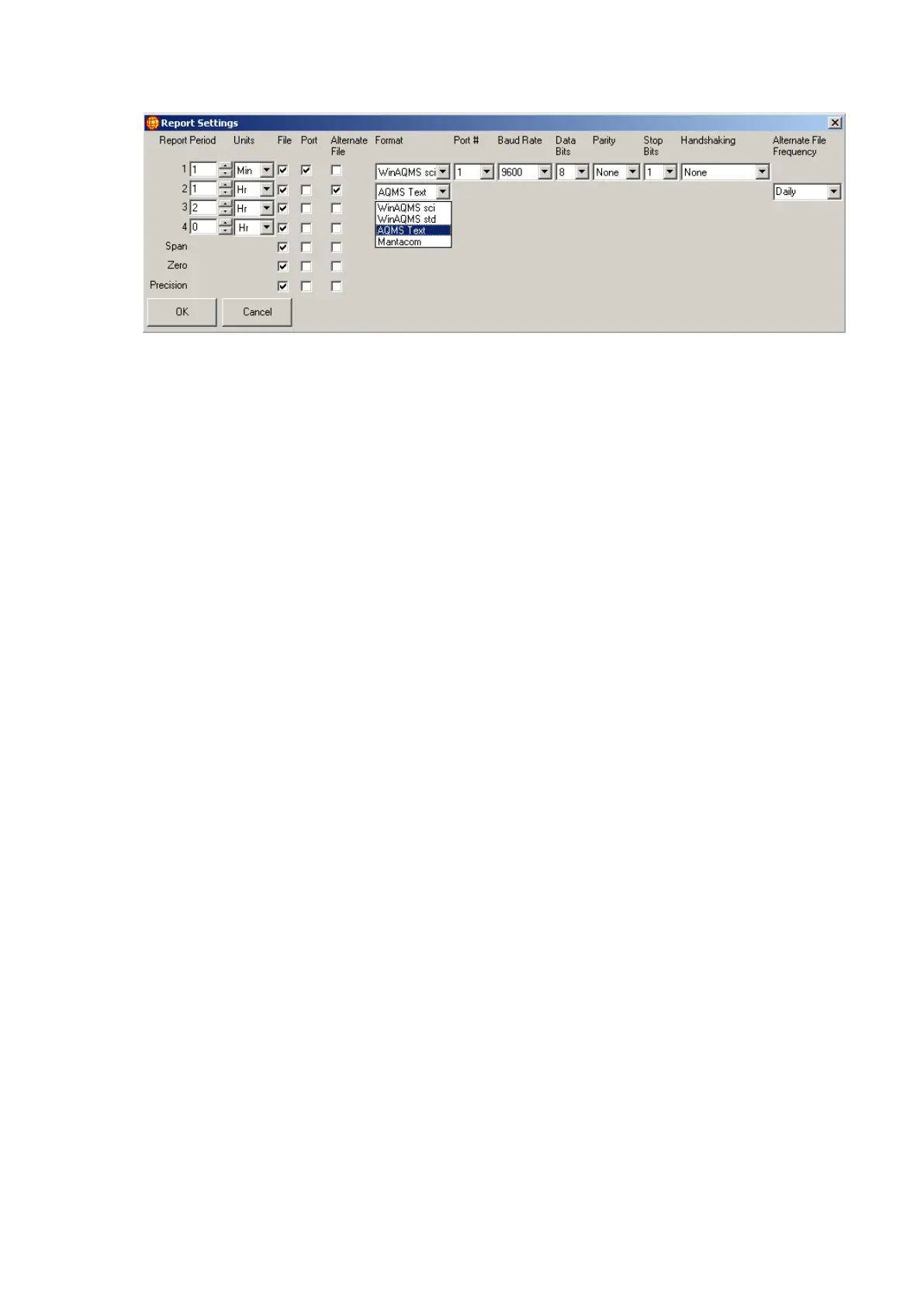
Figure 32 Report Settings
The Alternate File Frequency field has 2 options, Daily and Report.
Daily
This will make a data file for each day in the C:\data directory with a name in the
format
<PPP><RRR><YYYYMMDD>.txt
where
PPP - is the data file prefix (1 to 3 character length)
RRR - is the report number (3 character 0 filled)
001 = report 1
002 = report 2
003 = report 3
004 = report 4
128 – 143 = span report 1-16
144 = zero report
160 -175 = precision report 1-16
YYYYMMDD - date of the data readings
Report
This will make a new data file every time report data is ready in the C:\data directory
with a name in the format
<PPP><RRR><YYYYMMDDHHNNSS>.txt
where
PPP - is the data file prefix (1 to 3 character length)
RRR - is the report number (3 character 0 filled)
001 = report 1
002 = report 2
003 = report 3
004 = report 4
128 – 143 = span report 1-16
144 = zero report
160 -175 = precision report 1-16
YYYYMMDDHHNNSS – date and time of the data reading



 To Next Page