Manual Menu WinAQMS Mini DAS User manual 1.0
58
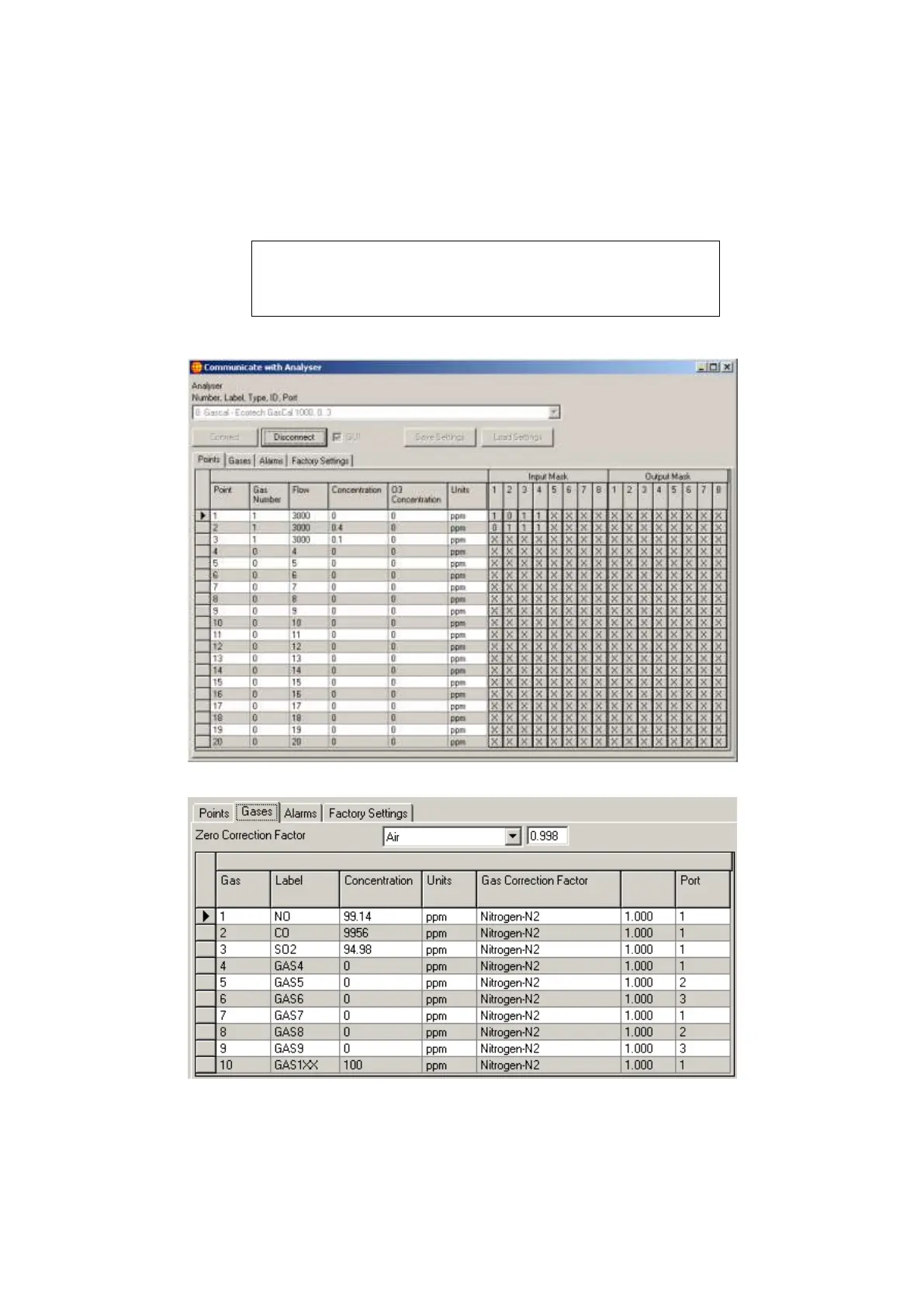
GasCal-1100 calibrator. To use the G.U.I. interface an Ecotech GasCal-1100 must be
selected from the list and the GUI checkbox must be selected. A set of four tabs
containing settings will be shown after the Connect button is pressed as shown in
Figures 65 66 67 and 68. These settings cover points, gases, alarms and factory
settings.
Note: To use the G.U.I. interface for the Ecotech GasCal-1100
the calibrator must be running firmware version 2.0.6 or later.
Factory Settings should only be changed by qualified personnel
as they will affect the calibration of the GasCal.
Figure 66 Ecotech GasCal 1000 point settings
Figure 67 Ecotech GasCal 1000 gas settings



 To Next Page