H50/H51 Hematology Analyzer User Manual Service
- 49 -
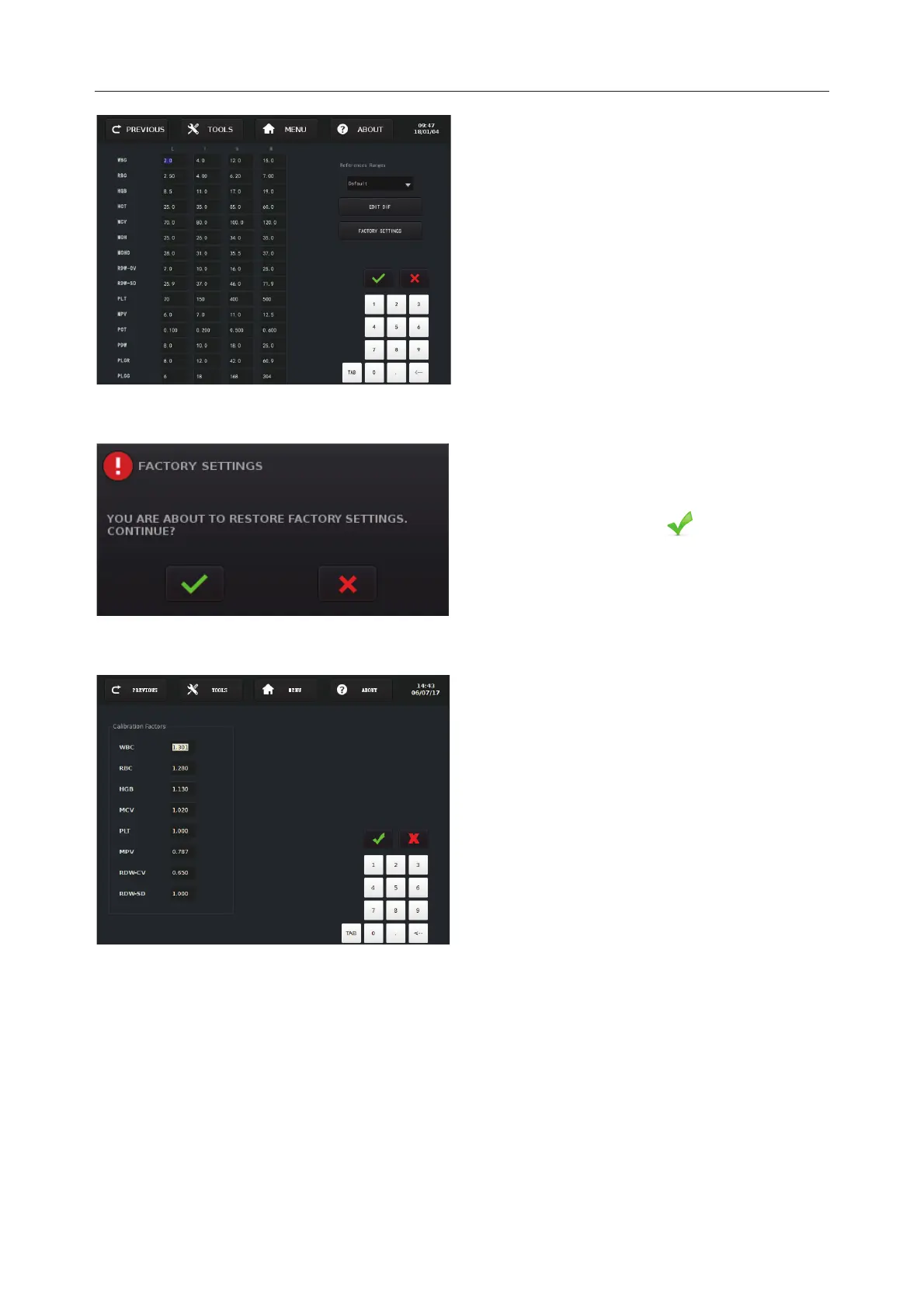
Reference Ranges Edition Screen
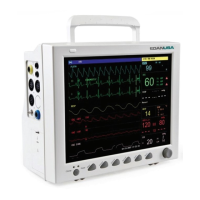
13.5.1.6 Calibration Factors
Calibration Factors Screen
NOTE:
Only technical persons are allowed to change the calibration factors for any changes
can affect the analyzer’s performance.
Press Calibration Factors to enter into the
Calibration Factors
Screen.
he calibration factors can be updated as:
9
Update the calibration factors
automatically as the instructions specified
in Chapter 8.
9
Update the calibration factors directly by
changing figures on this screen after
doing tests on reference analyzer.
Press EDIT CBC to edit
parameters’ values. Press
DIF to edit DIF
values.
The two buttons, EDIT CBC
EDIT DIF, can be
switched.
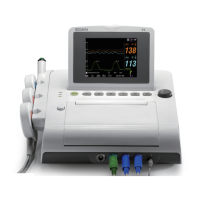
Press FACTORY SETTINGS, the left
prompt will pop out.
If you want to restore
the factory settings, press
.


 To Next Page