Patient Monitor User Manual Monitoring IBP
- 96 -
Every time you reconnect the transducer cable to the monitor;
If you think the monitor’s pressure readings are not correct.
When using a pressure module, the zero information is stored in the module.
The zeroing procedure is listed as below:
1. Turn off the stopcock to the patient.
2. Vent the transducer to atmospheric pressure, to compensate for the static and atmospheric
pressure exerted on the transducer.
3. In the setup menu for the pressure, select Zero.
4. When you see the message Zero Ok, please close the stopcock to atmospheric pressure, and
open the stopcock to the patient.
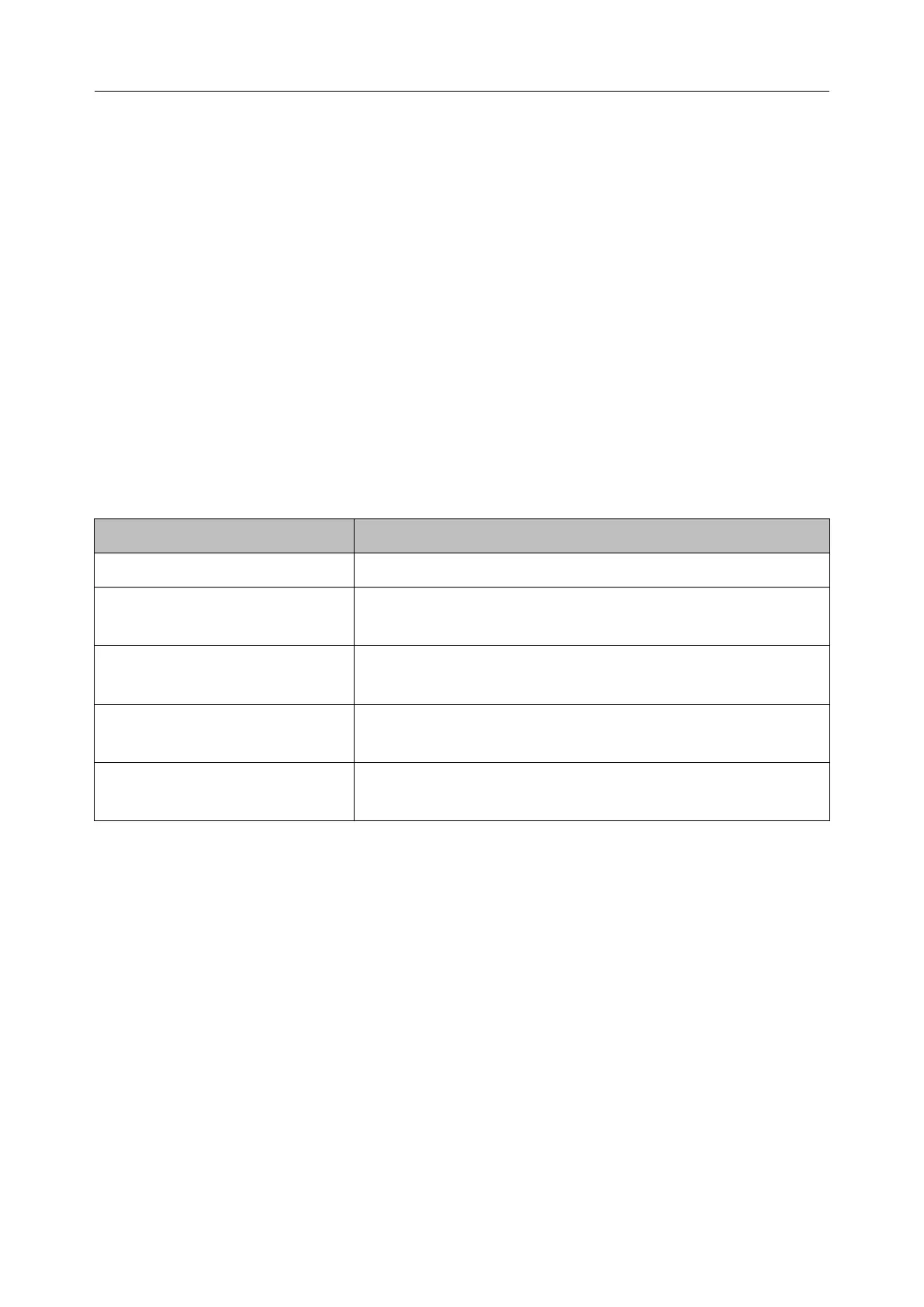
14.3.3 Troubleshooting the Pressure Zeroing (Taking Art for Example)
The status message lists the probable cause of an unsuccessful calibration.
Make sure that the transducer is not attached to the patient.
Make sure that transducer is not off, and then proceed
zeroing.
Make sure that the monitor is not in DEMO mode. Contact
service technician if necessary.
PRESSURE OVER RANGE,
FAIL
Make sure that the stopcock is vented to atmosphere. If the
problem persists, please contact service technician.
PULSATILE PRESSURE
ZERO FAIL
Make sure that the transducer is vented to air, not connected
to a patient, and try again.
14.3.4 IBP Calibration
IBP is not user-calibrated. Calibration should be performed by a qualified service professional as
frequently as dictated by your Hospital Procedures Policy.
14.4 Changing the IBP Waveform Ruler
The top, middle and bottom rulers are available for each channel of IBP waveform. Users can
adjust the top, middle or bottom rulers manually:
1. Open the menu Wave Setup of IBP by clicking on the IBP waveform area.
2. Select a suitable ruler from the options TopRuler, MidRuler and BotRuler.
14.5 IBP Waveform Overlapping
The monitor can display IBP overlapped waveforms. To set IBP waveform overlapping:



 To Next Page